
How RJ PRO Helped a Jackson Medical Practice Improve IT Reliability and Security
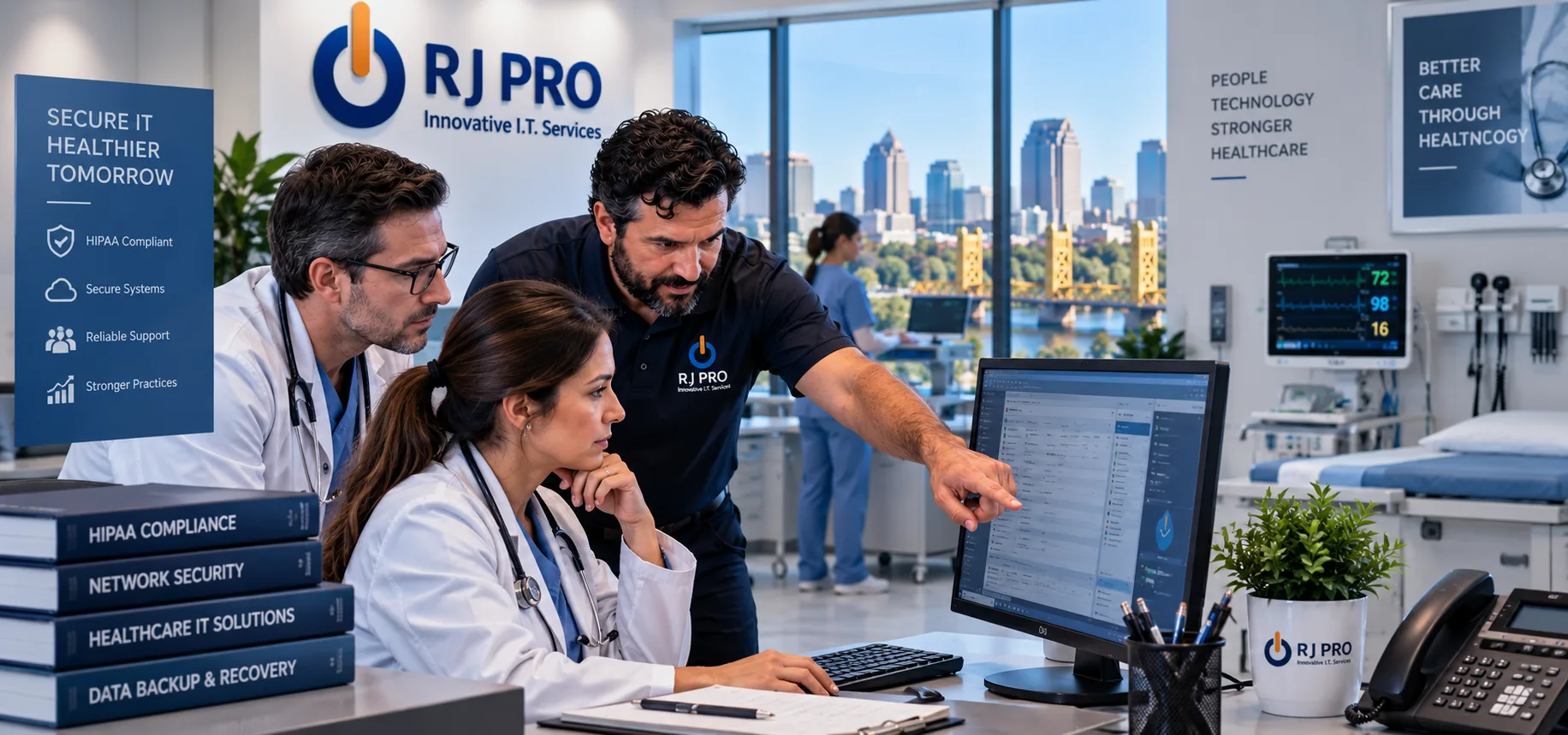
Medical practices depend on technology for nearly every part of their daily operations. Patient scheduling, records, billing, communication, computers, and other systems all need to work reliably.
This case study describes a representative Jackson medical practice facing common IT challenges and how RJ PRO Tech Group approached those issues with proactive IT support.
At a Glance
| Industry | Medical Practice |
| Location | Jackson, California |
| Company Size | Small to mid-sized practice |
| Environment | Office-based medical practice with clinical and administrative staff |
| Project Focus | IT reliability, cybersecurity, data protection, and ongoing support |
| Services | Managed IT Support, Help Desk, Network Management, Cybersecurity, Cloud Support, Backup and Disaster Recovery |
The Challenge: Too Many IT Problems Were Becoming Part of the Workday
The practice had been able to manage its technology for some time, but the approach was becoming increasingly difficult to maintain.
Employees were dealing with recurring computer and connectivity problems. Some systems were outdated, while other technology had been added over time without a consistent overall IT strategy.
When something went wrong, employees often had to stop what they were doing to troubleshoot the issue or find someone who could help.
However, the bigger concern was security.
The practice handled sensitive patient and business information, yet some areas of its IT environment needed stronger protection. Backups and security practices also needed to be reviewed to make sure the practice had a better plan for unexpected problems.
Because of this, leadership wanted to move away from reacting to individual IT problems and toward a more proactive approach.
The goal was not to replace every piece of technology. Instead, the practice needed to understand what was working, what was creating risk, and what should be addressed first.
Our Approach: Understand the Environment Before Making Changes
RJ PRO began by reviewing the practice’s existing IT environment.
Rather than immediately recommending new equipment or software, the focus was on understanding how the practice actually used technology each day.
The review looked at areas such as:
- Computers and employee devices
- Network infrastructure
- User accounts and access
- Email and cloud services
- Security controls
- Backup practices
- Software and system updates
- Connectivity and performance
- Common recurring IT problems
Once the issues were identified, RJ PRO organized them according to their impact on the practice.
This allowed the business to address the most important problems first while creating a longer-term plan for ongoing IT management.
What We Found and How We Fixed It
1. Recurring Computer and Workstation Problems
What we found: Several employees were experiencing recurring computer issues that were slowing down their daily work. Some problems were isolated, while others were related to maintenance and the overall configuration of the devices.
What we did: RJ PRO reviewed the affected systems, addressed the underlying issues where possible, and established a more consistent approach to device maintenance and monitoring.
Instead of waiting for every problem to become a help desk emergency, the practice could begin addressing potential issues earlier.
2. Inconsistent IT Maintenance
What we found: Technology maintenance had largely been handled when something needed attention. This meant routine updates, system checks, and other maintenance tasks were not always managed through one consistent process.
What we did: RJ PRO introduced a more proactive approach to monitoring and maintaining the practice’s technology.
Regular maintenance helped create a clearer picture of the health of the IT environment and made it easier to identify issues that needed attention.
3. Security Needed a More Consistent Approach
What we found: The practice had basic security measures in place, but its overall security approach needed to be reviewed. Different parts of the environment were not being managed as one coordinated security strategy.
What we did: RJ PRO reviewed areas such as endpoint protection, account security, email security, access controls, and authentication.
Where improvements were appropriate, additional security measures were introduced or existing protections were strengthened.
The focus was on creating multiple layers of protection rather than relying on a single security product.
4. Backup and Recovery Needed Attention
What we found: The practice understood that important information needed to be backed up, but its backup and recovery approach needed a more structured review.
A backup is only useful if important information can actually be recovered when needed.
What we did: RJ PRO reviewed the practice’s backup environment and helped establish a more structured approach to protecting important information.
The focus was not simply on creating copies of data. It was also on understanding how the practice would respond if a system failed, information was accidentally deleted, or a security incident affected access to data.
5. Network Issues Were Affecting Productivity
What we found: Employees occasionally experienced connectivity and network performance issues. Even when the interruptions were relatively short, repeated problems created frustration and wasted time.
What we did: RJ PRO reviewed the network environment and investigated the causes of recurring connectivity problems.
The team addressed identified issues and established ongoing monitoring to provide greater visibility into network performance.
As a result, network problems could be investigated based on information about the environment rather than relying only on employee reports.
6. Employees Needed a Clear Way to Get IT Help
What we found: When employees experienced technology problems, there was not always a consistent process for requesting assistance.
That meant some employees tried to solve problems themselves while others waited for someone internally to become available.
What we did: RJ PRO provided a more structured help desk process.
Employees had a clear point of contact for technology issues, allowing problems to be documented, prioritized, and addressed more consistently.
This also helped leadership gain a better understanding of the types of IT problems occurring across the practice.
7. The Practice Needed a Longer-Term IT Plan
What we found: Technology decisions had often been made in response to immediate needs.
However, without a broader plan, it can be difficult to determine when systems should be upgraded, which security improvements should come first, or how technology should support future growth.
What we did: RJ PRO helped establish a more proactive approach to IT planning.
Instead of treating every technology problem as a separate event, the practice could look at its IT environment as a whole and prioritize improvements based on business needs.
Results: A More Proactive IT Environment
The biggest improvement was a change in how the practice approached technology.
Instead of primarily reacting when something stopped working, the practice had a more structured IT support process.
The improvements included:
- Fewer recurring technology problems
- Better visibility into the IT environment
- Stronger security practices
- A more organized backup and recovery approach
- More consistent device and network maintenance
- A clear process for employees to request IT assistance
- Better planning for future technology needs
The objective was not to promise that technology problems would never happen. Problems can still occur.
The difference was that the practice had a more reliable process for preventing, identifying, and resolving those problems.
Before and After
| Area | Before RJ PRO | After RJ PRO |
|---|---|---|
| IT Support | Problems handled as they occurred | More proactive, ongoing support |
| Device Maintenance | Inconsistent and reactive | Regular monitoring and maintenance |
| Cybersecurity | Basic protections with areas to review | More coordinated security approach |
| Backups | Backup practices needed review | More structured backup and recovery planning |
| Network | Recurring connectivity concerns | Network reviewed and monitored |
| Employee Support | Inconsistent process for getting help | Clearer help desk process |
| IT Planning | Primarily reactive | More proactive technology planning |
The biggest change was not a particular piece of software or a new device.
It was the way the practice managed technology.
Leadership no longer had to treat every IT issue as an isolated problem. With ongoing support, the practice had a better understanding of its technology environment and the areas that needed attention.
Employees also had a clear place to go when technology problems affected their work.
Instead of spending time trying to figure out who could fix an issue, they could request IT support and get the problem addressed through a more consistent process.
Over time, this creates an important shift: IT becomes something the business actively manages rather than something employees simply react to.
The Lesson for Other Medical Practices
Medical practices do not have to wait for a major technology failure or security incident before taking a closer look at their IT environment.
A proactive approach can help identify problems while they are still manageable.
For a medical practice, that can mean regularly reviewing:
- Computers and connected devices
- Network performance
- User accounts and permissions
- Email security
- Endpoint protection
- Software updates
- Cloud services
- Data backups
- Disaster recovery procedures
- Employee security awareness
However, every practice is different.
The right IT strategy depends on the size of the organization, the systems it uses, how employees work, the type of information it handles, and its specific business and compliance requirements.
The important part is having a process for reviewing those areas instead of waiting until something goes wrong.
With the right support, technology can become a dependable part of the practice rather than a recurring source of frustration.
Frequently Asked Questions
Why should a medical practice use managed IT services?
Medical practices rely on technology for patient management, scheduling, billing, communication, and other daily operations. Managed IT services provide ongoing monitoring, maintenance, security, and technical support rather than only responding when something breaks.
Can RJ PRO support small medical practices?
Yes. Outsourced IT support can be particularly useful for smaller practices that need access to experienced IT professionals without maintaining a full internal IT department.
How can IT support help protect patient information?
IT support can help strengthen areas such as endpoint security, email protection, account security, access controls, network security, monitoring, and backups. Practices should also maintain appropriate policies, employee training, and professional compliance guidance.
Can RJ PRO help with backups and disaster recovery?
Yes. RJ PRO can review existing backup practices and help establish a more structured approach to protecting important information and recovering from certain technology disruptions.
What happens when an employee has an IT problem?
With a managed support arrangement, employees have a clear process for requesting technical assistance. Problems can then be documented, prioritized, and addressed by the IT team.
Does managed IT support prevent every technology problem?
No IT provider can guarantee that every technology problem will be prevented. The purpose of proactive IT support is to identify potential issues earlier, maintain systems properly, improve security, and respond efficiently when problems occur.
Can RJ PRO provide onsite IT support in Jackson?
Yes. Many issues can be handled remotely, while situations involving physical equipment, network infrastructure, or other hands-on work may require onsite assistance.
Looking for More Reliable IT Support in Jackson?
Technology problems do not have to become a normal part of running your business.
RJ PRO Tech Group helps businesses in Jackson take a more proactive approach to IT. From managed support and cybersecurity to network management, cloud services, and backup and disaster recovery, we help businesses build a technology environment they can rely on.
If your business is dealing with recurring IT problems, outdated systems, security concerns, or simply needs a dependable IT partner, RJ PRO Tech Group can help.
Contact RJ PRO Tech Group today to discuss your IT needs and find out how proactive IT support can help your Jackson business work more reliably.