
How RJ PRO Helped a Jackson Construction Company Reduce IT Downtime
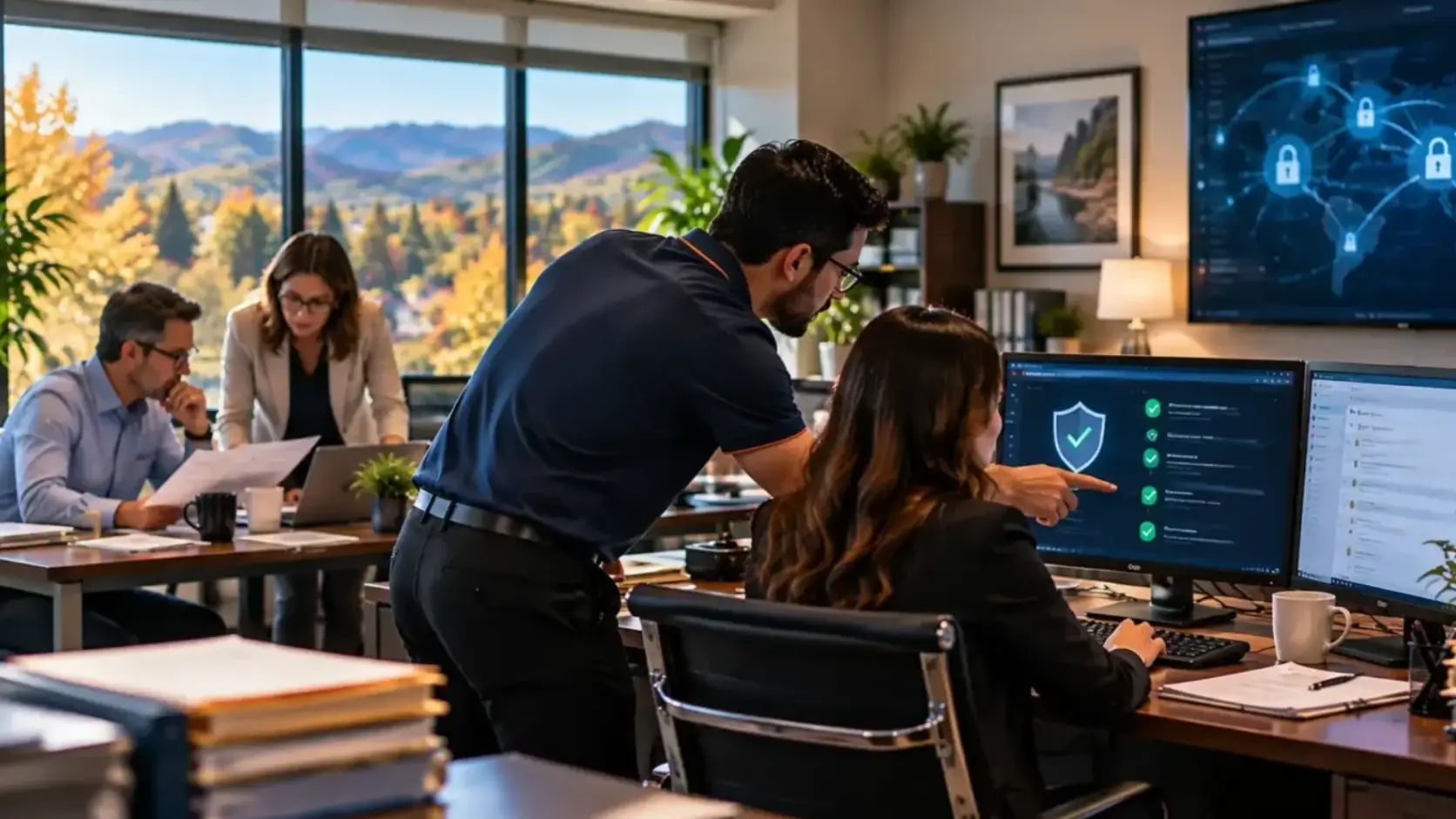
Construction companies cannot afford to have technology constantly getting in the way of project work.
Office teams need access to estimating, accounting, scheduling, email, and project documents. Meanwhile, project managers and field employees may need to access information from jobsites and other locations.
This case study describes a representative Jackson construction company that was experiencing recurring technology problems and wanted a more proactive approach to IT management.
At a Glance
| Industry | Construction |
| Location | Jackson, California |
| Company Size | Small to mid-sized construction company |
| Environment | Office staff, project managers, and field employees |
| Project Focus | IT reliability, connectivity, device management, cybersecurity, and remote access |
| Services | Managed IT Support, Help Desk, Network Management, Cloud Services, Cybersecurity, Backup and Disaster Recovery |
The Challenge: Technology Problems Were Slowing Down Project Work
The construction company relied heavily on technology to manage projects and keep office and field teams connected.
Employees used computers and laptops for estimating, accounting, scheduling, email, document management, and communication. Project managers also needed reliable access to files and cloud applications while working away from the main office.
However, recurring technology problems were starting to create unnecessary interruptions.
Employees experienced connectivity issues, slow computers, and occasional problems accessing files and applications. When something went wrong, employees often tried to troubleshoot the problem themselves or waited for someone internally to help.
Because of this, IT issues were becoming a distraction from project work.
There was also concern about cybersecurity and data protection. The company handled contracts, project documents, financial information, employee records, and other business data that needed to be protected.
The company did not necessarily need to replace everything. What it needed was a better understanding of its IT environment and a more consistent approach to maintaining it.
Our Approach: Build a More Proactive IT Environment
RJ PRO began by reviewing the company’s existing technology environment.
The goal was to understand how employees worked, where technology problems were occurring, and which issues had the greatest impact on daily operations.
The review covered areas such as:
- Office computers and laptops
- Network infrastructure
- Internet connectivity
- User accounts and access
- Cloud applications
- File sharing
- Mobile and remote devices
- Cybersecurity controls
- Backup practices
- Recurring technical problems
Once the main issues were identified, RJ PRO created a practical plan to address them.
Instead of trying to change everything at once, the focus was on resolving the problems that were creating the greatest disruption and then establishing ongoing monitoring and maintenance.
What We Found and How We Fixed It
1. Unreliable Network Connectivity
What we found: Employees were occasionally experiencing connectivity problems that made it difficult to access cloud applications, shared files, and other business systems.
For office employees, even a short network interruption could interrupt work. For project managers, connectivity problems could make it harder to access information while working away from the office.
What we did: RJ PRO reviewed the network environment and investigated the causes of recurring connectivity issues.
Identified network problems were addressed, and ongoing monitoring was introduced to provide better visibility into network performance.
Instead of waiting for employees to report every problem, the IT environment could be monitored more proactively.
2. Outdated and Inconsistent Devices
What we found: The company had computers and laptops that had been purchased or upgraded at different times.
As a result, employees were working with different hardware configurations and varying levels of performance.
Some devices were beginning to affect productivity, particularly when employees were using multiple applications at the same time.
What we did: RJ PRO reviewed the company’s devices and identified systems that needed attention.
Where appropriate, systems were maintained or upgraded, while older equipment could be incorporated into a longer-term replacement plan.
This helped the company avoid treating every computer problem as an emergency.
3. Field Employees Needed Better Access to Information
What we found: Project managers and field employees needed access to documents, email, and cloud applications while away from the main office.
However, the existing setup was not always as convenient or reliable as employees needed.
What we did: RJ PRO reviewed the company’s cloud services, user access, connectivity, and remote-work technology.
The goal was to make it easier for authorized employees to access the information they needed while maintaining appropriate security.
This supported better communication between office and field teams.
4. Cybersecurity Needed More Attention
What we found: The company had basic security measures in place, but its overall security approach needed to be reviewed.
Construction companies can have many users, devices, locations, vendors, and cloud applications, which can create additional security considerations.
What we did: RJ PRO reviewed areas such as endpoint protection, account security, email security, authentication, network security, and user access.
Where appropriate, security controls were strengthened and a more layered approach to cybersecurity was established.
The goal was not to promise that every threat could be prevented. Instead, the company could take practical steps to reduce common security risks.
5. Backup Practices Needed a Clearer Recovery Plan
What we found: The company understood the importance of backups, but its backup and recovery approach needed to be reviewed.
Having copies of files is only part of protecting business information. The company also needed to understand how it would recover if an important system failed or data became unavailable.
What we did: RJ PRO reviewed the company’s backup environment and helped establish a more structured approach to data protection and recovery.
The focus was on protecting important business information and creating a clearer process for responding to technology disruptions.
6. Employees Were Spending Too Much Time Troubleshooting
What we found: When technology problems occurred, employees often tried to solve them themselves.
For a construction company, this can take project managers and administrative staff away from their actual responsibilities.
What we did: RJ PRO provided a clearer help desk process so employees had a dedicated place to report IT problems.
Issues could then be documented, prioritized, and handled by the IT team.
As a result, employees had less reason to spend their workday searching for solutions to technical problems.
7. IT Was Being Managed Reactively
What we found: Many technology decisions were being made when a problem appeared.
That approach can work for a while, but it makes it difficult to plan for hardware replacements, cybersecurity improvements, software changes, and business growth.
What we did: RJ PRO introduced a more proactive approach to IT management.
Instead of focusing only on immediate problems, the company could identify upcoming technology needs and address issues before they became larger disruptions.
Results: A More Reliable Technology Environment
The company moved from a largely reactive approach to a more structured IT environment.
The improvements focused on reliability, security, productivity, and support rather than simply adding new technology.
Key improvements included:
- Fewer recurring IT problems
- Better visibility into network and device issues
- More consistent technology maintenance
- Stronger cybersecurity practices
- A clearer backup and recovery approach
- Better support for field employees
- A more organized help desk process
- Improved planning for future IT needs
The objective was not to eliminate every technology problem.
Instead, the company had a better process for identifying issues, responding to them, and preventing recurring problems where possible.
Before and After
| Area | Before RJ PRO | After RJ PRO |
|---|---|---|
| IT Support | Primarily reactive | Proactive ongoing support |
| Network | Recurring connectivity concerns | Reviewed and monitored |
| Devices | Mixed hardware and performance | Devices reviewed and maintained |
| Field Access | Inconsistent access experience | More structured remote and cloud support |
| Cybersecurity | Basic protections | More coordinated security approach |
| Backups | Needed a more structured review | Clearer backup and recovery approach |
| Employee Support | Employees often self-troubleshot | Dedicated help desk process |
| IT Planning | Problem-driven decisions | More proactive planning |
The biggest change was not a single network upgrade or security product.
It was the way the company approached IT.
Before working with RJ PRO, technology problems were often dealt with when they appeared. That meant employees could lose time troubleshooting issues that had nothing to do with their actual responsibilities.
With a more proactive support model, the company had better visibility into its IT environment.
Leadership could also make technology decisions based on identified needs rather than waiting for equipment or systems to fail.
For project managers and field employees, reliable access to email, files, and cloud applications meant fewer technology-related interruptions.
Over time, this creates a more useful role for IT within a construction business: technology becomes something that supports the project team instead of something that repeatedly gets in its way.
The Lesson for Other Construction Companies
Construction businesses often think about IT only when something stops working.
However, technology now plays a role in almost every part of a construction project.
Estimating, accounting, scheduling, project management, communication, document sharing, employee coordination, and field operations can all depend on reliable technology.
That makes proactive IT support increasingly important.
Construction companies should regularly review:
- Office computers and laptops
- Field devices
- Network performance
- Cloud applications
- File access
- User accounts
- Cybersecurity
- Backups
- Remote access
- Software updates
- Employee security awareness
The goal is not to purchase the most expensive technology.
Instead, it is to make sure the technology you already depend on is properly managed, secured, maintained, and supported.
With the right IT partner, construction companies can identify problems earlier, reduce unnecessary interruptions, and give employees a dependable place to turn when technology problems occur.
Frequently Asked Questions
Why does a construction company need managed IT services?
Construction companies often rely on technology across both office and field operations. Managed IT services provide ongoing support, monitoring, maintenance, cybersecurity, and troubleshooting to help keep that technology reliable.
Can RJ PRO support employees working at construction sites?
Yes. RJ PRO can support technology used by project managers and field employees, including laptops, mobile devices, cloud applications, email, connectivity, and secure access. The exact approach depends on how your employees and projects are organized.
Can IT support help reduce construction project delays?
Reliable IT can help reduce technology-related interruptions that may affect employees. While IT support cannot prevent project delays caused by construction, weather, materials, staffing, or other factors, it can help reduce avoidable delays caused by technology problems.
Can RJ PRO help protect construction project documents?
Yes. RJ PRO can help businesses implement appropriate security, access controls, cloud solutions, and backup strategies to protect important project and business information.
Does RJ PRO provide cybersecurity for construction companies?
Yes. Cybersecurity services can include endpoint protection, email security, multi-factor authentication, firewall management, vulnerability management, monitoring, backup protection, and employee security awareness.
Can RJ PRO support construction management software?
RJ PRO can troubleshoot the IT environment surrounding business and construction applications. If a problem requires specialized application support, the appropriate software vendor may also need to be involved.
Does a small construction company need an in-house IT employee?
Not necessarily. Many small and mid-sized construction businesses use outsourced IT support instead of maintaining a full internal IT department. This can provide access to a broader team of IT professionals while keeping the internal team focused on construction operations.
Keep Your Jackson Construction Business Moving
Your project managers should be managing projects, your field teams should be working on jobs, and your office staff should be focused on keeping the business running.
Technology problems should not repeatedly pull them away from those responsibilities.
RJ PRO Tech Group provides reliable IT support for construction companies in Jackson, including managed IT services, network management, cloud support, cybersecurity, backup and disaster recovery, and help desk assistance.
Whether you are dealing with recurring network problems, outdated equipment, cybersecurity concerns, or unreliable support, RJ PRO can help you take a more proactive approach to your technology.
Contact RJ PRO Tech Group today to discuss your construction company’s IT needs in Jackson and build a more reliable technology environment for your team.
“`