

A computer freezes while an employee is preparing an important report. The office printer stops connecting, shared files become inaccessible, or a new employee cannot access the applications needed to start work. These situations can interrupt daily operations, especially when nobody is responsible for handling technical problems.
For many small businesses, IT issues are managed internally until they become too difficult to ignore. However, as a company grows, managing computers, business applications, networks, and employee accounts becomes more demanding. Understanding what IT support for small businesses in Stockton actually includes can help business owners decide when to handle IT internally and when to bring in professional assistance.
When Everyday IT Problems Start Taking Time Away From Business
A technical problem does not always require a major repair to affect productivity. Sometimes, several small issues across different departments create unnecessary delays throughout the working day.
For example, an employee might spend 30 minutes troubleshooting an email problem, while another waits for access to a shared folder. Meanwhile, the person responsible for handling IT is trying to resolve a printer issue.
These situations can point to a need for more organized small business IT support.
Workplace Problems That Deserve More Attention
Look at the problems your employees encounter regularly:
- Repeated computer issues: Employees experience slow performance, unexpected shutdowns, or application errors that keep returning.
- Unmanaged employee accounts: New hires wait for email and application access, while former employees’ accounts remain active longer than necessary.
- Unstable office networks: Staff members lose connections to shared folders, printers, or business applications.
- Uncertain backup status: Nobody knows when business files were last backed up or whether they can be restored.
- Unplanned equipment replacement: Computers and other devices are replaced only after they stop working.
- Too much employee troubleshooting: Staff members spend time searching for fixes instead of completing their assigned work.
Why Waiting for Something to Break Can Become Expensive
When a business depends entirely on reactive IT assistance, employees may experience the same problems repeatedly.
A network issue might affect several workstations. An outdated computer could struggle with essential business applications. A forgotten user account could create unnecessary access risks.
The challenge is not simply fixing individual problems. It is understanding why they happen and establishing a process to prevent them from repeatedly interrupting business operations.
What Should IT Support Cover Beyond Computer Repairs?
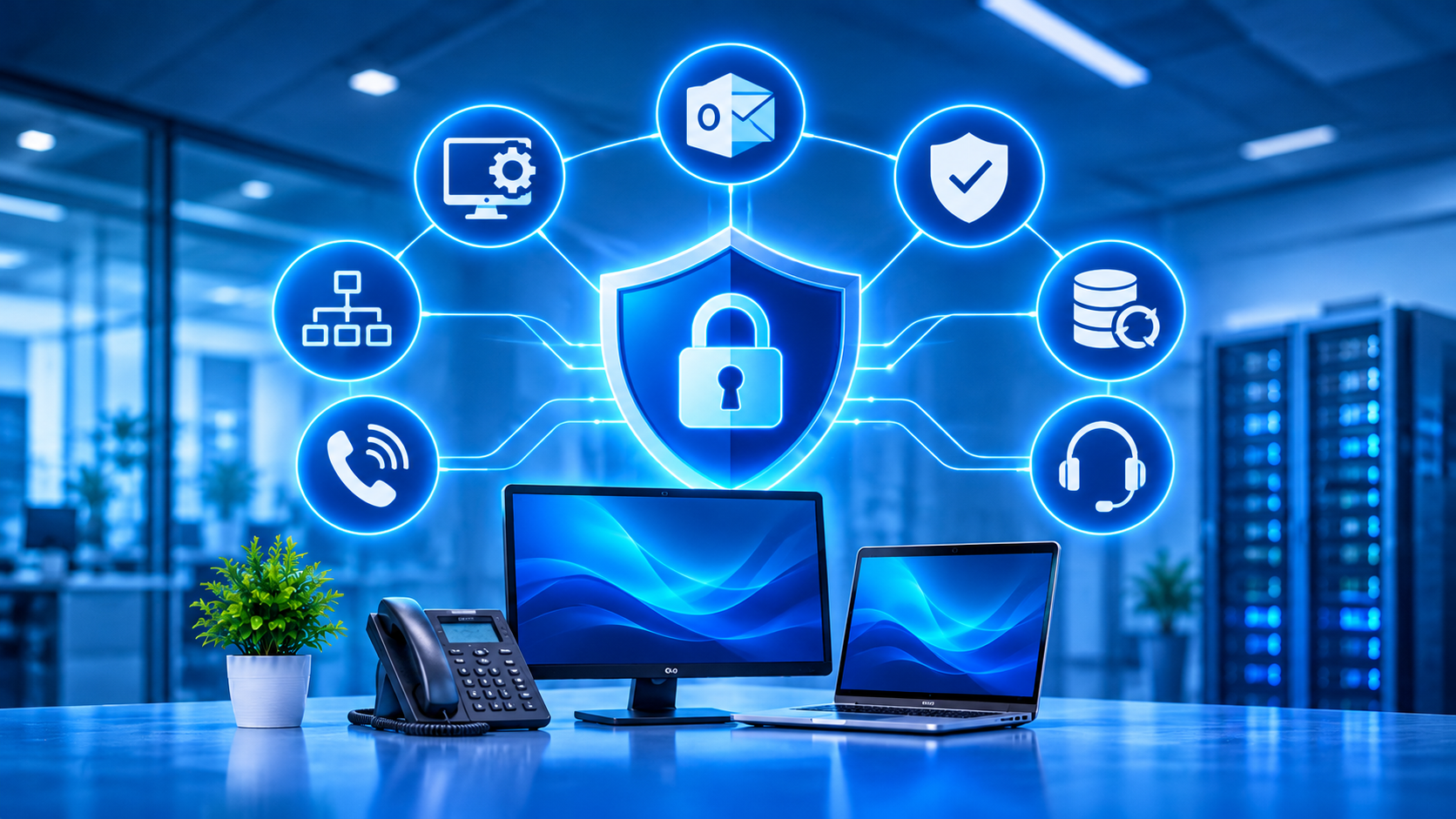
Professional IT support involves much more than repairing desktops and laptops. A business depends on several connected systems, and a problem with one can affect other parts of its operations.
An IT support company in Stockton may provide different services depending on the agreement, business size, and existing infrastructure.
The Systems That Keep Your Business Running
Here are some areas worth discussing when evaluating IT support services:
- Workstations and employee devices: Computer setup, software installation, troubleshooting, updates, and device maintenance.
- Business networks: Router, switch, wireless connection, and network troubleshooting.
- Email and Microsoft 365: Account configuration, mailbox access, shared calendars, and application assistance.
- IT help desk support: A defined process for employees to report technical problems and receive assistance.
- Cybersecurity management: Account protection, endpoint security, email filtering, and access management.
- Backup and recovery: Scheduled data backups, recovery testing, and preparation for unexpected data loss.
- Business communication systems: Assistance with supported phone systems, VoIP applications, and related network requirements.
Why These Services Need to Work Together
Consider a business where employees cannot access shared documents.
The problem could involve network connectivity, account permissions, cloud application configuration, or a server issue. Fixing only the visible symptom may not address the underlying cause.
This is why businesses should look beyond individual repair services and consider how their IT provider manages the complete working environment.
Explore IT support and services to understand the different areas of technical assistance businesses may require.
Break-Fix vs. Managed IT: Which Support Model Makes Sense for Your Business?
Not every small business needs the same level of technical assistance. Some need occasional troubleshooting, while others depend on continuous IT management.
Understanding the available support models makes it easier to choose an arrangement that fits your operations and budget.
Break-Fix Support: Calling Someone When Something Stops Working
With break-fix IT support, a business contacts a technician when a computer, network, or application develops a problem.
This approach may work for businesses with limited IT requirements and infrequent technical issues.
However, it generally focuses on resolving problems after they occur rather than providing ongoing monitoring and maintenance.
Managed IT Services: Looking After Systems Before Problems Grow
Managed IT services involve an ongoing relationship with an external IT provider.
Depending on the service agreement, the provider may handle:
- Regular computer and server monitoring.
- Software updates and system maintenance.
- Employee help desk requests.
- Network performance checks.
- Security management.
- Backup monitoring and recovery planning.
For businesses that do not have an internal IT department, managed IT services in Stockton can provide access to ongoing technical assistance without employing a full-time team.
Co-Managed IT: Additional Support for an Existing IT Employee
Some businesses already employ someone who handles everyday technical responsibilities but need additional expertise.
Co-managed IT support allows an internal employee or IT department to work alongside an external provider.
For example:
- Internal staff manage employee requests and basic troubleshooting.
- The external provider handles more complex network issues.
- Both teams coordinate security management and infrastructure planning.
- Specialist assistance is available when internal resources are limited.
The right model depends on how much technical work your business can manage internally and where additional support would make the biggest difference.
The IT Management Details Small Businesses Should Not Overlook
Choosing an outsourced IT support provider should involve understanding how your systems will be managed after the agreement begins.
A provider may offer help desk assistance, but business owners should also ask about the processes behind system maintenance, employee access, backups, and security.
1. Employee Access Should Follow a Clear Process
Every employee needs access to specific applications, files, and business accounts.
Without a consistent process, businesses can end up with forgotten accounts, unnecessary permissions, and delays when staff members change roles.
A proper user management process should cover:
- Creating accounts for new employees.
- Assigning access according to job responsibilities.
- Updating permissions when responsibilities change.
- Removing access when employees leave.
- Reviewing administrator accounts periodically.
2. Computer Maintenance Should Not Depend on Reminders
Postponed updates and neglected equipment checks can create avoidable problems.
Your IT provider should explain how routine maintenance is handled, including:
- Operating system and application updates.
- Computer health and performance monitoring.
- Storage capacity checks.
- Antivirus and endpoint protection status.
- Hardware condition and replacement planning.
These activities help businesses identify problems before they become more disruptive.
3. Security Needs More Than Antivirus Software
Installing antivirus software is only one part of protecting business systems.
Small businesses should also consider how employees sign in, how suspicious emails are handled, and who can access sensitive information.
Important security measures include:
- Multi-factor authentication: Adds another verification step when employees sign in.
- Email security: Helps identify suspicious messages, malicious attachments, and phishing attempts.
- Endpoint protection: Monitors computers and other devices for potential threats.
- Permission management: Limits access to business information based on employee responsibilities.
- Security awareness: Helps employees recognize suspicious requests and avoid common online scams.
RJ PRO Tech Group also provides cybersecurity services for businesses looking to address these security responsibilities.
4. Backups Should Have a Recovery Plan Behind Them
A backup is useful only if the business can access and restore its information when needed.
For example, accidental file deletion, hardware failure, or a security incident could affect important company records.
Before choosing an IT provider, ask:
- How often are business files backed up?
- Are backup copies stored separately from the original systems?
- Who checks whether backup jobs have completed?
- When was the last recovery test performed?
- How would the business access its information after a major failure?
These questions help establish whether your business has a practical recovery process rather than simply assuming its files are protected.
You can learn more about backup and disaster recovery and the role it plays in business continuity.
Stockton Businesses Have Different IT Requirements Depending on How They Operate
A small professional office does not use its systems in exactly the same way as a warehouse, healthcare practice, or construction company.
The applications, equipment, and support requirements depend on how employees complete their daily work.
Examples of IT Requirements Across Different Businesses
Business type | Common IT requirements |
Professional offices | Microsoft 365, shared documents, email, accounting applications, and user access management |
Healthcare practices | Practice management software, imaging systems, workstation support, and secure access to records |
Warehouses and distribution | Inventory applications, network connectivity, printers, and communication between departments |
Construction companies | Project management software, estimating applications, file sharing, and office-to-field communication |
Small retail businesses | Point-of-sale systems, payment connectivity, inventory applications, and employee devices |
Remote Assistance and On-Site IT Support Both Matter
Many technical issues can be resolved without an IT technician visiting the office.
Remote IT support can help with:
- Email configuration and account access.
- Software installation and troubleshooting.
- Application errors.
- User permission changes.
- Routine technical assistance.
However, some problems require physical attention.
Examples include damaged network cables, faulty equipment, wireless access point installation, and hardware replacement.
For Stockton businesses, it is worth asking whether an IT support provider can offer both remote assistance and on-site technical support when necessary.
What Determines the Cost of IT Support for a Small Business?
The cost of outsourced IT support varies according to the amount of work involved and the condition of the business’s existing systems.
A small office with a few computers may require a different service arrangement from a company with multiple locations, servers, and specialized applications.
Factors That Can Change Your Monthly IT Expenses
- Number of employees: More users can mean additional help desk requests, account management, and support requirements.
- Number of devices: Computers, servers, printers, and network equipment affect maintenance responsibilities.
- Level of support: Basic troubleshooting and comprehensive managed IT services involve different responsibilities.
- Existing infrastructure: Older equipment or unresolved technical problems may require additional attention.
- Business locations: Supporting multiple offices can involve additional network management and on-site requirements.
- Security and backup requirements: Businesses with more complex protection and recovery needs may require additional services.
Compare What You Receive, Not Just the Monthly Price
When reviewing proposals, ask each provider to explain what is included, what is excluded, and how additional work is billed.
This makes it easier to compare managed IT services and understand whether the proposed arrangement covers your actual business requirements.
Your First Month With an IT Support Provider: What Should Happen?
Moving to an outsourced IT support arrangement should start with understanding what your business already has in place.
A provider should not make unnecessary changes without first reviewing your systems and identifying the areas that need attention.
From Initial Review to Ongoing IT Management
A typical onboarding process may include:
Initial system assessment
- Review existing computers, servers, network equipment, and applications.
- Identify recurring technical problems.
- Examine current user accounts and access permissions.
Priority planning
- Identify outdated equipment and immediate security concerns.
- Review backup arrangements.
- Decide which issues need attention first.
Implementation and setup
- Address agreed technical problems.
- Configure monitoring and maintenance processes.
- Establish employee help desk procedures.
Ongoing support
- Help employees report technical issues.
- Monitor systems according to the service agreement.
- Review unresolved problems and future equipment requirements.
The exact timeline depends on the size and condition of your IT environment, but the process should give your business a clearer understanding of what is working and what needs improvement.
Give Your Stockton Business a Clearer Approach to IT Management
When computers, business applications, networks, and employee accounts are not properly managed, even routine technical problems can interrupt daily operations.
Having an appropriate IT support arrangement gives employees a clear place to turn when something goes wrong and helps business owners understand how their systems are being maintained.
RJ PRO Tech Group provides managed IT services and technical support for small and midsize businesses across Stockton and surrounding areas. Whether your business needs help with everyday computer issues, network management, cybersecurity, or backup planning, the first step is understanding where your current IT setup needs attention.
Interested in discussing your business requirements? Schedule a free 15-minute discovery call with RJ PRO Tech Group to discuss your current IT challenges and possible support options.
Explore IT support for small businesses in Stockton to learn more.
Frequently Asked Questions
Can a small business outsource IT support without hiring an IT employee?
Yes. Outsourced IT support gives small businesses access to an external technical team for troubleshooting, maintenance, network assistance, and other agreed services. This can be an alternative to employing a full-time IT department.
Is managed IT support different from an IT help desk?
Yes. An IT help desk primarily handles employee technical requests and troubleshooting. Managed IT services can include help desk assistance along with ongoing monitoring, maintenance, security management, and infrastructure planning.
Does an IT support company manage Microsoft 365 accounts?
Many IT providers offer Microsoft 365 assistance, including account setup, email configuration, permissions, and application troubleshooting. However, the exact services depend on the agreement, so confirm coverage before signing.
Can an IT provider support multiple Stockton business locations?
Yes, many managed IT providers can support businesses operating from multiple offices. Ask how they handle remote assistance, network management, equipment maintenance, and on-site visits across different locations.
What should I prepare before contacting an IT support company?
You do not need a complete technical report. Start by identifying the number of employees, computers, business locations, software applications, and recurring IT problems. This information helps a provider understand your requirements and discuss an appropriate support arrangement.

