

Financial IT Support in Lodi for Accounting Firms & CPA Practices
Keep accounting software accessible, protect confidential client records, and prepare your financial office for demanding tax deadlines with business-focused IT support.
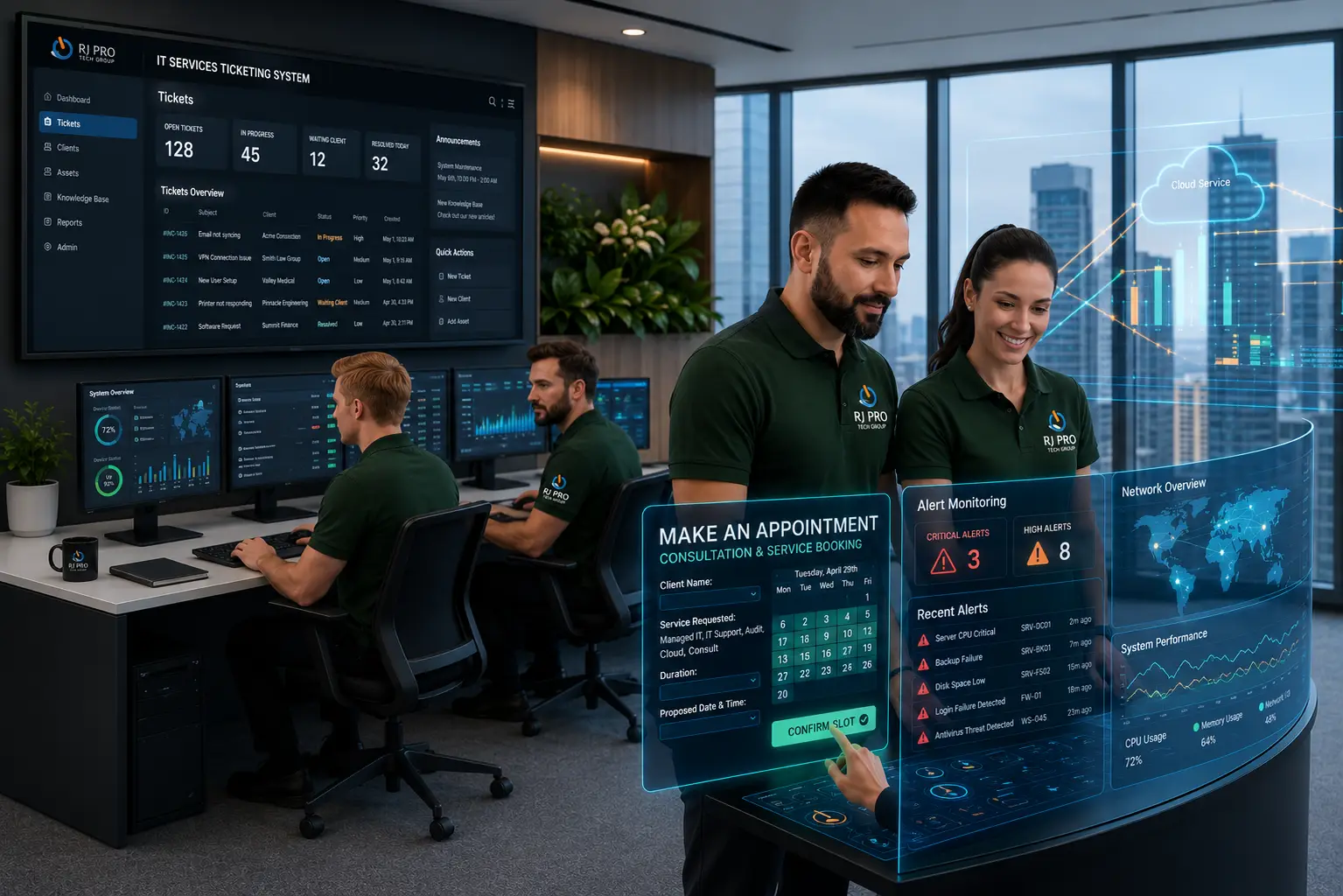
Financial IT Support in Lodi helps accounting firms, CPA practices, tax preparation businesses, bookkeeping firms, and financial advisory offices maintain the technology they depend on every day. When tax software freezes during filing season, a shared client document becomes inaccessible, or an employee clicks a fraudulent email, the disruption can affect deadlines, productivity, and client confidentiality.
Small financial services companies also need practical ways to manage security, backups, user access, and everyday technical problems without maintaining a large internal IT department. RJ PRO Tech Group supports Northern California businesses with IT management and cybersecurity services designed around their operational requirements, helping financial professionals spend less time troubleshooting technology and more time serving clients.

What Happens When Your Accounting Software, Client Files, or Office Network Fails?
A tax preparation application that will not open, a missing client folder, or a disconnected shared drive can leave an accounting team unable to complete scheduled work. For CPA practices, even a short interruption can create a backlog when several employees are preparing returns or reviewing financial records at the same time.
Bookkeeping firms face a different but equally frustrating problem when bank feeds stop syncing, or employees cannot access shared accounting files. Financial advisors may struggle to retrieve client documents before a scheduled review.
RJ PRO Tech Group helps businesses identify and address technology issues affecting their daily operations, including:
- Accounting application errors: Troubleshoot installation, access, compatibility, and connectivity problems.
- Missing or inaccessible files: Investigate storage permissions, synchronization issues, and available recovery options.
- Email and account security: Review suspicious login activity, account access, and email protection measures.
- Office network interruptions: Identify connectivity problems affecting multiple employees or business applications.
- Unplanned system downtime: Review recurring technical faults and maintenance needs to help reduce avoidable disruptions.
The right response depends on the cause of the problem. Some issues require workstation or network troubleshooting, while others need assistance from the software provider. Having a defined support process helps employees report problems promptly and gives the business a clearer path toward resolving them.
For accounting and financial offices in Lodi, IT support should address the actual systems employees use, rather than relying on a generic checklist. RJ PRO Tech Group supports Northern California businesses with IT management and cybersecurity services.
IT Support Built Around the Daily Work of Accounting and Financial Teams
Tax Preparation Workstation Readiness
Tax preparation software must work properly across the computers employees use during filing periods. IT support can review system compatibility, application access, updates, and workstation performance before heavy workloads begin.
Multiuser Access to Accounting Applications
When several bookkeepers or accountants work within the same system, account permissions and connectivity matter. IT support can investigate access errors and configuration issues that prevent employees from using shared applications.
Protection for Electronic Tax Documents
Tax returns and supporting documents can contain sensitive personal and financial information. Appropriate access controls, endpoint protection, secure storage, and email safeguards help reduce exposure to unauthorized access.
Bank Feed and Financial Data Connectivity
Bookkeeping workflows often depend on connections between financial institutions and accounting applications. IT support can investigate device, browser, connectivity, or configuration issues when these integrations stop working, coordinating with the software provider when necessary.
Secure Remote Access for Financial Advisors
Advisors and office staff may need business files and applications while working outside the office. Properly configured remote access, multifactor authentication, and device security help protect company systems when employees work remotely.
Client Portal and File-Sharing Access
Employees need to exchange documents without giving unintended users access to confidential records. IT support can review account permissions, sharing settings, and access problems involving business cloud storage and client portals.
Printer, Scanner, and Document Workflow Support
Accounting offices frequently scan receipts, print reports, and prepare client paperwork. Troubleshooting printer connectivity, scanner configuration, and document-saving issues can help employees complete these routine tasks without repeated interruptions.
IT Planning for Growing Financial Practices
As a firm hires staff or adds new applications, existing computers, licenses, storage, and network equipment may no longer meet its needs. IT planning helps identify capacity gaps and prioritize practical upgrades as the business grows.
Prioritize IT Spending for Your Accounting Firm’s Needs
Accounting firms, CPA practices, bookkeeping companies, and financial advisory offices in Lodi can reduce avoidable technology problems by establishing clear procedures for security, maintenance, and business continuity.

Review Employee Access When Roles Change
When an employee joins, changes positions, or leaves the firm, review their access to accounting software, email accounts, shared folders, and client records. Remove permissions that are no longer needed and disable former employees’ accounts promptly. This helps prevent unauthorized access to confidential financial information.

Verify Data Recovery Before Tax Season
Backups should be tested before accounting teams enter their busiest filing periods. Restore selected files, check whether essential records are accessible, and confirm that employees understand the recovery process. These checks help identify backup problems before missing tax documents or accounting records disrupt client work.

Protect Against Fraudulent Financial Requests
Phishing emails can imitate clients, financial institutions, or software providers to request sensitive information or payment changes. Establish a process for reporting suspicious messages and independently verifying unusual requests. Employee awareness training and appropriate email security controls can help reduce the risk of financial fraud.

Schedule Software Updates Around Filing Deadlines
Operating system updates, accounting software patches, and application changes can occasionally affect existing workflows. Plan maintenance around important filing dates, check compatibility where necessary, and verify that critical applications work correctly afterward. This helps tax preparation businesses avoid preventable interruptions during busy periods.

Define Responsibilities for IT Emergencies
Employees should know how to report system outages, suspected cyberattacks, and lost access to essential financial applications. Document the appropriate contact person, escalation steps, and procedures for isolating affected devices when necessary. Clear responsibilities help the firm respond quickly and reduce confusion during technical incidents.

Prioritize IT Investments Based on Business Needs
A small bookkeeping firm may need better workstation performance, while a CPA practice may prioritize secure document storage or backup capacity. Review existing equipment, software requirements, security gaps, and planned growth before investing in upgrades. This helps financial businesses direct their IT budgets toward their most pressing operational needs.
Hear What Our Customers Have to Say
Frequently Asked Questions (FAQs)
It includes accounting software troubleshooting, network support, cybersecurity, data backups, email management, and employee technical assistance.
IT support can help CPAs prepare systems, troubleshoot software access, review backups, and address workstation problems before filing deadlines.
RJ PRO Tech Group provides business IT services in Lodi. Contact the team to discuss your tax preparation software and support requirements.
Yes. IT support can investigate installation, connectivity, workstation, and access issues affecting accounting applications.
Use multifactor authentication, access controls, endpoint protection, secure file sharing, employee training, and tested backups.
Recovery depends on available backups and the cause of the loss. A tested recovery plan helps restore important files and systems.
Yes. IT support can help configure secure remote access, business email, cloud applications, and device security.
Pricing depends on the number of users, IT complexity, and required services. Request a quote at help@rj-pro.net.
Yes. Managed IT services can provide ongoing technology management and support without requiring a full internal IT department.
Call (916) 345-3451 or email help@rj-pro.net to discuss your firm’s IT requirements.
Help Your Lodi Financial Office Stay Ready for the Next IT Problem
RJ PRO Tech Group helps accounting firms, CPA practices, tax preparation businesses, bookkeeping firms, and financial advisory offices address technology problems that can interrupt client work. From application troubleshooting and network management to cybersecurity and backup planning, the team helps businesses identify IT priorities and manage the systems their employees use every day.
If your financial office in Lodi needs help reviewing its current technology, contact RJ PRO Tech Group at help@rj-pro.net or (916) 345-3451. Schedule a free 15-minute discovery call to discuss your IT challenges, current setup, and the support your business may need.
Areas We Service
Proudly serving businesses across Northern California