- help@rj-pro.net
- Mon–Fri 8am–5pm · 24/7 Help Desk

IT Support for Law Firms in Lodi: Protecting Case Files and Client Data
Protect Client Confidentiality. Keep Legal Work Moving. Maintain Control of Your Firm’s Technology.
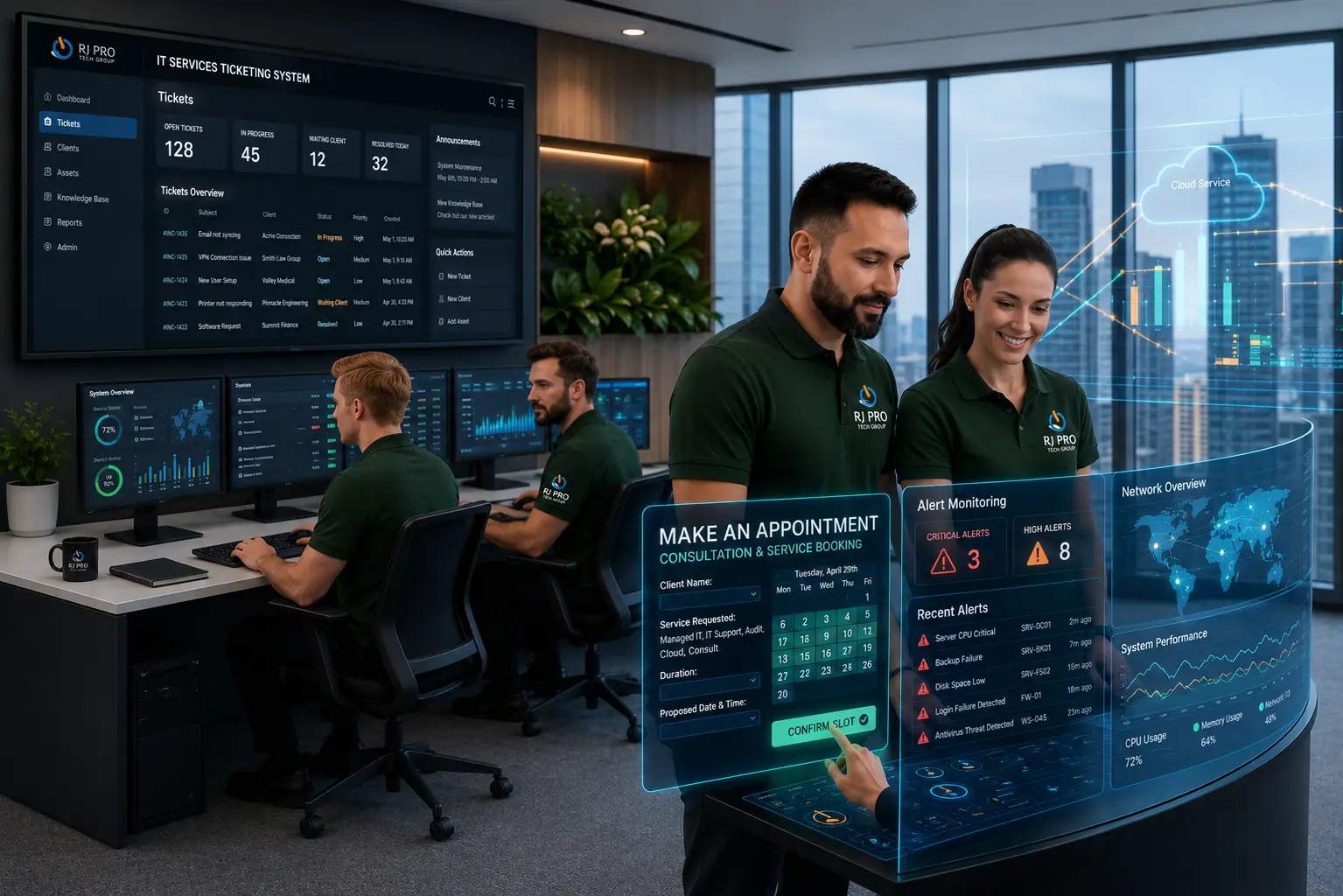
Law firms in Lodi need IT systems that support confidential casework, accurate document handling, and timely client communication. Problems with legal practice management software, shared case files, email security, or remote access can interrupt daily operations and make it harder for attorneys and paralegals to retrieve critical information when they need it.
IT Support for Law Firms in Lodi should address the technology challenges specific to legal practices. This includes troubleshooting legal applications, controlling access to client records, protecting business email, maintaining secure network access, and preparing for data loss. With the right IT processes in place, law firms can reduce avoidable interruptions, strengthen information security, and keep essential legal workflows moving.

Keeping Legal Work on Track With Secure, Dependable IT Systems
Legal work involves more than opening documents and sending emails. Attorneys and paralegals must access the correct case files, exchange confidential information, manage deadlines, and maintain organized records. If a shared drive becomes unavailable or legal software stops responding, several tasks may be delayed at once.
For law firms in Lodi, IT support should address the specific systems and workflows involved in legal practice.
- Case file access and document control: Problems with shared folders, permissions, or document storage can make it difficult to locate current case materials. Proper access configuration and file management help staff work with the information they are authorized to use.
- Legal software interruptions: Practice management, billing, document preparation, and legal research applications may experience login, connectivity, or workstation issues. Troubleshooting helps identify whether the cause relates to the device, network, configuration, or software provider.
- Confidentiality and account security: Compromised email accounts or excessive file permissions can expose sensitive client information. Security controls should reflect the confidential nature of legal records.
- Office network and equipment failures: Connectivity problems, unavailable printers, and malfunctioning scanners can interrupt document preparation and routine administrative work.
- Data loss and recovery concerns: Accidental deletion, hardware failure, or a security incident can make important files unavailable. A documented, tested recovery process helps the firm prepare for these situations.
RJ PRO Tech Group can help investigate these issues and identify practical improvements based on the firm’s existing technology environment.
IT Services for Law Firms That Depend on Secure Case Management
Legal Practice Management and Application Support
When legal software fails to load, synchronize, or connect to stored documents, attorneys can lose valuable working time. IT support can investigate device, network, account, and configuration problems affecting practice management and related applications, helping determine the appropriate resolution.
Legal Document Management and Secure File Access
Law firms handle contracts, pleadings, evidence, client correspondence, and other sensitive records. Properly configured storage, user permissions, and secure file-sharing arrangements help authorized employees access the documents they need without giving every user unrestricted access.
Protection for Electronic Tax Documents
Tax returns and supporting documents can contain sensitive personal and financial information. Appropriate access controls, endpoint protection, secure storage, and email safeguards help reduce exposure to unauthorized access.
Cybersecurity for Law Firms and Confidential Client Records
Legal practices can be attractive targets for phishing, credential theft, and unauthorized access because their systems contain confidential information. Multifactor authentication, endpoint protection, appropriate access controls, and staff security awareness can help strengthen the firm's defenses.
Business Email Security and Phishing Protection
A fraudulent message may appear to come from a client, attorney, court-related contact, or trusted supplier. Email security measures and clear verification procedures help staff identify suspicious messages and reduce the risk of compromised accounts or fraudulent payment instructions.
Data Backup and Disaster Recovery for Legal Files
Losing access to case documents can disrupt active matters and administrative work. A suitable backup and recovery plan should cover critical files and systems, define recovery responsibilities, and include restoration testing so the firm understands how its information can be recovered.
Secure Remote IT Access for Attorneys
Attorneys may need access to approved files and applications while working outside the office. Secure remote access, protected devices, and controlled user permissions help support flexible working arrangements while reducing unnecessary exposure of confidential information.
Printer, Scanner, and Document Workflow Support
Accounting offices frequently scan receipts, print reports, and prepare client paperwork. Troubleshooting printer connectivity, scanner configuration, and document-saving issues can help employees complete these routine tasks without repeated interruptions.
Network, Workstation, Printer, and Scanner Support
Legal document workflows often rely on connected computers, office networks, printers, and scanners. When these tools stop communicating properly, document preparation can slow down. Troubleshooting can identify connectivity, configuration, and device issues affecting staff productivity.
Managed IT Support for Growing Legal Practices
As a law firm adds employees, devices, or applications, its technology requirements can change. Ongoing IT management can help address recurring technical problems, review system needs, and plan improvements around the firm's operations and available budget.
Strengthen Your Law Firm’s Security, Access Controls, and Recovery Planning

Control Access to Confidential Case Information
Review permissions for shared folders, document systems, and employee accounts. Access should reflect each person’s responsibilities, with unnecessary permissions removed when roles change or employees leave. Individual accounts and multifactor authentication can further strengthen account security.

Verify That Legal Documents Can Be Recovered
Backup procedures should be reviewed before an emergency occurs. Identify essential case files and business records, confirm that they are included in the backup process, and test file restoration. Recovery planning should also clarify who is responsible for coordinating the response.

Reduce Email Fraud and Unauthorized Requests
Legal professionals may receive messages requesting sensitive documents, account changes, or urgent payments. Staff should verify unusual instructions through a separate trusted channel rather than relying solely on the message received. This process can help reduce risks associated with impersonation and business email compromise.

Maintain Software Without Disrupting Active Legal Work
Operating system and application updates can address security issues, but changes should be managed carefully. Review compatibility, schedule maintenance appropriately, and ensure critical systems are not left exposed because updates are repeatedly postponed.

Establish a Response Process for IT and Security Incidents
Employees should know how to report lost access, suspicious emails, unavailable files, or potentially compromised devices. A clear escalation process helps the firm respond consistently and determine when specialist technical assistance is required.

Align IT Investments With Your Firm’s Requirements
Technology spending should reflect the firm’s actual operational and security needs. Reviewing aging workstations, software requirements, backup coverage, access controls, and planned growth can help prioritize improvements that address meaningful risks rather than unnecessary upgrades.
Hear What Our Customers Have to Say
Frequently Asked Questions (FAQs)
Law firms can get help with managed IT support, network management, cybersecurity, legal software, Microsoft 365, data backup, disaster recovery, and technical issues affecting daily operations.
RJ PRO Tech Group lists support for legal applications such as Clio, MyCase, PracticePanther, NetDocuments, and Worldox. Support may include troubleshooting the IT systems and access these applications depend on.
Law firms can strengthen protection through multifactor authentication, endpoint security, email protection, access controls, security monitoring, and encrypted backups. The right combination depends on the firm’s existing systems and security requirements.
Yes. RJ PRO Tech Group offers secure remote access solutions designed to help attorneys and legal staff access authorized files, email, and applications outside the office.
Start by discussing your current technology setup, recurring IT problems, security concerns, and support requirements with RJ PRO Tech Group. This helps identify which services may be appropriate for your practice.
Backup and disaster recovery planning can help firms prepare for accidental deletion, hardware failure, and other disruptions. Recovery depends on the available backups, the affected systems, and the nature of the incident.
Proactive monitoring, preventative maintenance, and technical support can help identify and address issues affecting workstations, networks, and applications. These measures can reduce avoidable interruptions but cannot guarantee that downtime will never occur.
RJ PRO Tech Group’s website describes both remote and onsite IT support. The appropriate option depends on the technical issue and whether the problem requires hands-on assistance.
Yes. Managed IT services can provide access to technical support, network management, cybersecurity, and ongoing technology maintenance without requiring the firm to manage every IT issue internally.
RJ PRO Tech Group lists security risk assessments, access controls, multifactor authentication, email security, vulnerability scanning, and employee security training among its legal IT services. The appropriate measures depend on the firm’s requirements.
Discuss Your Law Firm’s IT Requirements With RJ PRO Tech Group
Legal teams need technology that supports confidential casework, document access, and day-to-day operations. The right IT support can help address technical issues, strengthen data protection, and reduce interruptions that affect attorneys and legal staff.
Schedule a free 15-minute discovery call with RJ PRO Tech Group to discuss your law firm’s current technology challenges, security priorities, and support requirements. Together, you can identify practical next steps based on your firm’s needs.
Areas We Service
Proudly serving businesses across Northern California