- help@rj-pro.net
- Mon–Fri 8am–5pm · 24/7 Help Desk

Business Desktop Support in Lodi, CA for Fewer Workday Disruptions
Keep employee computers maintained, protect business workstations, and resolve technical issues before they interfere with daily operations.
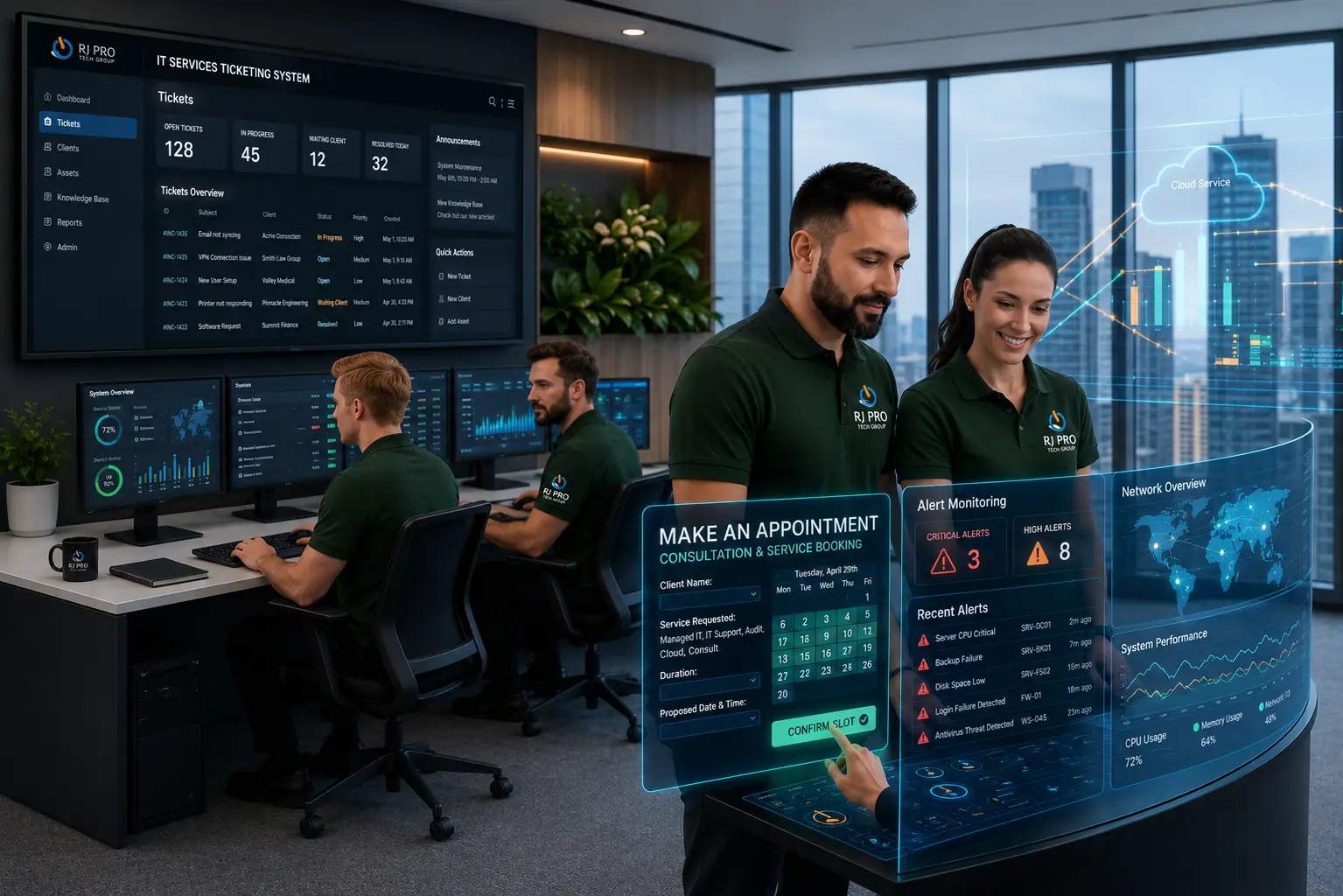
Slow computers, software crashes, and workstation errors can prevent Lodi employees from completing routine tasks on time. For small and midsize businesses, these problems can quickly become difficult to manage without dedicated IT staff. Desktop support in Lodi, CA helps businesses troubleshoot computer issues, maintain employee workstations, manage software updates, and address everyday technical problems.
RJ PRO Tech Group has served businesses since 2011 and supports more than 1,000 users, bringing experience in business IT management and technical support. From resolving workstation performance issues to maintaining secure, up-to-date computers, desktop support helps businesses keep essential tools available and reduce avoidable interruptions.

How Workstation Issues Affect Business Productivity in Lodi
A computer problem can involve more than a slow startup or a frozen application. Employees may lose access to shared files, encounter software errors, struggle with network printers, or experience repeated login failures. When these problems recur, staff lose time trying temporary fixes, and managers have less visibility into the underlying cause.
For businesses without dedicated IT personnel, diagnosing these issues can be difficult. The problem might involve outdated software, limited device resources, incorrect permissions, a network connection, or a hardware fault. Treating every incident as an isolated repair can leave the underlying issue unresolved.
Professional desktop support services help businesses investigate workstation problems, restore access to business applications, and identify recurring faults. Support can also include routine maintenance, security updates, workstation configuration, and assistance with everyday employee technology requests.
For Lodi businesses, the objective is to keep computers suitable for the work employees perform while making technical problems easier to report and resolve. When an issue affects multiple devices or shared systems, desktop troubleshooting may need to be coordinated with broader network or IT support.
Desktop Support Solutions for Lodi Businesses and Their Workstations
Business Computer Diagnostics and Repair
Unexpected shutdowns, frozen screens, repeated error messages, and application crashes can make work difficult to complete. Desktop troubleshooting helps identify whether the problem comes from software, hardware, device settings, or another system. Finding the underlying cause helps businesses avoid repeated interruptions and unnecessary workarounds.
Slow Computer Troubleshooting and Performance Optimization
When business computers take too long to start or struggle to run everyday applications, employees lose time waiting for basic tasks to finish. Support can include reviewing startup processes, available storage, memory usage, updates, and hardware performance. These checks help determine whether a configuration change, hardware upgrade, or device replacement is appropriate.
Business Application Setup and Technical Support
Employees need access to the software they use for communication, documentation, reporting, and other business tasks. Desktop support can help with approved software installation, application configuration, update issues, and compatibility errors. When a problem requires specialized product knowledge, coordination with the software vendor may help resolve it.
Desktop Login, Password, and User Access Assistance
Login failures and incorrect permissions can prevent employees from accessing their computers, applications, or shared files. Technical support can investigate account issues, assist with authorized password recovery, and review access settings. Maintaining appropriate permissions also helps ensure employees can reach the resources required for their roles without unnecessary access to sensitive information.
Office Printer, Scanner, and Device Connectivity
Printer failures, scanner errors, monitor problems, and disconnected accessories can delay everyday office work. Desktop support can investigate device drivers, connection settings, and workstation configuration to identify the source of the problem. If the issue affects a shared network device, additional checks may be needed to resolve the underlying connectivity fault.
Workstation Maintenance, Updates, and Endpoint Security
Business computers need regular maintenance to address software issues and known security vulnerabilities. Workstation management may include operating system updates, application patching, device health checks, and endpoint security measures. A planned maintenance process helps businesses keep devices current while accounting for the software employees need to perform essential tasks.
Shared Drive, Network, and Cloud Application Access
Employees may encounter errors when opening shared folders, using network printers, or accessing cloud-based business applications. These issues can originate from workstation settings, user permissions, network connectivity, or a shared service. When troubleshooting identifies a wider connectivity problem, RJ PRO Tech Group's Network Care service provides a relevant next step for businesses reviewing their network support needs.
Ongoing Desktop Care for Small and Midsize Businesses
Businesses without dedicated IT staff may need continued help managing computer health, employee requests, updates, and recurring workstation issues. RJ PRO Tech Group's Desktop Care service covers ongoing workstation management, including monitoring, software updates, endpoint security, and technical support. This gives businesses a starting point for exploring support beyond one-time troubleshooting.
Steps Lodi Businesses Can Take to Maintain Their Workstations
Desktop support becomes more effective when businesses also follow consistent practices for computer maintenance, security, and employee access.

Track Recurring Computer Errors
Record the affected device, error message, application, and circumstances whenever a problem occurs. These details help support staff identify patterns and investigate root causes instead of repeatedly applying the same short-term fix.

Review Aging Computers Before They Fail
Monitor workstation age, performance, storage, and compatibility with essential business software. Planning upgrades before devices become unusable helps businesses manage replacement costs and reduces the risk of employees losing access to tools they need.

Manage Software Updates Consistently
Establish a process for applying operating system and application updates across business computers. Check important applications after significant changes and address security updates promptly to reduce exposure to known vulnerabilities.

Control Software Installation
Unapproved downloads and applications can introduce malware, cause software conflicts, or make technical problems harder to diagnose. Give employees clear installation guidelines and use appropriate account permissions to help maintain a consistent workstation environment.

Update Access When Employees Change Roles
Review user accounts and workstation permissions when employees join, leave, or change responsibilities. Removing unnecessary access helps protect company information and keeps account permissions aligned with each employee’s current role.

Use Proactive Desktop Care
Reactive troubleshooting addresses problems after they occur, while ongoing workstation management also focuses on maintenance, updates, monitoring, and security. RJ PRO Tech Group’s Desktop Care service covers areas such as workstation monitoring, patch management, software updates, endpoint security, and technical support. Businesses can review the service to understand how ongoing desktop management may fit their needs.
Hear What Our Customers Have to Say
Frequently Asked Questions (FAQs)
Desktop support may include computer troubleshooting, software installation, login assistance, printer issues, workstation updates, and access to shared business resources.
RJ PRO Tech Group supports small and midsize businesses. Contact the team to discuss your workstation needs and the appropriate support arrangement.
Yes. Support can investigate storage, startup applications, updates, system resources, and hardware condition to identify possible causes of slow performance.
Desktop support can assist with approved software installation, configuration, updates, compatibility problems, and application troubleshooting.
It can include printer setup, driver errors, connection problems, and workstation configuration. Network-related faults may require additional investigation.
RJ PRO’s Desktop Care page lists remote and onsite support. The appropriate option depends on the issue and the support arrangement.
Desktop support often refers to troubleshooting and resolving user problems. RJ PRO’s Desktop Care also covers ongoing workstation maintenance, monitoring, updates, and security management.
Keep software updated, track repeated errors, review aging devices, control software installations, and arrange regular workstation maintenance.
It can support security through updates, endpoint protection, and appropriate workstation settings. Businesses may also need broader cybersecurity and backup services.
Visit the Lodi IT support page or book a free 15-minute discovery call to discuss your business’s IT requirements.

Discuss Desktop Support for Your Lodi Business
Recurring computer issues can take employees away from customer service, project work, and other business priorities. RJ PRO Tech Group helps businesses manage everyday IT problems and maintain the workstations their employees depend on. The right support approach begins with understanding the devices, applications, and technical issues affecting your team.
Schedule a free 15-minute discovery call to discuss your IT needs. You can explain the desktop problems your business is experiencing and learn whether RJ PRO’s Desktop Care and related IT services fit your requirements.
Areas We Service
Proudly serving businesses across Northern California