- help@rj-pro.net
- Mon–Fri 8am–5pm · 24/7 Help Desk

Slow Logins Don't Stay Small in a Medical Office
Your staff shouldn't have to troubleshoot technology between patient appointments. RJ PRO helps medical practices keep their workstations, networks, accounts, and security under control.
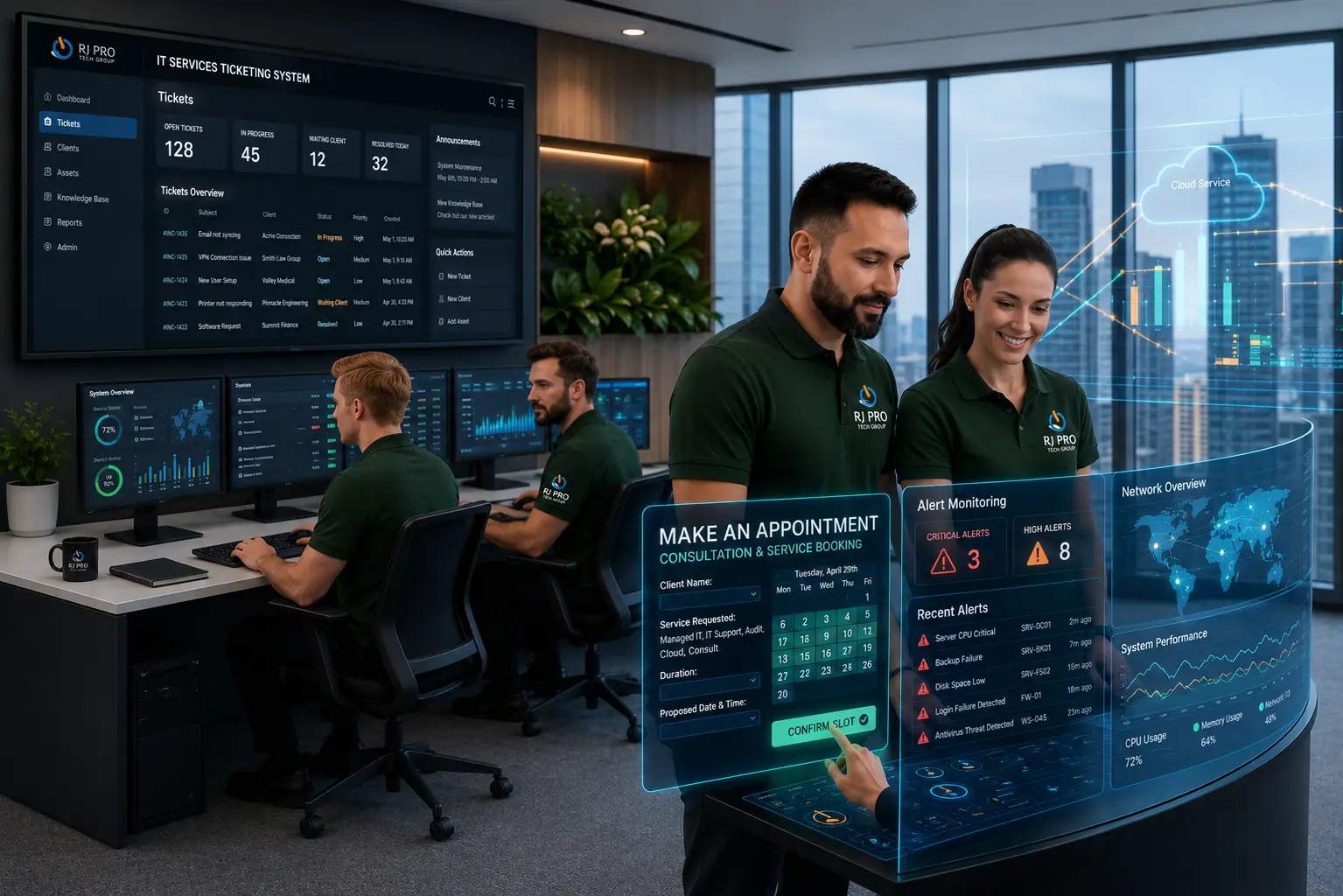
RJ PRO Tech Group looks after the computers, networks, accounts, and cloud tools behind busy healthcare offices.
If your practice needs medical IT support in San Andreas, CA, we start by learning how your office runs and where technology keeps getting in the way.

What a Shaky IT Setup Costs a Practice by Mid-Morning
Most IT trouble in a medical office doesn’t arrive as a crisis. It shows up as a workstation that needs two restarts a day, or a login that takes four minutes.
Front-desk staff work around it. Billing waits on a slow connection. Someone in the back office becomes the unofficial tech person, and their real job slides.
The quieter problems are easier to miss:
– Check-in and scheduling stall while a workstation restarts or a shared printer disconnects
– Claims and billing work waits on a connection that keeps timing out
– Old accounts stay active because nobody owns account cleanup
– Backups fail for weeks without anyone seeing a warning
None of this takes a dramatic outage. Added up, it’s staff time spent on technology instead of patients and paperwork, plus security gaps that stay hidden until someone looks.
How RJ PRO Runs IT for a Medical Practice
These six habits shape how RJ PRO supports a healthcare office, from the first phone call to the written agreement.
One place to call
When something breaks, your staff contacts a help desk instead of guessing who to ask. Nobody has to wonder whether to call the software vendor, the internet provider, or the coworker who's good with computers. Each issue has an owner at RJ PRO until it's resolved, and your team knows who is handling it.
A clear picture of what you own
We document workstations, network equipment, user accounts, and cloud tools. You can see what exists, who has access, and what's due for replacement. That record helps when a longtime employee leaves, when you're budgeting for new hardware, or when you need to know which computers are aging out before they fail.
Service boundaries in writing
Your agreement spells out what's covered and when a software vendor or device manufacturer should step in. Nobody has to sort that out mid-incident. You'll know ahead of time, in plain language, whether a problem belongs to us, to your EHR provider, or to the company that services your imaging equipment.
Maintenance before breakdowns
Updates, patching, and monitoring run in the background, so your staff isn't squeezing them in between patients. A failing drive, a full disk, or an overdue update gets flagged before it interrupts a morning schedule. Planned maintenance, ideally scheduled outside office hours, beats discovering the problem with the first appointment waiting.
Support around your clinical software
Your EHR and billing vendors support their own applications. We support what surrounds them, including workstations, network connections, and user access. When a screen won't load, we check the computer, the connection, and the account first, then bring in the vendor if the software itself is the cause, with notes already gathered.
Remote first, onsite when needed
Most fixes happen remotely, so a technician can work on a problem without anyone having to wait for a visit to be scheduled. When equipment needs hands-on attention, such as a failed switch or a workstation that won't start, RJ PRO provides onsite support. Your agreement outlines how those visits work.
What Medical IT Support in San Andreas, CA Includes
We begin by looking at what you have now: workstations, network equipment, user accounts, Microsoft 365, backups, and security tools. Support recommendations come after that, based on what turns up.

Managed IT Support
RJ PRO’s managed IT services for healthcare in San Andreas, CA cover the day-to-day care of your computers, network, and applications.
What’s included depends on your agreement. It usually involves monitoring, maintenance, updates, troubleshooting, and help when staff get stuck. Most of the work happens in the background, so your team rarely sees it.
Help Desk and Technical Support
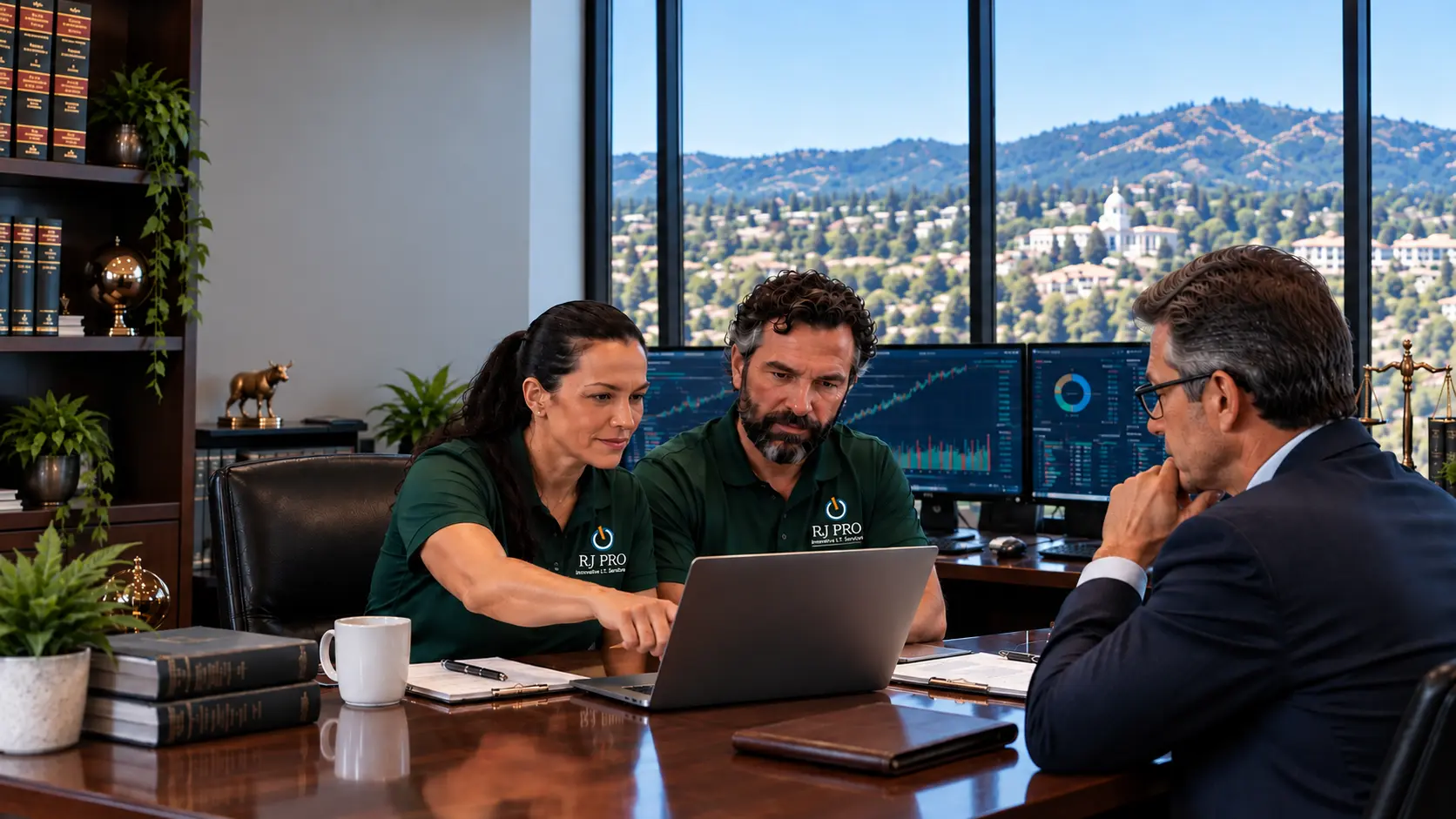
IT support for medical practices in San Andreas, CA mostly comes down to the help desk. That’s who your staff calls when a workstation freezes, a password locks, or Outlook won’t open.
The team also handles printers, connectivity problems, account access, and Microsoft 365 questions. Clients can reach the help desk around the clock.The team handles printers, connectivity, account access, and Microsoft 365 questions. Clients can reach the help desk around the clock.
Network Management
Printers, scanners, file storage, and practice software all depend on a stable network. We monitor performance and trace faults that hit several users at once.
Typical culprits include a failing switch, a misplaced access point, or a firewall rule blocking a connection your software needs.

Microsoft 365 and Cloud Services
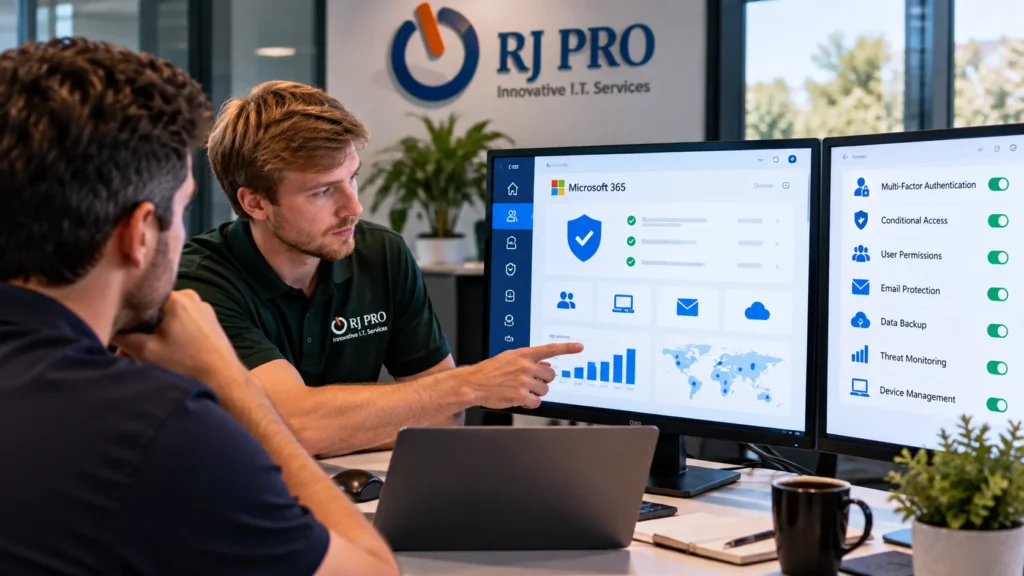
RJ PRO supports Microsoft 365, Teams, OneDrive, SharePoint, and email, including user setup, permissions, and cloud access.
Permissions matter in a medical office, where not everyone should see every folder. Access should follow the role and change when the role does.
Backup and Disaster Recovery
A backup nobody has tested is a guess. RJ PRO oversees backup jobs, confirms they complete, and helps test restores so you know what can be recovered and roughly how long it takes.
Recovery planning starts with priorities. Which comes back first, scheduling, billing, or document storage? No provider can promise zero downtime or full recovery in every scenario, but a tested plan removes the guesswork.

Healthcare Cybersecurity
No single product secures a practice. Protection comes from layers, and each one covers gaps the others leave.
– Endpoint protection on every workstation
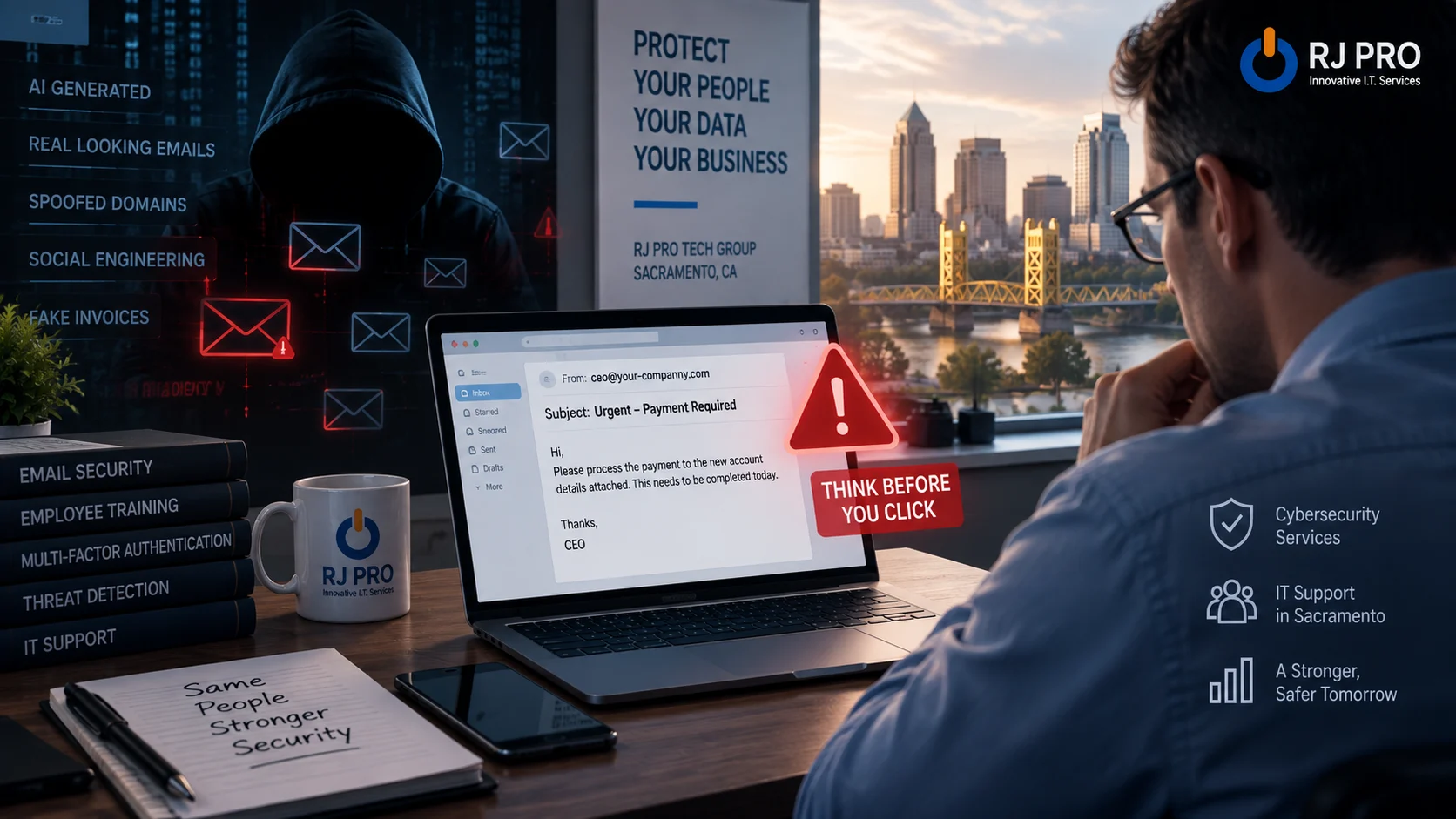
– Email security against phishing
– Multi-factor authentication
– Access controls
– Firewall protection
– Regular patching
– Security monitoring
Medical Software and Device IT Support
Your EHR, billing, and imaging platforms have vendors who support the applications themselves. RJ PRO covers the environment around them, including workstations, network connections, user accounts, and connectivity.
When a problem sits inside the software, we can help coordinate with the vendor. We don’t service medical devices. For equipment faults, call the manufacturer or an authorized service provider.

Patient Information Security and HIPAA Considerations
HIPAA’s Security Rule asks covered entities to maintain administrative, physical, and technical safeguards for electronic protected health information. HHS publishes the details on its Security Rule page.
RJ PRO helps with the technical side, including secured accounts, access controls, multi-factor authentication, endpoint and email protection, updates, and protected backups.
Hiring RJ PRO doesn’t make a practice HIPAA compliant. Risk analysis, written policies, staff training, and physical safeguards remain the practice’s responsibility, ideally with compliance or legal guidance.

HIPAA and Medical IT Considerations
RJ PRO Tech Group can help your practice review and improve the technology controls within your IT environment, including security, access, backups, and other technical safeguards. However, IT support should not be treated as a complete substitute for legal or compliance advice. Your practice should work with the appropriate compliance or legal professionals when determining its specific obligations. The objective is to build an IT environment that supports your practice while helping protect the information entrusted to you.
Questions Medical Practices Ask Before Hiring IT Support
Managed IT, a help desk, network management, Microsoft 365 and cloud support, backup and disaster recovery, cybersecurity, and onsite help. What you actually get depends on what we find in your assessment.
You don’t need a full-time IT person. RJ PRO keeps an eye on your systems and maintains them, and your staff calls the help desk when something goes wrong.
We handle the computers, network, and accounts around it. If the problem is inside the application, we work with your software vendor to get it sorted.
Yes. RJ PRO is based in Valley Springs and serves San Andreas as part of its Northern California service area. Most problems get fixed remotely. When someone needs to come out, we arrange a visit, and timing is something we talk through during your consultation.
With several safeguards working together: endpoint and email protection, multi-factor authentication, access controls, patching, monitoring, and protected backups. Your own policies and staff habits count as much as the tools.
Yes, with the technical controls in your IT environment. Your overall HIPAA obligations are a separate matter, best handled with compliance or legal professionals.
Call the help desk. Technicians work to find the cause and restore service, and restore from backups where data is affected. Timing depends on the cause and how well recovery was planned.
When comparing any medical IT provider in San Andreas, CA, ask who answers the help desk, what’s covered in writing, how backups are tested, and where responsibility ends.

Start With a Look at What You're Running Today
Most practices don’t need a new system. They need to know what’s aging, who has access, and whether last night’s backup finished.
A free consultation with RJ PRO is a low-pressure way to find out. We’ll review your current setup and explain what we’d change, and what we wouldn’t.
RJ PRO provides IT support to medical practices in San Andreas, CA, with remote help and onsite visits when your equipment needs them.
Areas We Service
Proudly serving businesses across Northern California