- help@rj-pro.net
- Mon–Fri 8am–5pm · 24/7 Help Desk

Slow Workstations and Locked Folders Put Engineering Deadlines at Risk
Dropped connections, unreachable project files, and recurring faults eat billable hours. RJ PRO Tech Group keeps the IT behind San Andreas engineering offices running steadily.
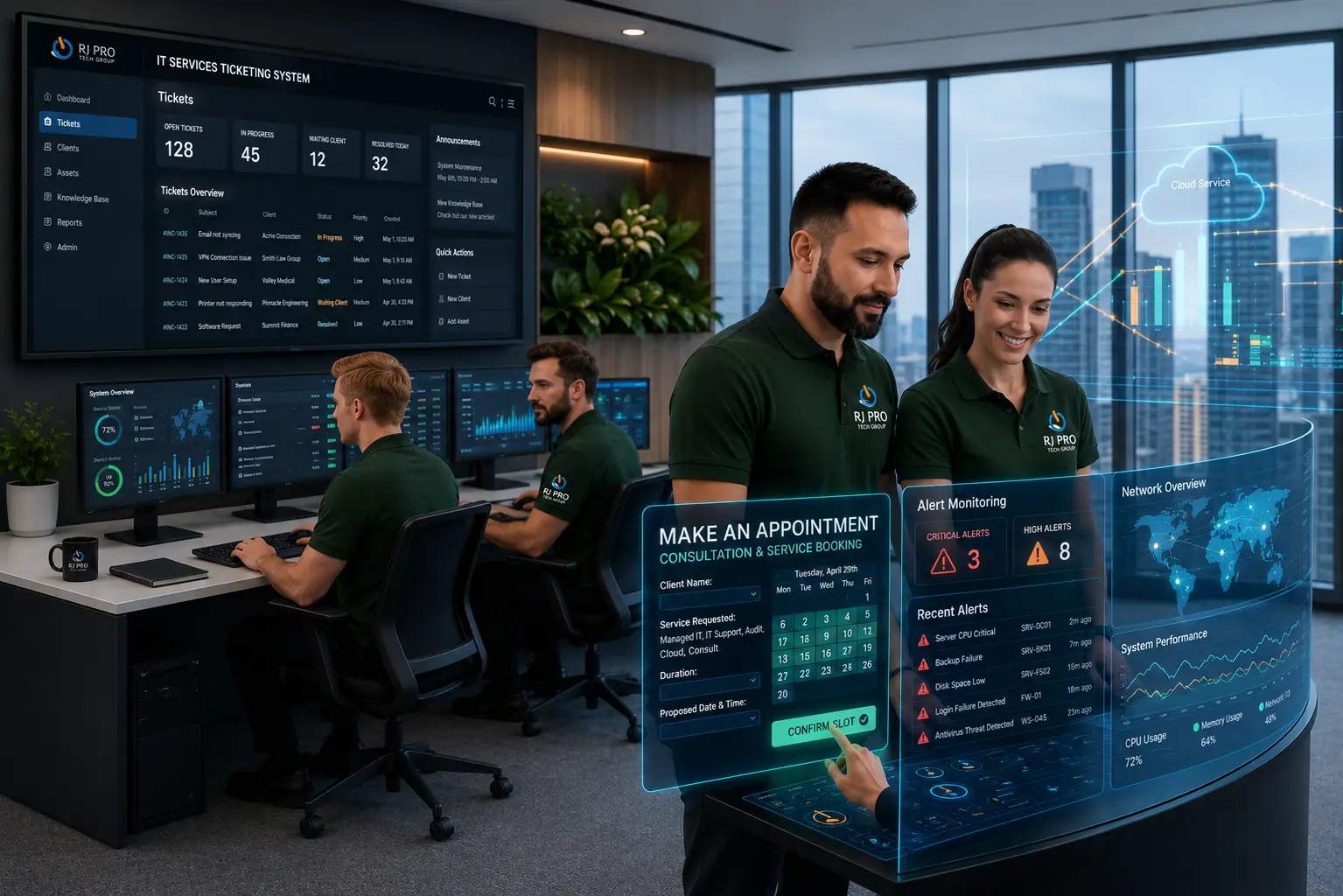
RJ PRO Tech Group is a Northern California IT company based in Valley Springs. For offices in Calaveras County, our IT services for engineering firms in San Andreas, CA cover daily support, network care, security, and backup.
Most of our help comes remotely. Onsite visits depend on the issue, your service agreement, and our availability.

Where IT Slows Down an Engineering Office
Engineering offices in the Sierra foothills may be producing site plans, grading and drainage drawings, or utility layouts. That means large files and regular exchange with agencies, contractors, and clients.
A civil or structural team might have six people pulling from one shared project folder. When the server slows, or someone sets a permission wrong, everyone feels it at once.
Workstations age quietly. A machine that handled last year’s models now stalls on a large point cloud, and the engineer loses twenty minutes reopening the file. Connectivity matters just as much. Some offices rely on a single internet connection, and a drop during a submittal deadline or a client call carries real consequences.
Field work adds another layer. Engineers on a jobsite or at home need safe access to project files, with permissions limited to what each person needs. Then come the recurring faults. The same plotter or VPN problem returns every few weeks because nobody owns the fix, and staff stop reporting it.
Responsibility also gets blurry when several vendors are involved. A slow file open could trace back to the network, the workstation, storage, or the software. Someone has to find out which.
Most small firms cannot justify a full-time IT hire. Outsourced IT for engineering firms in San Andreas, CA, gives you one accountable team for the whole environment.
How RJ PRO Delivers IT Services for Engineering Firms in San Andreas, CA
We are based in Valley Springs, with no office in San Andreas. Most support happens remotely, and onsite visits depend on the issue, your service agreement, and our availability.
One Number for Every Technology Problem
Your staff contact one help desk instead of chasing the internet provider, the hardware vendor, and the software company separately.
We take the first look and route what belongs elsewhere, passing along the symptoms and what has already been tried so nobody starts from scratch.
Project Files Your Team Can Reach
We look at how files are stored, shared, and permissioned, so the right people can open the right folders without waiting or working around the system.
That covers shared drives, network storage, and cloud folders, and we trace slow or blocked access to its source.
Support for Field and Home Offices
Secure remote access and Microsoft 365 sign-in protections let engineers work from a jobsite, a client's office, or home without bypassing your security.
Access is set by what each person needs, so a laptop away from the office does not open every project folder.
A Monthly Cost You Can Plan Around
Our managed plans use predictable monthly pricing, which makes IT easier to budget than paying for each emergency repair as it happens.
Your service agreement sets out what is covered, so you know what to expect before a problem arrives.
Fewer Surprises in Deadline Week
Proactive monitoring and regular maintenance help catch potential problems on workstations, servers, and network equipment before they interrupt a submittal.
Routine upkeep is quieter than emergency repair. It keeps small warning signs from turning into a lost afternoon when several projects are due at once.
Workstations Kept in Working Order
We keep operating systems and updates current and flag machines that are falling behind what your applications ask for.
Specialist application settings stay with the software vendor. Our side is the hardware, operating system, storage, and network underneath, so a workstation problem has a clear starting point.
Clear Lines With Software Vendors
When a problem sits inside a specialist application, we help narrow down the cause and coordinate with the vendor on your behalf.
We rule out your network, storage, and workstation first, then bring the vendor clear details. Application licensing and configuration remain theirs.
What RJ PRO Manages for Engineering Offices
Recurring problems cost more when whoever sits nearest the machine handles each one alone. Below is what RJ PRO takes on for your office, and where the software vendor’s responsibility begins.

Managed IT That Prevents Repeat Problems
Managed IT services for engineering companies in San Andreas, CA cover monitoring, routine maintenance, updates, and ongoing support for your workstations, servers, network equipment, and business software.
With break-fix support, you call once something has already failed, and we handle each call on its own. We constantly watch your systems instead. If the VPN keeps dropping, we find out why and fix it once.
Help Desk for Busy Project Teams
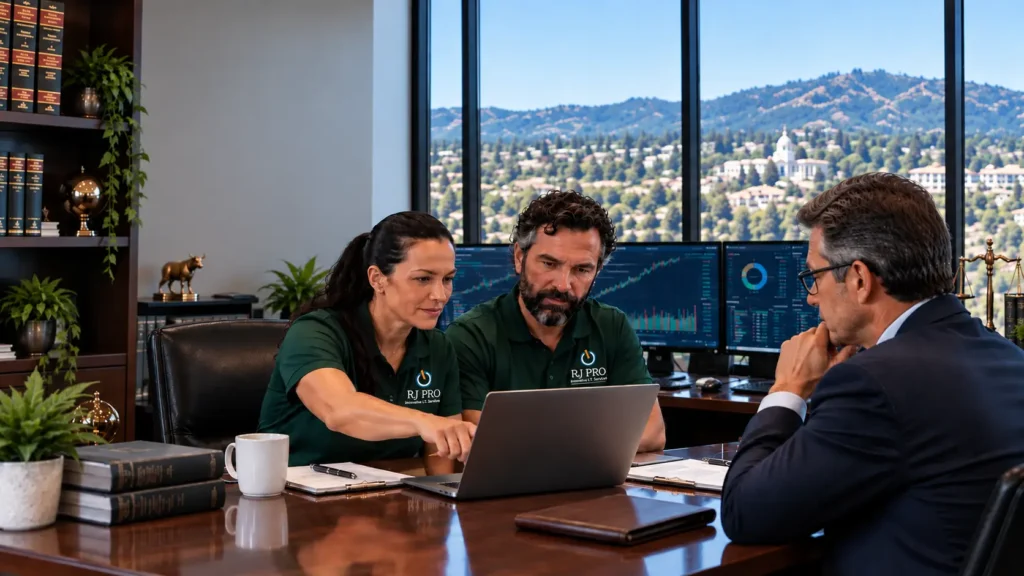
Our IT support for engineering firms in San Andreas, CA gives your staff someone to call when something stops working. Common requests include:
- – Slow or failing workstations
- – Password and account access
- – Email and Microsoft 365 problems
- – Printer and device issues
- – Remote access trouble
- – Network connectivity
- – General IT questions
Your engineers lose less time wrestling with their own computers, and your office manager stops being the default IT person.
Network Management for Large Files and Shared Access
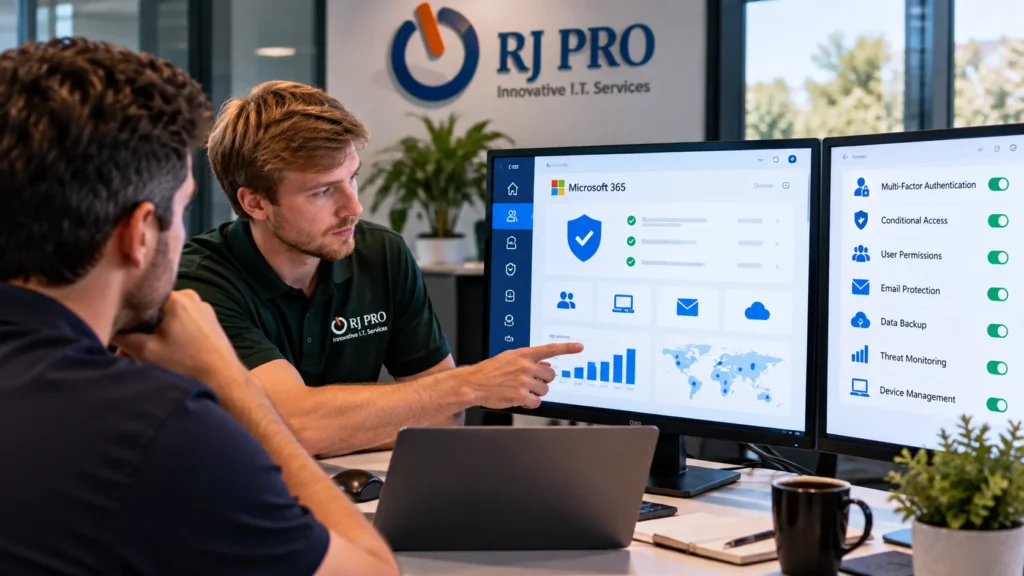
Large drawings and models move across the network all day. We manage network equipment, firewalls, and connectivity to support reliable file transfers.
If your team reports slow file openings or dropped connections, we investigate your equipment and internet service. When the fault sits with the provider, we help pinpoint it so the right party can fix it.

Microsoft 365 and Cloud Collaboration
We support Microsoft 365, Teams, OneDrive, and SharePoint, including users, access, connectivity, and security settings.
Cloud tools help when consultants and clients need the same documents. You can limit sharing so outside collaborators can reach only what you intend. Huge design files may still belong on dedicated storage, and we help you decide what lives where.

Backup and Recovery Planning
A backup only matters if it restores. We help build backup and recovery arrangements around your project data and how long your firm can operate without it.
Planning also covers what must come back first. Where cloud backup is part of the plan, a copy kept away from your office is harder for ransomware to reach.
Cybersecurity for Engineering Firms
Phishing, stolen passwords, and ransomware target small firms as readily as large ones. We can layer protections that include:
- Endpoint protection
- Email security
- Multi-factor authentication
- Firewall management
- Vulnerability scanning
- Security monitoring
- User security awareness
No measure removes all risk. Layers reduce exposure and limit the damage when something gets through.
Engineering Workstations and Specialist Software Environments
We support the systems your applications run on: hardware health, operating system, storage, network, and user accounts.
We do not configure, license, or troubleshoot inside engineering applications such as CAD, BIM, GIS, or analysis packages. Those questions belong to the software vendor.
We can rule out your infrastructure, gather details, and work with the vendor to find the cause. We can also compare machines against the vendor’s published system requirements.
Protecting Client and Project Information
Drawings, calculations, contracts, and client records carry real value. Some may also fall under confidentiality terms in your agreements.
Access should also match the job. A drafter, a project manager, and an outside consultant rarely need the same folders.
We help strengthen security across:
- – Workstations and laptops
- – Servers and file storage
- – Network and firewall
- – Microsoft 365 and cloud accounts
- – Mobile devices
- – Backups
Multi-factor authentication, role-based access, backups, and prompt updates are widelyrecommended by CISA and NIST, and we can help put them in place.
If a client contract sets specific security terms, we can talk through how your IT environment supports them. No security setup can guarantee an outcome.
Business Continuity and IT Planning
Power outages, hardware failures, staff changes, and office moves all disrupt a project schedule.
We help you work out what the firm depends on, set recovery priorities, and plan upgrades before equipment fails. Knowing the order of recovery before an outage beats deciding it during one.
Hear What Our Customers Have to Say
Frequently Asked Questions (FAQs)
No. RJ PRO Tech Group is based in Valley Springs, California. Most support is delivered remotely. Onsite visits depend on the issue, your service agreement, and our availability.
We manage the technology around your work: help desk support, monitoring, networks, Microsoft 365, backups, security, and planning. Your service agreement sets out the exact scope.
We support the workstations, networks, storage, and accounts those applications depend on. Application-level configuration, licensing, and troubleshooting belong to the software vendor, and we coordinate with them when needed.
We can check the operating system, storage, memory, network connection, and hardware health. If the cause sits inside the application, we help you take the findings to the vendor.
We review your current folder structure, then adjust access by role or project. That keeps staff changes from leaving old accounts with access they no longer need.
Yes. We can support secure remote access and Microsoft 365 sign-in protections. The right setup depends on your applications and how large your project files are.
We help set up backups around your project data and recovery priorities. The approach depends on file volume, the applications involved, and how quickly your firm needs to be working again.
Book a free consultation or call (209) 920-4077. We start with a conversation about your setup and which support might suit your firm.

Give Your Engineers Fewer IT Interruptions
Engineering work depends on files opening, networks holding, and accounts working. When they do not, the schedule absorbs the cost.
The consultation is a straightforward conversation about how your office runs today. You can talk through:
- – Your current IT environment
- – Recurring workstation and network problems
- – Project-file access and security
- – Your backup arrangements
- – Where specialist software support sits with your vendors
- – The support scope that may suit your firm
No pressure and no jargon. You leave knowing whether RJ PRO is a fit.
Areas We Service
Proudly serving businesses across Northern California