- help@rj-pro.net
- Mon–Fri 8am–5pm · 24/7 Help Desk
IT Support for Small Businesses in Stockton, CA
IT Management That Keeps Your Employees Focused on Running the Business
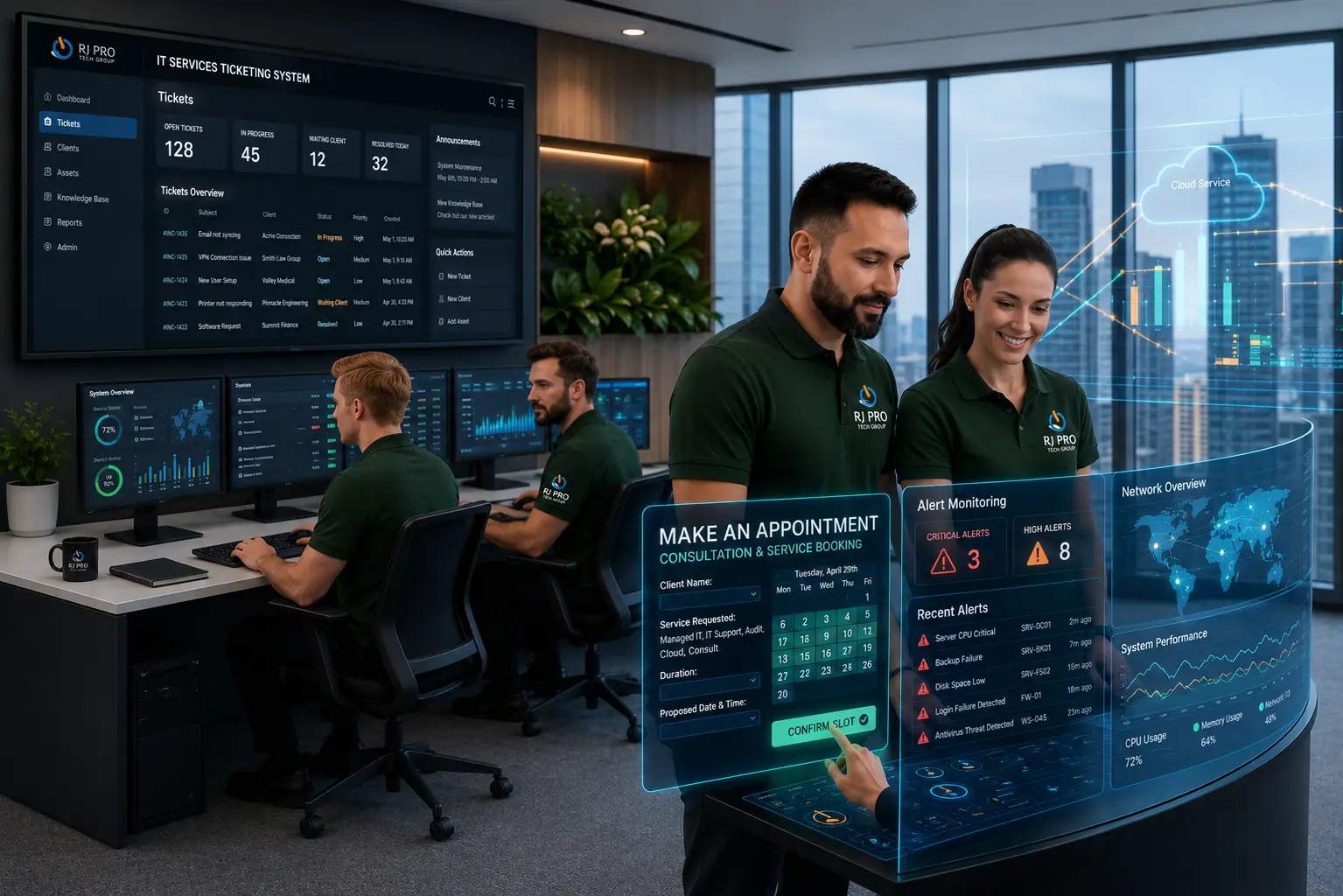
IT Support for Small Businesses in Stockton helps companies manage the computer systems, business applications, and networks their employees depend on every day. When email stops working, shared files become inaccessible, or employees experience recurring computer problems, business operations can quickly fall behind. For companies without an internal IT department, handling these issues alongside daily responsibilities can become difficult.
RJ PRO Tech Group provides managed IT services and technical support for small and midsize businesses across Stockton and Northern California. With experience supporting over 1,000 users and operating since 2011, RJ PRO helps businesses manage their IT responsibilities, address technical problems, and plan for changing operational requirements.

When Small Business IT Problems Start Taking Time Away From Your Team
A business does not need a major system failure to experience an expensive IT problem. Several smaller technical interruptions throughout the week can affect employee productivity, customer communication, and the completion of everyday tasks. For a Stockton company with a small team, these interruptions can become particularly difficult when nobody is responsible for managing the IT environment.
Consider an employee who cannot access a shared folder before an important client meeting. Another employee might experience repeated email synchronization problems, while someone else spends an hour trying to reconnect a printer. Individually, these issues may seem minor. Together, they create unnecessary work and take employees away from their actual responsibilities.
Small businesses also face IT management challenges that are not always immediately visible:
- Unmanaged computers: Devices may miss software updates, develop performance problems, or run outdated applications.
- Network interruptions: Poorly configured equipment or connectivity problems can prevent employees from accessing shared resources.
- Account management issues: Former employees may retain unnecessary access, while new employees wait for properly configured accounts.
- Unmonitored security risks: Weak passwords, suspicious emails, and outdated software can expose business systems to threats.
- Unclear backup procedures: Businesses may assume their files are protected without checking whether backups are running or data can be restored.
These responsibilities require consistent attention rather than occasional repairs. Managed IT services bring technical support, system maintenance, and IT administration into an organized process.
RJ PRO Tech Group helps Stockton businesses address these requirements through ongoing IT support, cybersecurity, network management, and infrastructure services. Instead of leaving employees to troubleshoot every technical problem, businesses can establish a clear point of responsibility for managing their IT environment.
IT Services That Address the Everyday Challenges of Small Businesses
Managed IT Services for Ongoing Business Support
Managing computers, applications, user accounts, and network equipment requires regular attention. Managed IT services organize these responsibilities through maintenance, monitoring, and technical administration. This helps Stockton businesses address developing IT issues and maintain better oversight of the systems employees use throughout the workday.
Help Desk Support for Employee Technical Problems
Employees should not have to spend working hours troubleshooting login failures, software errors, or computer problems. Help desk support provides a way to report technical issues and receive assistance. Remote troubleshooting can address many problems without requiring employees to manage repairs themselves.
Network Management for Office Connectivity
Business networks connect computers, printers, servers, and shared applications. When connections become unstable, employees may lose access to important resources. Network management includes configuration, troubleshooting, equipment maintenance, and connectivity support to help businesses maintain the network infrastructure their operations depend on.
Cybersecurity Services for Business Systems
Small businesses use email, customer information, employee accounts, and financial documents that require appropriate protection. Cybersecurity services can include endpoint protection, account security, access controls, and security monitoring. These measures help businesses address common threats such as phishing, malicious software, and unauthorized access.
Microsoft 365 and Cloud Application Management
Business email, Teams, SharePoint, and shared documents are important parts of many office environments. Microsoft 365 support includes account administration, user permissions, application configuration, and troubleshooting. This helps businesses manage employee access and keep their cloud-based working environment organized.
Server Management and Maintenance
Businesses using servers for shared files, applications, or internal databases need regular system maintenance. Server management involves monitoring performance, applying updates, reviewing configurations, and troubleshooting problems. Proper administration helps identify potential issues before they interfere with employee access to important business resources.
Business Backup and Disaster Recovery
Accidental deletion, equipment failure, and security incidents can interrupt access to important business information. Backup and disaster recovery services help businesses maintain copies of important data and prepare for restoration when necessary. Regular backup checks and recovery planning are important parts of protecting business operations.
VoIP Phone Systems for Business Communication
Businesses that depend on customer calls need phone systems that support their communication requirements. VoIP phone systems use internet connections to manage calls through features such as extensions, voicemail, and call routing. Proper configuration helps employees handle incoming calls and communicate with customers from supported locations.
Building Better IT Management Into Your Daily Business Operations
Selecting IT services is only part of managing a business environment. Companies also need clear procedures for maintaining devices, controlling employee access, handling technical changes, and preparing for unexpected interruptions.

Keep Employee Devices Updated and Accountable
Maintain an accurate record of business computers, operating systems, installed applications, and assigned users. Regular update management helps address known software vulnerabilities and compatibility problems. When employees join or leave, review their devices and accounts so company equipment and information remain under appropriate control.

Review Employee Permissions Regularly
Not every employee needs access to every business application or shared folder. Assign permissions according to job responsibilities and review them when roles change. Multi-factor authentication can provide an additional verification step for supported accounts, particularly those used to access email and business information remotely.x

Test Whether Business Backups Can Be Restored
A successful backup notification does not necessarily mean a business can recover its information when needed. Schedule restoration tests to check whether important files and systems can actually be recovered. Identify which information needs priority and document the steps employees should follow during a recovery situation.

Document Your Business IT Environment
Keep records of network equipment, administrator accounts, software licenses, application vendors, and important system configurations. Proper documentation makes troubleshooting and provider transitions easier. It also prevents businesses from depending on one employee who may be the only person familiar with how a particular system works.

Prepare for Employee Onboarding and Offboarding
Establish a process for creating accounts, assigning application access, configuring devices, and removing permissions when employees leave. These procedures help prevent delays during hiring and reduce unnecessary access to company resources. An organized process becomes increasingly important as a small business adds more employees.

Plan IT Changes Around Business Operations
Software migrations, server maintenance, network changes, and equipment replacements can affect employee access. Before making significant changes, identify the systems involved, communicate with affected employees, and plan appropriate maintenance windows. This reduces the likelihood of unexpected interruptions during important business activities.
Hear What Our Customers Have to Say
Frequently Asked Questions (FAQs)
IT support costs depend on the number of employees, devices, applications, and services required. Providers may charge per user, per device, or through monthly managed IT agreements. Request a breakdown of included services before comparing prices.
Yes. Small businesses can outsource responsibilities such as help desk support, network management, cybersecurity, device maintenance, and cloud administration. The specific responsibilities depend on the service agreement and the business’s existing IT environment.
Managed IT services commonly include system monitoring, maintenance, technical assistance, software updates, network administration, and security management. Some providers also include backup administration and Microsoft 365 support. Always confirm the actual scope of coverage.
Yes. RJ PRO Tech Group provides IT support and managed services for small and midsize businesses. Outsourced support can help companies manage employee technical issues and ongoing IT responsibilities without maintaining a dedicated internal IT department.
Yes. Remote IT support can help employees troubleshoot computer problems, access business applications, resolve account issues, and maintain connectivity. Appropriate account permissions and security measures should also be established for remote access.
Cybersecurity may be included in managed IT agreements, depending on the provider and service scope. Services can involve endpoint protection, account security, software updates, access management, and security monitoring to address common business threats.
The process depends on the provider’s support arrangements and the severity of the issue. Businesses should ask how urgent requests are reported, prioritized, escalated, and handled outside normal support arrangements before signing an agreement.
IT providers can often manage existing equipment if it is compatible with their support requirements. An initial assessment can help identify device conditions, network configurations, software requirements, and any issues that need attention.
The transition requires reviewing administrator credentials, software licenses, network documentation, backups, and existing vendor access. A planned handover helps transfer responsibilities while reducing the risk of losing access to important business systems.
You can discuss your business requirements through a free 15-minute discovery call. Contact RJ PRO Tech Group at (916) 345-3451 or email help@rj-pro.net to discuss your IT support needs in Stockton.
Give Your Stockton Business a Clearer Approach to IT Management
Managing business technology should not require employees to become their own IT department. RJ PRO Tech Group helps small and midsize businesses in Stockton manage technical responsibilities through managed IT services, help desk support, network management, cybersecurity, and infrastructure assistance. Operating since 2011 and supporting over 1,000 users, our team works with businesses across Northern California to address their IT requirements.
If your business is dealing with recurring computer problems, network interruptions, or growing IT management responsibilities, schedule a free 15-minute discovery call to discuss your current setup. Contact RJ PRO Tech Group at (209) 400-6102 or email help@rj-pro.net to discuss IT support for your Stockton business.
Areas We Service
Proudly serving businesses across Northern California