- help@rj-pro.net
- Mon–Fri 8am–5pm · 24/7 Help Desk

Backup & Disaster Recovery in Stockton - From Data Loss to Business Recovery
Protect Business Data and Prepare Your Company to Recover From Unexpected Disruptions
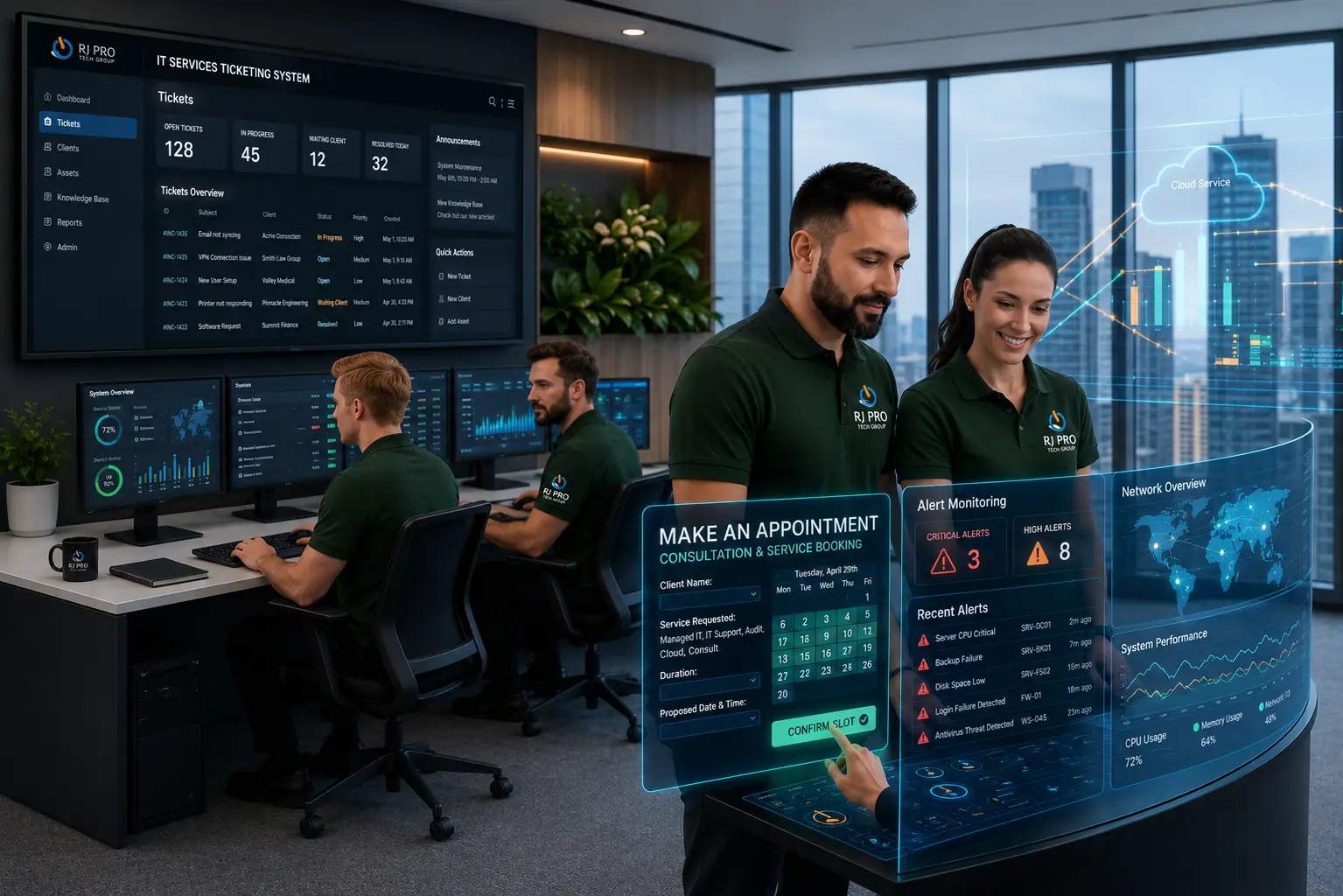
Backup & Disaster Recovery in Stockton helps businesses prepare for the moment when critical data becomes unavailable. A server failure, ransomware attack, accidental file deletion, or damaged office equipment can interrupt daily operations and leave employees without access to the information they need.
Customer records, financial documents, project files, and business applications may all be affected, making it difficult to serve customers or continue essential work. For Stockton companies, the challenge is not simply keeping backup copies but knowing whether important information can be restored when it matters.
RJ PRO Tech Group helps businesses address that challenge with backup and recovery planning focused on protecting critical information and preparing for the moment it needs to be restored.

When Business Data Is Lost, How Prepared Is Your Company to Recover?
Business data loss can affect much more than the files stored on one computer. When a server becomes unavailable, employees may lose access to shared documents, applications, customer records, and other information required to complete their work. A hardware failure can interrupt several departments at once, while accidental deletion may leave employees without important contracts, financial records, or project files.
Cyberattacks create another serious challenge. Ransomware can prevent employees from opening business documents or accessing systems, making it difficult to continue normal operations. If backup copies are connected to the same compromised environment, they may also become inaccessible. This is why businesses need to consider where their backups are stored and how they can be restored after an incident.
Physical disruptions can create similar problems. Fire, flooding, severe weather, or equipment damage can affect computers and servers at the primary business location. Companies that depend entirely on local storage may have difficulty accessing the information needed to resume operations.
For Stockton businesses, a recovery plan should account for the systems and records employees need most. An accounting office may prioritize financial documents and accounting applications, while a construction company may need access to project plans, contracts, and job records. The recovery process should reflect these operational requirements.
RJ PRO Tech Group helps businesses address technology management and data protection needs through its backup and disaster recovery services. Businesses can also review their broader IT support and services to identify technology issues that could affect daily operations. The goal is to prepare for data loss before an unexpected event turns into an extended business interruption.
Recovery Planning for the Problems That Can Interrupt Your Business
Recovering Work Without Recreating It From Scratch
When a computer fails during an active project, employees can lose hours of completed work, recent changes, and documents that have not been shared with the rest of the team. Recovery arrangements should account for active working files, not only information stored in permanent company folders.
Getting Essential Departments Back to Work
A company-wide disruption does not mean every department has identical recovery needs. Accounting may need access to financial records, sales may depend on customer information, and operations may require inventory or scheduling systems. Establishing department-level priorities helps determine which resources should be restored first.
Avoiding Confusion Between Multiple Versions of Business Files
Employees sometimes overwrite documents, save incorrect revisions, or replace information that another team member still needs. A suitable version-retention arrangement can help businesses identify an earlier copy instead of relying on employees to reconstruct the document manually.
Preserving the Information Behind Customer Commitments
Customer relationships often depend on records spread across email conversations, proposals, order histories, signed documents, and internal notes. Losing access to these records can make it difficult to confirm previous discussions or fulfill existing commitments. Businesses should identify where these records live and how they can be recovered.
Keeping Business Technology Changes Reversible
A server replacement, software migration, or major system update can introduce unexpected problems. Having a suitable recovery point before making significant changes gives the business a way to return to its previous state if the transition fails. This should be considered as part of technology change planning.
Maintaining Access When the Primary Workplace Is Unusable
An office may become inaccessible because of building damage, utility problems, or a local emergency. Businesses that depend on equipment kept at that location need to consider how employees could access essential information from another workplace. Recovery arrangements should account for both stored data and the technology needed to use it.
Knowing Which Outside Providers Are Needed During Recovery
Business operations may depend on hosted applications, software vendors, internet providers, and external technology partners. If one of these services becomes unavailable, the company needs to understand who controls its information and what recovery options exist. Keeping provider details and support responsibilities documented can reduce delays.
Turning Recovery Expectations Into a Practical Plan
Saying that a business needs to recover quickly is not a recovery strategy. Owners should identify acceptable downtime, the amount of recent work they can afford to lose, the systems that matter most, and who is responsible for coordinating restoration. These decisions turn general expectations into requirements that can guide an actual recovery arrangement.
Preparing Your Stockton Business for Unexpected Data Loss
Having a backup arrangement is only one part of business continuity. Stockton companies should also review how their information is protected, which systems matter most, and what employees should do when technology becomes unavailable. These practical steps can help identify gaps before an incident occurs.

Identify Which Systems Your Business Needs First
Not every application or file needs to be restored at the same time. Identify the systems employees depend on to serve customers, process transactions, manage projects, and communicate. Establishing recovery priorities helps the business focus on essential operations instead of trying to restore everything without a clear order.

Set Realistic Recovery Expectations
Recovery Time Objective (RTO) refers to how quickly a business wants a system restored. Recovery Point Objective (RPO) describes how much recent data the business can afford to lose. Understanding these targets helps owners make informed decisions about backup frequency, storage, and recovery arrangements.

Keep Backup Copies Separate From Everyday Systems
A backup connected to the same environment as business computers may be exposed to some of the same threats. Businesses should review whether copies are stored separately and whether access is appropriately restricted. This is especially important when preparing for ransomware incidents or unauthorized access.

Review Backup Coverage When Your Business Changes
Adding employees, replacing computers, adopting new applications, or moving files to cloud platforms can change what needs protection. New information may not automatically be included in an existing backup arrangement. Review backup coverage whenever business technology changes so important data is not left outside the recovery plan.

Test Whether Important Information Can Be Restored
Backup reports alone do not prove that a business can recover its files. Test representative documents and important systems to confirm that restoration works as expected. Record any problems, review recovery instructions, and address gaps before employees need the information during an actual disruption.

Document Responsibilities During a Technology Incident
Employees should know whom to contact when important files disappear, a server stops working, or a security incident affects business systems. Document the people responsible for reporting issues, contacting IT support, communicating with staff, and coordinating recovery. Clear responsibilities help reduce confusion during an already difficult situation
Hear What Our Customers Have to Say
Frequently Asked Questions (FAQs)
Backup frequency depends on how often business information changes and how much recent data the company can afford to lose. Businesses that update important records throughout the day may need more frequent backups than those with less frequently changing files.
Data backup involves creating copies of important information so it can be restored later. Disaster recovery is the broader process of bringing back access to systems, applications, and data after a major disruption.
Recovery may be possible if the business has accessible backup copies that were not compromised. The process also involves addressing the security incident, assessing affected systems, and restoring information safely.
Microsoft 365 includes data retention and recovery features, but businesses should understand their limitations and coverage. A separate backup arrangement may be appropriate for additional protection of important email and files.
Restoration time depends on the amount of data, server configuration, available backup copies, hardware, and recovery procedures. A business should establish realistic recovery expectations and test its process before an emergency.
If a local backup becomes damaged or unavailable, recovery may depend on whether another copy exists in a separate location or cloud environment. Maintaining multiple protected copies can reduce dependence on one storage device or location.
Yes. Even a small company can experience data loss, equipment failure, ransomware, or an office disruption. A practical plan helps identify essential systems, backup requirements, recovery priorities, and employee responsibilities.
Businesses should review backup reports, investigate failed jobs, check storage capacity, and periodically restore selected files. Testing actual restoration provides stronger evidence that important information can be recovered.
Recovery Time Objective (RTO) is the target time for restoring a system after disruption. It helps businesses decide how much downtime is acceptable and plan recovery arrangements around their operational needs.
Start by identifying important business information, reviewing backup coverage, keeping copies separate from primary systems, and testing restoration procedures. Documenting recovery responsibilities also helps employees respond when technology becomes unavailable.

Protect Your Business From Unexpected Data Loss
Losing access to business information can leave employees unable to complete essential tasks and customers waiting for answers. RJ PRO Tech Group works with Stockton businesses to address backup concerns and prepare for situations where files, servers, or business systems become unavailable. A well-planned recovery approach helps business owners understand what needs protection and how their company can get back to work after an interruption.
Is your business prepared to recover when important data becomes unavailable? Connect with RJ PRO Tech Group for a free 15-minute discovery call. Discuss your current backup setup, identify areas that may need attention, and explore a recovery approach that fits your business requirements.
Areas We Service
Proudly serving businesses across Northern California