
Business IT Support in Placerville, CA: Secure Systems, Smarter Operations
Practical IT Support, Proactive Maintenance, and Better Business Security
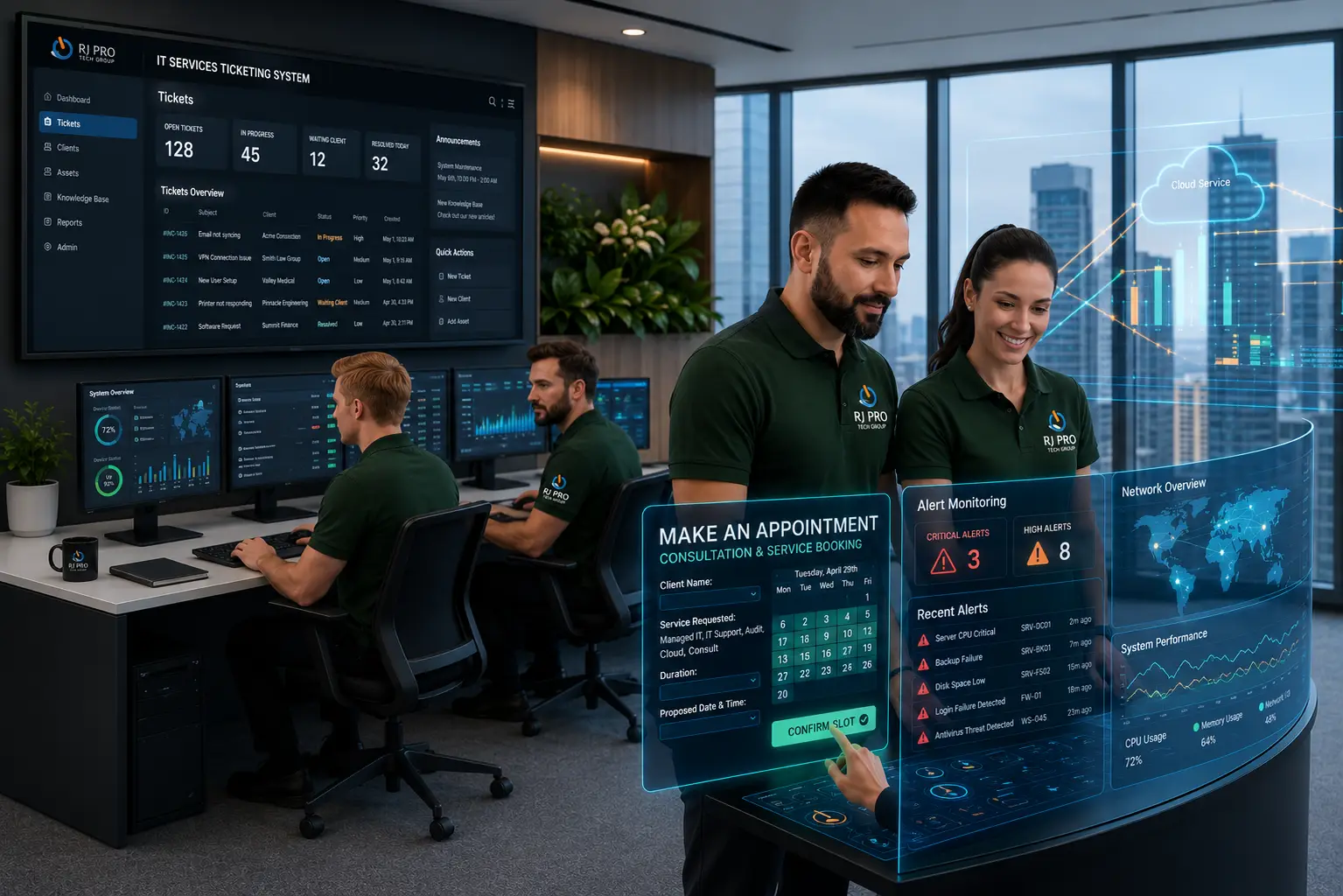
Keeping your business technology reliable is essential for serving customers, meeting deadlines, and managing daily tasks without unnecessary delays. Business IT support in Placerville helps local companies resolve technical issues, maintain stable networks, and protect critical business information. Whether you operate a small office, a retail business, or a growing organisation, dependable IT systems help your team stay productive and your operations run smoothly.
With a proactive IT strategy, businesses can address recurring problems, improve system performance, and reduce avoidable downtime. From managed IT services and network maintenance to cybersecurity and system updates, the right technical support helps your business stay prepared as its needs change.

Technology Infrastructure That Supports Your Business Goals
Your team relies on several connected systems to get work done, from office computers and internet connections to cloud applications and shared business files. When one part of this setup fails or performs poorly, it can slow down employees, interrupt customer service, and create unnecessary IT costs.
A well-planned technology strategy helps businesses spot potential issues early, improve system reliability, and strengthen protection against security threats. Regular reviews also make it easier to identify outdated equipment, resolve recurring problems, and keep essential tools working as expected.
Understand Which Technology Systems Matter Most to Your Business
Every business has different technology requirements. Reviewing the systems your employees use each day helps you understand where support and maintenance can make the biggest difference.
Computers and Employee Devices: Maintain desktops, laptops, and remote access tools so employees can work efficiently.
Network Equipment: Keep routers, firewalls, switches, and office Wi-Fi connections reliable and properly configured.
Cloud Services and Applications: Manage Microsoft 365, shared files, account permissions, and other cloud-based business tools.
Communication Tools: Maintain business email, VoIP phone systems, and collaboration platforms that keep your team connected.
Servers and Business Data: Monitor server performance, maintain important databases, and protect the files your business depends on.
Managed IT Services & Systems Optimization Built for Long-Term Continuity
Help Desk & IT Support
Comprehensive 24/7/365 technical assistance designed to address everyday employee hardware and software errors swiftly, keeping your local team focused and productive. Read More
Advanced Cybersecurity
Multi-layered network defense configurations, identity authentication controls, and proactive monitoring deployed to protect your business reputation and data.
Network Care & Wi-Fi
Continuous mapping, testing, and balancing of local routers, switches, and wireless access environments to ensure fast, predictable office connectivity.
Managed Server Care
Proactive physical and virtual server resource tracking, patch management, and optimization routines engineered to eliminate performance degradation.
Desktop Fleet Optimization
Automated software patching, device lifecycle deployment, data sanitation, and daily endpoint tuning to provide your staff with a frustration-free workspace.
Continuity & Data Protection
Automated cloud backup routines combined with rapid recovery strategies to ensure your structural data stays secure and immediately restorable.
IT Support Designed Around the Way Your Business Works
When business applications slow down, employees lose access to shared files, or network problems interrupt customer service, the impact goes beyond the technology itself. Work gets delayed, teams lose time, and important tasks can fall behind.

Managed IT Support in Placerville: Take Control of Your Business Systems
Managing employee devices, software updates, access permissions, and recurring technical issues can quickly become a burden for a busy business. Without a consistent maintenance process, small problems may remain unresolved until they affect several employees.
Managed IT support helps bring these responsibilities into a more organised process, with ongoing oversight based on your business requirements.
Know What Is Happening Across Your Devices: Keep track of business computers, installed software, and maintenance requirements so important issues are less likely to go unnoticed.
Reduce Risks From Outdated Software: Review update status and address known vulnerabilities before neglected maintenance creates avoidable exposure.
Keep Employee Access Under Control: Manage user accounts and permissions as staff join, change roles, or leave the business.

Business Cybersecurity in Placerville: Address Weak Points Before They Become Incidents
A single compromised account, an unpatched device, or an employee clicking a convincing phishing email can expose business systems to unnecessary risk. Effective security requires attention to how people access information, how devices are maintained, and how suspicious activity is handled.
Cybersecurity support helps businesses identify weaknesses and apply safeguards appropriate to their systems and risk exposure.
Reduce Unnecessary Network Exposure: Review firewall settings, device protection, and access rules to help limit unauthorised connections.
Strengthen Account Security: Apply multi-factor authentication, appropriate permissions, and secure account practices to reduce the risk of compromised credentials.
Keep Security Measures Up to Date: Review updates, investigate potential vulnerabilities, and address identified weaknesses before they remain unresolved.

Computer and Server Support in Placerville: Resolve the Problems Behind the Slowdown
A computer that takes several minutes to start, an application that repeatedly freezes, or a server that struggles with everyday workloads can affect more than one employee. Replacing equipment without identifying the cause may also lead to unnecessary costs.
A structured troubleshooting process helps distinguish between software faults, hardware limitations, configuration problems, and capacity issues.
Find the Cause of Performance Problems: Investigate slow devices, application errors, storage limitations, and recurring system crashes.
Keep Critical Systems Maintained: Review software updates, device health, available storage, and relevant configuration settings.
Plan for Equipment or System Failure: Identify essential devices and applications, then establish appropriate recovery procedures to help restore business operations.

Remote IT Help Desk Support in Placerville: Get Employees Back to Work
A locked account, a failed printer connection, or an email application that stops responding can interrupt an employee’s entire workflow. When the same problems keep returning, they can also consume valuable time across the business.
A responsive help desk gives employees a clear route to technical assistance and helps your business keep track of recurring issues.
Resolve Everyday Technical Roadblocks: Troubleshoot login failures, software errors, email access, printing issues, and other common IT problems.
Fix Suitable Issues Remotely: Diagnose and resolve many software and configuration problems without waiting for an on-site visit.
Identify Repeated Support Requests: Use issue records to recognise patterns and determine whether a lasting fix or broader system improvement is needed.
Available support hours and response times should be confirmed in the service agreement.

IT Infrastructure Consulting in Placerville: Make Technology Decisions With Confidence
Adding new software or upgrading equipment without reviewing your existing setup can create compatibility issues, unnecessary spending, and more work for your employees. Technology decisions should support a clear business need rather than introduce complexity.
IT infrastructure consulting helps you evaluate what is working, identify limitations, and plan improvements around your current operations and future requirements.
Identify Where Your Current Setup Falls Short: Review network capacity, application requirements, equipment limitations, and recurring performance problems.
Plan Cloud and Remote Access Carefully: Assess how employees can access business applications and files securely, whether they work in the office or remotely.
Prepare for Business Growth: Consider future staffing, storage, connectivity, and application needs before investing in additional technology.

Small Business IT Support in Placerville: Build a Setup That Can Grow With You
A small business may not need a large internal IT department, but it still depends on reliable computers, secure accounts, working applications, and accessible business data. As the company grows, informal technology management can become harder to maintain.
The right IT support arrangement should address current problems without losing sight of future requirements or creating unnecessary complexity.
Prioritise Improvements That Matter: Focus spending on the issues that affect productivity, security, and business continuity rather than upgrading everything at once.
Understand the Cost of Support: Compare what each service plan includes, from routine maintenance to troubleshooting and security management.
Prepare for New Employees and Locations: Plan device setup, user permissions, software access, and network capacity as your business expands.
With a clearer support plan, you can make more informed technology decisions and reduce the time your team spends managing avoidable IT problems.
Hear What Our Customers Have to Say
Frequently Asked Questions (FAQs)
Business IT support can include computer troubleshooting, network management, software maintenance, cybersecurity, data backups, user assistance, and technology consulting. The exact services depend on your business requirements and support agreement.
Pricing varies according to the number of users and devices, the complexity of your systems, security requirements, and the level of support required. Request a tailored quote to compare service options and understand the full cost.
Professional support helps small businesses address technical problems, reduce avoidable downtime, strengthen security, and plan technology spending. It can also provide access to expertise without maintaining a full internal IT department.
Managed IT services provide ongoing technology management under an agreed service arrangement. Depending on the plan, services may include monitoring, maintenance, software patching, technical support, backup checks, and security management.
Yes. Outsourcing can provide access to technical expertise without the expense of employing a full-time IT team. It is important to confirm the provider’s responsibilities, service hours, response targets, and escalation process.
IT support can help implement security updates, multi-factor authentication, endpoint protection, access controls, employee training, and backup procedures. These measures reduce risk but cannot guarantee complete protection against every cyber threat.
Many providers offer both options. Remote support is suitable for numerous software and configuration issues, while on-site visits may be needed for hardware installations, physical network problems, or equipment troubleshooting.
Look for relevant technical expertise, transparent pricing, clear service agreements, appropriate security practices, documented support procedures, and references from comparable businesses. Confirm whether the provider can meet your location and response-time requirements.
Network support helps identify connectivity issues, maintain equipment, monitor performance, and troubleshoot configuration problems. Regular maintenance and appropriate backup arrangements can reduce the likelihood and impact of certain network disruptions.
Start by reviewing your current technology, recurring issues, security concerns, and business priorities. Contact an IT provider to discuss your requirements, request a service assessment, and compare a support plan that fits your budget.

Are IT Problems Slowing Down Your Placerville Business?
Technology should help your business move forward, not hold it back. From computer troubleshooting and network maintenance to cybersecurity and long-term IT planning, the right support can help you work more confidently and reduce avoidable technical disruptions. Ready to improve your business technology?
Contact RJ PRO Tech Group to discuss your IT requirements, explore suitable support options, and request a consultation for your Placerville business. Take the next step towards a more reliable, secure, and productive workplace.
Areas We Service
Proudly serving businesses across Northern California