
How RJ PRO Helped a Cameron Park Financial Firm Stop Repeated Cyberattacks in Six Weeks
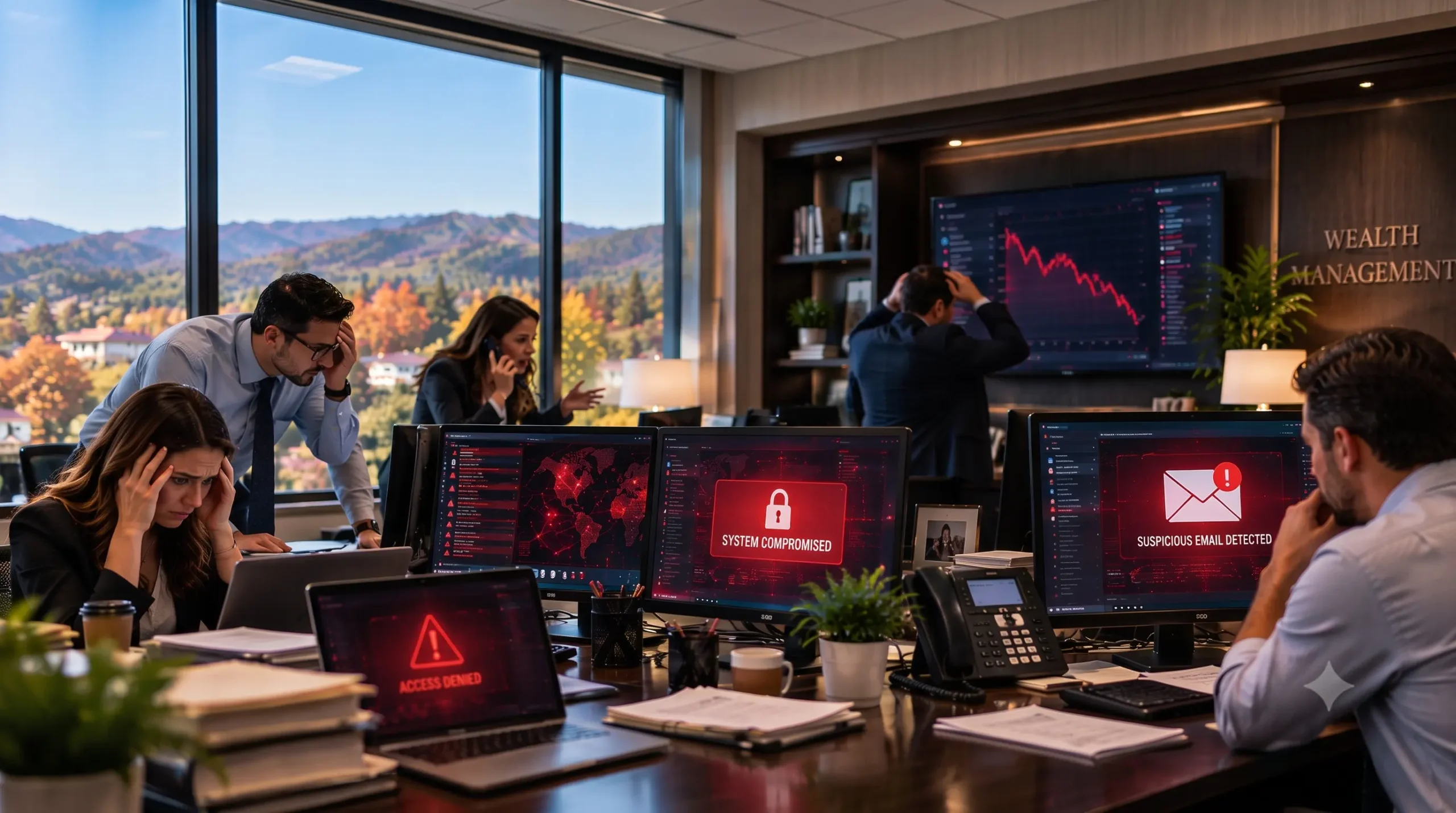
| Industry | Financial Services, Wealth Management |
| Location | Cameron Park, California (El Dorado County) |
| Company Size | 15 employees, single office |
| Environment | Microsoft 365, 22 endpoints, on-site business server |
| Project Duration | 6 weeks |
| Services | Cybersecurity remediation, IT infrastructure cleanup, ongoing managed security and monitoring |
At a Glance
A 15-person wealth management firm in Cameron Park kept getting hit by phishing attacks, and at least one employee’s email account had already been taken over. The firm had antivirus and a firewall, but nobody was watching the environment as a whole. RJ PRO Tech Group found ten separate security gaps, fixed them over six weeks without interrupting client work, and moved the firm onto continuous managed cybersecurity with 24/7 support.
The Challenge: Attacks That Kept Coming Back
When the firm first reached out to us, the problem wasn’t a single bad day. It was a pattern.
Employees were receiving phishing emails that looked like they came from coworkers and long-time clients. Some were convincing enough that staff had trouble telling them apart from normal business email. At least one employee account had been accessed by someone outside the firm.
For most small businesses in Cameron Park, that’s a headache. For a wealth management firm, it’s a serious risk. The firm holds sensitive client financial information, and a compromised mailbox can expose client data, lead to fraudulent payment requests, and create problems with regulators and cyber insurance carriers.
The firm wasn’t unprotected. It had antivirus software and a firewall in place. But its security was reactive. Problems were handled when someone noticed them, and there was no system watching for suspicious activity or looking for weak spots before an attacker found them.
Leadership had one question they couldn’t answer: were attackers still getting in?
Our Approach: Find Every Gap Before Fixing Anything
It would have been easy to install another security product and call it done. We didn’t do that. Adding tools on top of an environment you don’t fully understand usually leaves the real problem in place.
Instead, we started with a full assessment of the firm’s IT environment. We looked at it the way an attacker would: how could someone get in, take over an account, move from one system to another, reach client data, or shut the office down?
That assessment turned up ten issues. None of them alone explained everything. Together, they explained exactly why the attacks kept working.
What We Found and How We Fixed It
1. Multi-Factor Authentication Was Only Half Done
What we found: Roughly half the staff had MFA turned on for email. Remote access and administrator accounts didn’t have it at all. That meant a stolen password for the wrong account could give an attacker direct access, with nothing else in the way.
What we did: We extended MFA to every user account, all remote access, every administrator account, and all Microsoft 365 sign-ins. No exceptions.
2. Staff Passwords Were Already in Breach Data
What we found: Several employee credentials showed up in known public data breaches, and passwords were being reused across multiple services. Some of the firm’s usernames and passwords were likely already in attackers’ hands.
What we did: We handled this firm-wide instead of one account at a time. Affected passwords were reset, and combined with full MFA coverage, those exposed credentials were no longer useful to anyone who had them.
3. Two Former Employees Still Had Active Accounts
What we found: Two people who no longer worked at the firm still had working logins. Nobody was watching those accounts, which made them an easy, quiet way in.
What we did: We disabled both accounts. We also reviewed mailbox settings and access permissions across the firm, checking for unauthorized access and suspicious email forwarding rules, which are a common sign of a compromised mailbox.
4. Three Computers Were No Longer Getting Security Updates
What we found: Three machines were running software that had reached end of life. One of them was used for client reporting. Unsupported systems don’t receive security patches, and older machines also slow people down.
What we did: We replaced or rebuilt all three and brought them under proper management through our Desktop Care service, so updates and maintenance now happen on schedule.
5. The Network Was Completely Flat
What we found: Guest Wi-Fi, employee computers, and business-critical server resources were all sitting on the same network. If one device got compromised, an attacker had a short path to everything else.
What we did: We redesigned the network with segmentation, separating guest Wi-Fi, employee devices, and critical business systems into their own zones. We also took over firewall management and network monitoring through our Network Care service, which gave the firm real visibility into what was happening on its network.
6. Backups Had Never Been Tested
What we found: The firm had backups, but no one had ever tried restoring from them. On top of that, the backup storage could be reached from the main network, so ransomware that got in could potentially damage the backups too.
What we did: We redesigned the backup setup through our Backup & Disaster Recovery service. Backups are now better protected and isolated from the main network, and restores are tested. The firm went from “we think our backups work” to “we’ve proven we can get our data back.”
7. Email Was the Front Door for Attackers
What we found: Phishing was the main way attackers were getting in, and the emails were good enough to fool careful people.
What we did: We tightened Microsoft 365 security with stronger email filtering, impersonation protection, and account security controls. The goal was simple: stop more of these emails before they reach anyone’s inbox, and make stolen credentials much harder to use.
8. Antivirus Alone Wasn’t Enough
What we found: The firm relied on traditional antivirus, which looks for known malware. Many modern attacks don’t look like traditional malware at all.
What we did: We deployed behavioral endpoint protection across all 22 devices. Instead of only matching known threats, it watches for suspicious behavior, which catches attacks that signature-based antivirus misses.
9. Nobody Was Watching
What we found: There was no centralized monitoring. Security events could go unnoticed until they turned into a bigger problem.
What we did: We moved the firm onto ongoing managed cybersecurity with continuous monitoring and 24/7 support. The firm no longer has to wait for an employee to notice something strange.
10. Employees Weren’t Part of the Plan
What we found: Staff had no structured security training, even though phishing was the firm’s biggest problem.
What we did: We added security awareness training and simulated phishing exercises, so employees learn to spot the kinds of emails that had been getting through, in a safe setting, before a real one arrives.
Worried your firm has the same gaps? A 15-minute call is all it takes to find out.

Six Weeks, No Downtime for Clients
We completed the full remediation in six weeks. The work was scheduled so the firm could keep serving clients the entire time. Nobody had to close the office, cancel appointments, or stop working while their security was rebuilt.
Before and After
| Area | Before RJ PRO | After RJ PRO |
| MFA | About 50% of staff, email only | All users, remote access, and admin accounts |
| Credentials | Reused passwords, some found in breach data | Reset and protected by MFA |
| Former employee accounts | 2 still active | Disabled |
| End-of-life computers | 3 in use | Replaced or rebuilt |
| Network | Flat, guests and servers on one network | Segmented, managed firewall |
| Backups | Never restore-tested, reachable from main network | Protected, isolated, and restore-tested |
| Email security | Vulnerable to phishing and impersonation | Stronger filtering and impersonation protection |
| Endpoint protection | Traditional antivirus | Behavioral protection on all 22 endpoints |
| Monitoring | Limited | Continuous managed monitoring |
| Staff training | None structured | Awareness training and simulated phishing |
| Support model | Reactive | Managed cybersecurity with 24/7 support |
What Really Changed
The biggest result wasn’t a list of new tools. It was that the firm’s leadership finally had visibility and control.
Before, the firm had a few security products that didn’t work together. Now it has layers that back each other up. If someone steals a password, MFA stops them. If a phishing email slips through filtering, trained staff are more likely to spot it. If something suspicious runs on a computer, behavioral protection flags it. If data is ever damaged, tested backups bring it back. And through all of it, continuous monitoring means problems get caught early instead of discovered after the damage is done.
The firm stopped reacting to security problems one at a time and started managing security as an ongoing part of running the business.
The Lesson for Other Financial Firms
Breaches rarely come from one big mistake. In this case, it was a combination of small gaps: partial MFA, exposed passwords, old computers, forgotten accounts, untested backups, a flat network, and nobody watching. Each one looked minor on its own. Together, they gave attackers everything they needed.
That’s why fixing one issue at a time doesn’t work. The firm needed someone to look at the whole environment and fix it as a system.
If your firm handles client financial data, uses Microsoft 365, has staff working remotely, or hasn’t had a security review in a while, there’s a good chance some of these same gaps exist in your office too. Our IT services for financial firms are built around exactly this kind of work.
Frequently Asked Questions
How long does a cybersecurity cleanup like this take?
For this 15-person firm, the full remediation took six weeks. Timelines depend on the number of users, devices, and issues found during the assessment. The work is scheduled so the business can keep operating normally.
Do we have to shut down the office while security is being fixed?
No. In this project, the firm kept serving clients the whole time. Most changes can be made after hours or rolled out in stages.
We already have antivirus and a firewall. Isn’t that enough?
This firm had both and was still being attacked repeatedly. Antivirus and a firewall are a starting point. Financial firms also need MFA everywhere, strong email security, behavioral endpoint protection, tested backups, staff training, and continuous monitoring.
Do you provide IT and cybersecurity support for financial firms in Cameron Park?
Yes. This project was for a Cameron Park firm, and we support financial and professional offices throughout Cameron Park, Shingle Springs, El Dorado Hills, Folsom, Placerville, and the wider El Dorado and Sacramento County areas. Our El Dorado Hills office is just a short drive down Highway 50.
Is Your Firm Ready for the Next Attack?
You don’t have to wait for an account to get hacked to find out where your weak spots are. A security assessment shows you exactly what needs fixing and what should come first.
RJ PRO Tech Group has helped businesses across Northern California strengthen cybersecurity, manage their IT, and protect client data since 2010. Whether your office is in Cameron Park, El Dorado Hills, Folsom, or anywhere along the Highway 50 corridor, our local team can show you where your firm stands. See more of our work on our case studies page, or learn about our full managed IT services.
Or call our El Dorado Hills office at (916) 345-3451