
How RJ PRO Helped a Valley Springs Construction Company Connect Its Office and Job Sites

Construction companies in Valley Springs cannot afford to let technology slow down project work. Office teams depend on estimating, accounting, scheduling, and email, while project managers and crews need plans and documents at job sites along Highway 26 and across Calaveras County. This case study describes how a Valley Springs contractor worked with RJ PRO Tech Group, a local provider of construction IT services, to replace break-fix troubleshooting with proactive IT support in Valley Springs.
At a Glance
|
Category |
Detail |
|
Industry |
Construction (residential and light commercial) |
| Location | Valley Springs, California (Calaveras County) |
| Company size | Small contractor with office staff, project managers, and, field crews |
| Environment | Jobsites across Valley Springs, Rancho Calaveras, Burson, and, Wallace |
| Project focus | IT reliability, jobsite connectivity, device management, cybersecurity, and backup |
| Services | Managed IT, help desk, networks, cloud, cybersecurity, backup, and disaster recovery |
The Challenge: Technology Problems Followed the Crew to the Jobsite
The company builds and remodels homes and light commercial space across the foothills, from Rancho Calaveras to Burson and Wallace. Staff used computers for estimating in Sage 100 Contractor, accounting in QuickBooks, plan markup in Bluebeam Revu, and daily email in Microsoft 365.
But the problems were piling up. Office Wi-Fi dropped without warning, and several computers had slowed to a crawl. Project managers working away from the office struggled to open plans and submittals reliably. When something broke, the office manager or a project manager lost part of the day to manage it.
The leadership was also worried about security. Bids, contracts, payroll records, and client information sat on a mix of local machines and cloud accounts, with no consistent backup plan. Here. the company did not need to replace everything. It needed a partner that kept its technology maintained.
Our Plan: First, Go Over Everything, and Then Make a Proactive Schedule
RJ PRO, based right here in Valley Springs, started by studying how the company actually worked, from the front office to the pickup truck. We reviewed computers and laptops, the office network and internet connection, user accounts, cloud applications, mobile devices, security controls, and backups.
Rather than change everything at once, we ranked problems by their effect on daily work and fixed the biggest disruptions first. Then we moved the company onto ongoing monitoring and maintenance. That mix of managed IT services and hands-on construction IT services is how we support every contractor we work with.
What We Found and How We Fixed It
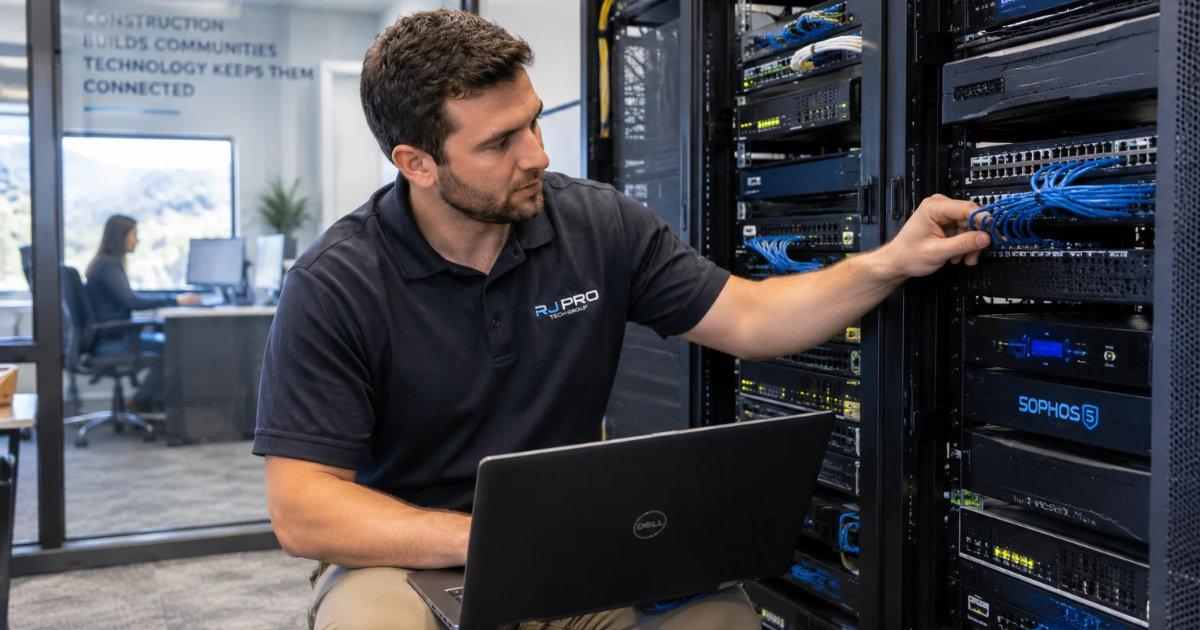
1. An unreliable office network
What we found: Dropped connections interrupted estimating, accounting, and access to shared files.
What we did: We reviewed the cabling, router, and wireless setup and corrected the faults behind the outages. We also added 24/7 monitoring through our network care service, so problems surface before staff notice them.
2. Mixed-age computers
What we found: Machines bought at different times performed very differently, and the oldest slowed estimators who ran several programs at once.
What we did: We repaired and tuned what made sense and built a phased replacement schedule, so a slow computer stopped being an emergency.
3. Weak access from the field
What we found: Our project managers kept running into trouble getting plans, RFIs, and change orders when they were out at remote job sites. Sometimes it worked, sometimes it didn’t, and that kind of hit-or-miss access slows everything down.
What we did: We integrated all of these in Microsoft 365 using cloud file sharing, and now plans, RFI’s, and change orders are in one secure place. We also configured laptops, tablets, and phones to allow for secure access when working in the field, as well as multi-factor authentication, to ensure the team can access the information they need without compromising security.
4. Security based on basic antivirus
What we discovered: Contracts, bids, and financial records were lightly protected.
What we did: Our Cybersecurity Services: Managed Endpoint Protection, email filtering, multi-factor authentication, and staff awareness training.
5. Backups with no recovery plan
What we discovered: Even though copies of files were being made, no one had tried a recovery yet.
What we did: We set up automated cloud and local backups with tested recovery under our backup and disaster recovery service. Employees also gained one help desk to call instead of troubleshooting alone.
Results: A More Reliable Technology Environment
Proactive IT support for construction companies changes how a business runs day to day. This contractor transitioned from a reactive mode to a proactive cycle, resulting in more reliability, security, and support, without all the glitz and glam of new technology.
– Reduced network and computer issues
– The device and network health are clearly visible.
– Reliable access to plans and files from job sites
– More robust bid and contract security, as well as data security for financial information.
– Tested backups and recovery process defined.
– One help desk for every IT question
| Area | Before RJ PRO | After RJ PRO |
| IT support | Reactive, handled by staff | Proactive, with a 24/7 help desk |
| Network | Frequent drops | Reviewed and monitored |
| Field access | Inconsistent | Standardized cloud and mobile access |
| Security | Basic antivirus | Layered protection and training |
| Backups | Untested copies | Tested recovery plan |
The biggest change was not a single product. It was the company’s approach to IT. Leadership could plan replacements and upgrades instead of waiting for equipment to fail, and project managers spent their time on projects.
The Lesson for Valley Springs Construction Companies
Many contractors think about IT only after something breaks, yet estimating, scheduling, document control, and crew communication all depend on it. The practical step is to keep what you already own managed, secured, and supported: computers, field devices, network, cloud accounts, backups, and user access. As our Jackson construction case study reveals, contractors in other communities deal with similar problems.
Frequently Asked Questions
What do IT services for construction companies include?
Typical services are help desk support, network and device management, cloud and Microsoft 365 support, cybersecurity, and backup and disaster recovery, tailored to office and jobsite work.
Can RJ PRO support field devices and construction software?
Yes, we do. We look after laptops, tablets, phones, connectivity, and the wider IT setup around tools like Sage 100 Contractor, Bluebeam Revu, and QuickBooks. If an issue turns out to be specific to one of those apps, we may need to loop in the software vendor too.
Do you provide onsite support in Valley Springs?
Yes. We are based locally, resolve many issues remotely within minutes, and send a technician when hands-on help is needed.
Keep Your Valley Springs Construction Business Moving
Your project managers should be managing projects, and your crews should be building, not chasing Wi-Fi problems. RJ PRO Tech Group provides IT support for construction companies in Valley Springs, Burson, Wallace, and across Calaveras County, including managed IT, cybersecurity, cloud, and backup support.
Explore our IT services for construction companies or see how we support Valley Springs businesses. Then contact RJ PRO Tech Group or call (209) 920-4077 to talk about your company’s IT needs.