- help@rj-pro.net
- Mon–Fri 8am–5pm · 24/7 Help Desk

Cybersecurity Services in Lodi to Protect Your Business From Cyber Threats
Reduce cyber risks, safeguard business information, and help your employees work securely without the cost of building an in-house cybersecurity team.
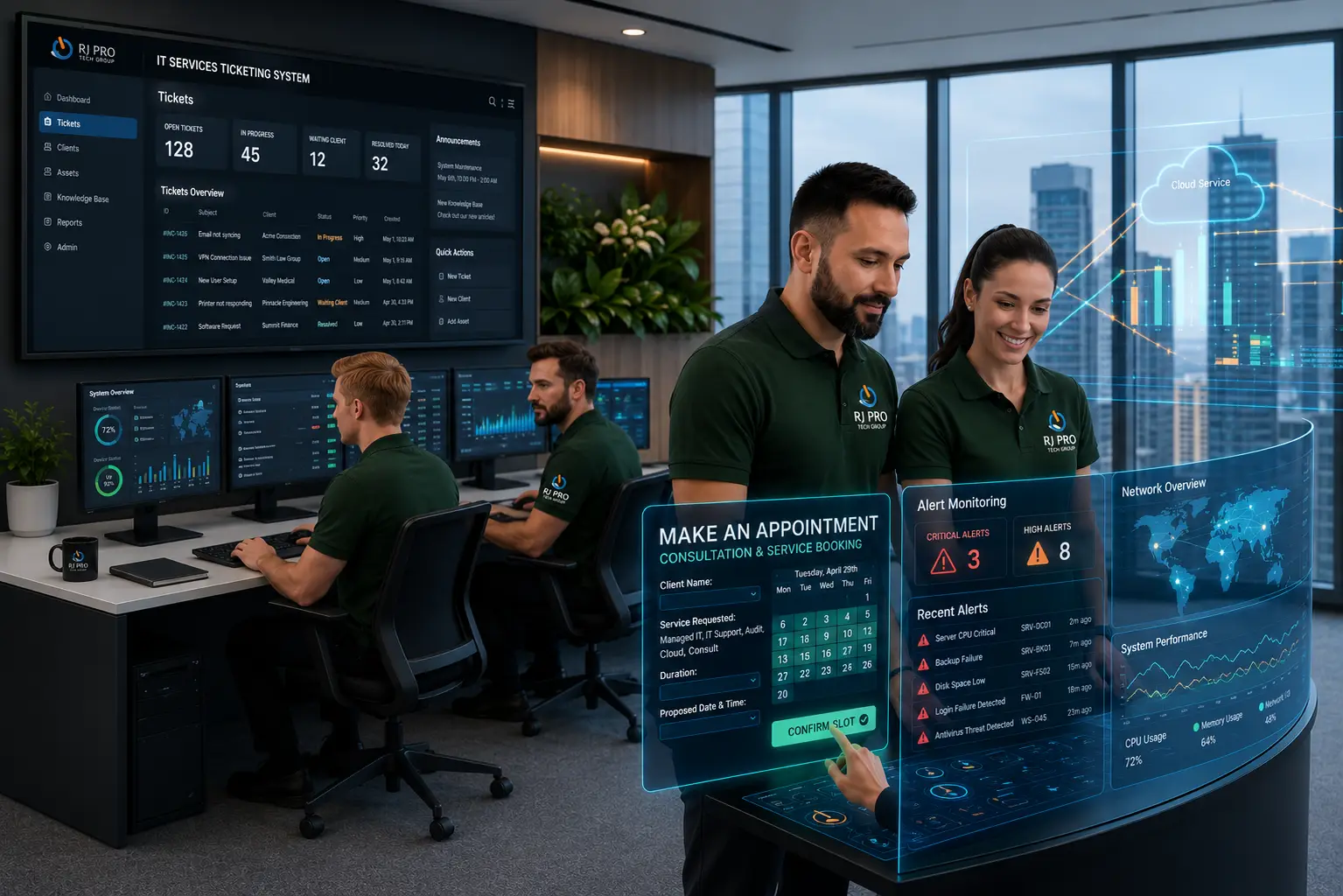
Cybersecurity Services in Lodi help small and midsize businesses address security weaknesses that can lead to data theft, unauthorized account access, and unexpected downtime. A fraudulent email, stolen password, or unprotected computer can expose business information and interrupt essential operations. For companies without dedicated security personnel, managing these risks while running daily operations can be challenging.
RJ PRO Tech Group helps businesses address technology concerns involving system access, network performance, and data protection. Whether you need to review existing security measures or determine which risks require attention first, a practical cybersecurity strategy can help you make informed decisions about protecting your systems, employees, and customers.

Where Cybersecurity Weaknesses Put Lodi Businesses at Risk
A cyberattack does not always begin with a sophisticated technical exploit. Sometimes, an employee receives an email that appears to come from a supplier, enters a password on a fraudulent website, or downloads an attachment that contains malicious software. An attacker who gains access to one account may attempt to reach shared files, business email, financial information, or other connected systems.
For a small business, the consequences can extend beyond the affected computer. Employees may be unable to access documents, customer requests may go unanswered, and managers may need to redirect their attention toward investigating the incident. If important files become unavailable, recovery may involve technical assistance, data restoration, and time-consuming checks to determine what was affected.
Businesses without an internal cybersecurity team may also struggle to decide which security measures deserve attention first. Installing antivirus software is useful, but it does not address every risk. Account permissions, network configuration, software updates, email protection, and backup arrangements all influence how well a business can prevent and manage security incidents.
A practical cybersecurity review should consider:
- Unauthorized access: Identify accounts with excessive permissions, weak authentication, or access that is no longer needed.
- Email-based attacks: Reduce exposure to phishing, malicious attachments, and fraudulent requests involving money or confidential information.
- Device and network weaknesses: Review security settings, supported software, and the protection applied to business computers.
- Data loss: Determine which files are essential, how they are backed up, and whether recovery procedures work.
- Incident preparedness: Establish how employees should report suspicious activity and who is responsible for coordinating a response.
RJ PRO Tech Group can discuss these concerns as part of your broader business IT requirements. The goal is to help you identify practical security priorities rather than relying on a collection of disconnected tools.
Security Measures That Help Protect Your Business Systems
Endpoint Protection for Computers and Laptops
Business computers can be exposed to malicious downloads, infected attachments, and unsafe applications. Endpoint protection helps detect and block known threats on supported devices. Reviewing device security settings and keeping software updated adds another layer of protection for employees who access business systems every day.
Email Security Against Phishing and Fraud
Phishing messages can imitate customers, executives, vendors, and familiar service providers. Email filtering and security controls can help identify suspicious messages, while employee awareness and independent verification help reduce the risk of fraudulent links, credential theft, and unauthorized payment changes.
Account Security and Access Controls
A compromised password can expose email, shared documents, and business applications. Multifactor authentication adds a verification step beyond a password, while role-based permissions help restrict access to information employees do not need. Reviewing access regularly also helps prevent former employees or outdated accounts from retaining unnecessary permissions.
Firewall and Network Protection
Email and collaboration tools help construction teams communicate with clients, suppliers, subcontractors, and internal staff. RJ PRO Tech Group can help troubleshoot relevant Microsoft 365, business email, account access, and collaboration issues that interfere with normal business communication.
Ransomware Risk Reduction
Ransomware can prevent employees from accessing files and applications, potentially disrupting business operations. Risk-reduction measures may include endpoint security, timely patching, restricted permissions, email protection, and protected backups. No single measure can eliminate ransomware risk, so businesses should combine prevention with a plan for recovering affected systems and data.
Software Updates and Vulnerability Management
Unsupported software and missing security patches can leave known weaknesses unresolved. A structured maintenance process helps identify systems requiring updates, prioritize important fixes, and check for compatibility issues. Businesses should understand which devices and applications are covered by their maintenance arrangements.
Data Backup and Disaster Recovery
Accidental deletion, hardware failure, ransomware, or other incidents can make important project records unavailable. A suitable backup and recovery strategy helps businesses protect critical information and plan how to restore data after a disruption. Backup coverage should be reviewed and recovery procedures tested regularly.
Cyber Incident Response Planning
When a security incident occurs, employees need to know whom to notify and what steps to take. An incident response plan establishes reporting contacts, escalation procedures, and responsibilities for handling affected systems. Clear instructions help managers coordinate technical assistance without relying on improvised decisions during a stressful situation.
Build Better Security Habits Before an Incident Occurs
Technology controls are only part of a business security strategy. Everyday practices, documented responsibilities, and regular reviews help make security easier to manage as a company grows.

Review Employee Access Regularly
Check which employees can access business email, financial applications, shared drives, and confidential documents. Remove unnecessary permissions when responsibilities change and disable accounts when they are no longer required. These reviews help reduce the number of accounts and systems exposed if credentials are compromised.

Give Employees a Clear Way to Report Threats
Employees should know how to report suspicious emails, unexpected login alerts, unusual requests, and unfamiliar activity on company devices. Encourage them to report concerns promptly rather than clicking additional links or attempting to investigate a possible attack themselves. A clear reporting process helps the appropriate person assess the situation.

Verify Backup and Recovery Procedures
A successful backup is useful only if the required information can be restored. Test representative files and important systems, review access to backup copies, and document recovery responsibilities. Businesses should also consider whether backups could be affected by the same incident that disrupts their main systems.

Plan Maintenance Around Business Requirements
Security patches and configuration changes need appropriate scheduling, particularly when employees depend on specific applications to serve customers. Identify critical systems, plan updates, and verify that essential applications continue working afterward. A documented maintenance process helps balance security needs with everyday operational requirements.

Prepare for Compromised Accounts
Decide how your business will respond if an employee account is compromised. Procedures may include disabling or securing the affected account, resetting credentials, reviewing recent activity, and checking whether other systems were accessed. The exact response should depend on the incident and the systems involved.

Assign Responsibility for Security Decisions
Employees and managers should understand who handles security concerns, approves changes, and coordinates technical assistance. Keep important contact information and response instructions accessible. If an outside IT provider supports your business, clarify the provider’s responsibilities and which decisions remain with your organization.
Hear What Our Customers Have to Say
Frequently Asked Questions (FAQs)
Most small businesses should evaluate endpoint protection, email security, multifactor authentication, software updates, access controls, and data backups. The right combination depends on the business’s systems, the information it handles, and the risks identified during a security review.
Costs depend on the number of users and devices, the complexity of the network, the services included, and the level of ongoing support. Ask providers for a written scope that explains what is covered, what costs extra, and how additional work is billed.
Yes. Antivirus software can help detect malicious files, but it does not prevent every attack. Phishing, stolen passwords, excessive account permissions, and unpatched software can create other security risks. Businesses should assess their overall security rather than rely on one tool.
IT support addresses technology issues such as computer problems, application access, and network connectivity. Cybersecurity focuses on reducing threats to systems and information, detecting suspicious activity, and preparing for incidents. Some providers offer both, but the exact scope of each service should be confirmed.
Warning signs may include unexpected login notifications, unfamiliar account activity, unusual computer behavior, suspicious email forwarding rules, or files that suddenly become inaccessible. These signs do not always confirm an attack, but they warrant prompt investigation by an appropriate IT or security professional.
Contact your IT or security provider promptly and follow your incident response procedures. Avoid deleting potential evidence or making unplanned changes. Depending on the situation, affected devices or accounts may need to be isolated, credentials secured, and recovery steps coordinated.
Not necessarily. Some small businesses use an external IT or cybersecurity provider rather than hiring a full-time specialist. The appropriate arrangement depends on the business’s risk, internal expertise, technology, and the responsibilities included in the provider’s agreement.
Security controls should be maintained regularly, with formal reviews at appropriate intervals and after significant changes. New employees, software changes, business growth, and suspected incidents can all create reasons to reassess access permissions, security settings, and recovery procedures.
They can reduce risk through measures such as endpoint protection, software patching, account security, email safeguards, and protected backups. However, no provider can guarantee that every attack will be prevented. Recovery testing and incident planning remain important.
You can call (916) 345-3451, email help@rj-pro.net, or schedule a free 15-minute discovery call. Explain your current IT setup, main security concerns, and the s
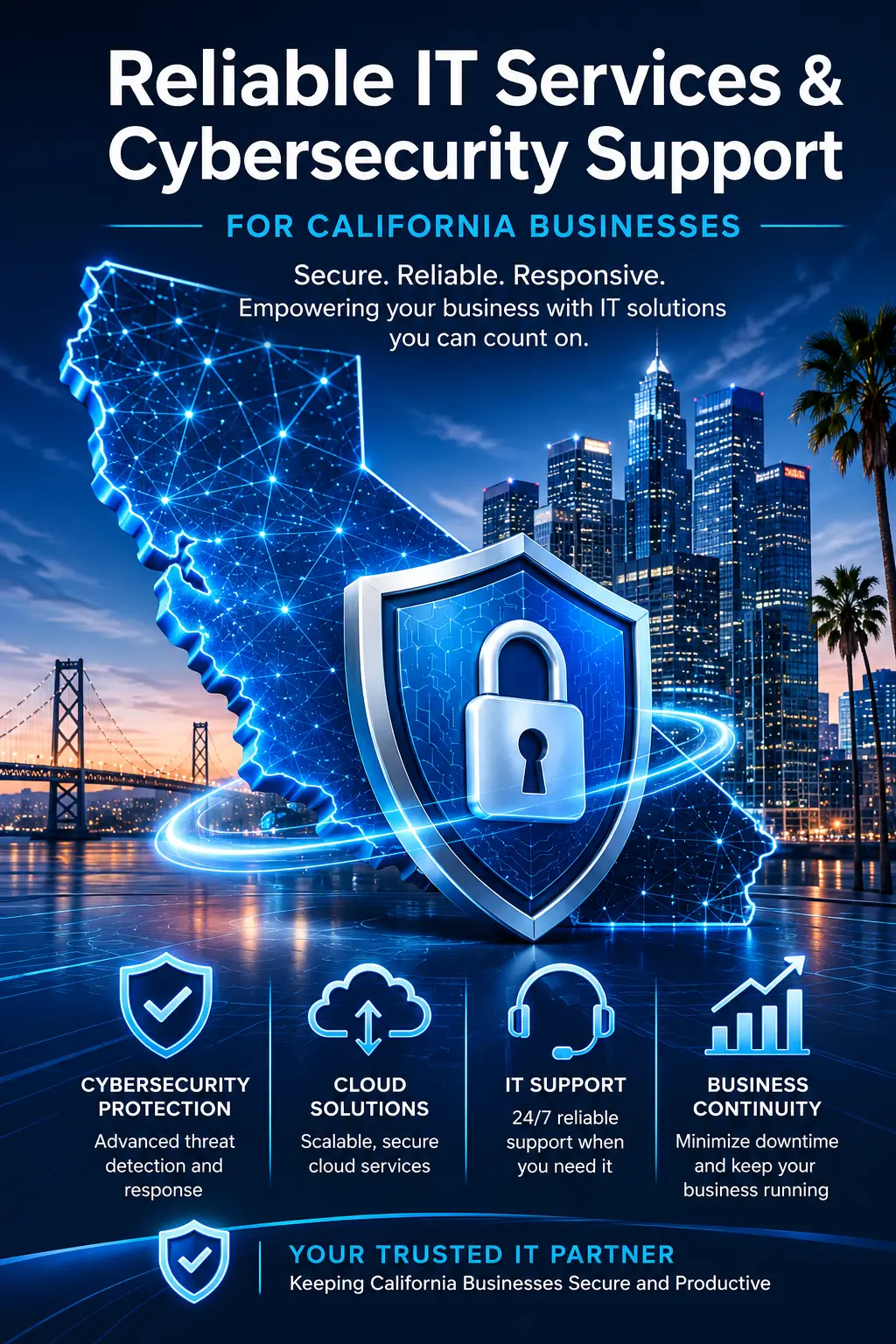
Talk Through Your Business Cybersecurity Priorities
You do not need to wait for a suspicious login, unavailable file, or ransomware warning to assess your security needs. Start by identifying the systems your employees rely on, the information your business cannot afford to lose, and the concerns that need immediate attention. RJ PRO Tech Group can discuss your existing IT environment and help you determine which areas may warrant further review.
Schedule a free 15-minute discovery call to discuss your business’s cybersecurity concerns, current technology, and support requirements. You can use the conversation to explain your priorities and determine the appropriate next steps.
Areas We Service
Proudly serving businesses across Northern California