- help@rj-pro.net
- Mon–Fri 8am–5pm · 24/7 Help Desk

IT Support for Architecture Firms in Stockton
Technology management for architecture practices handling design applications, building plans, project revisions, and client information.
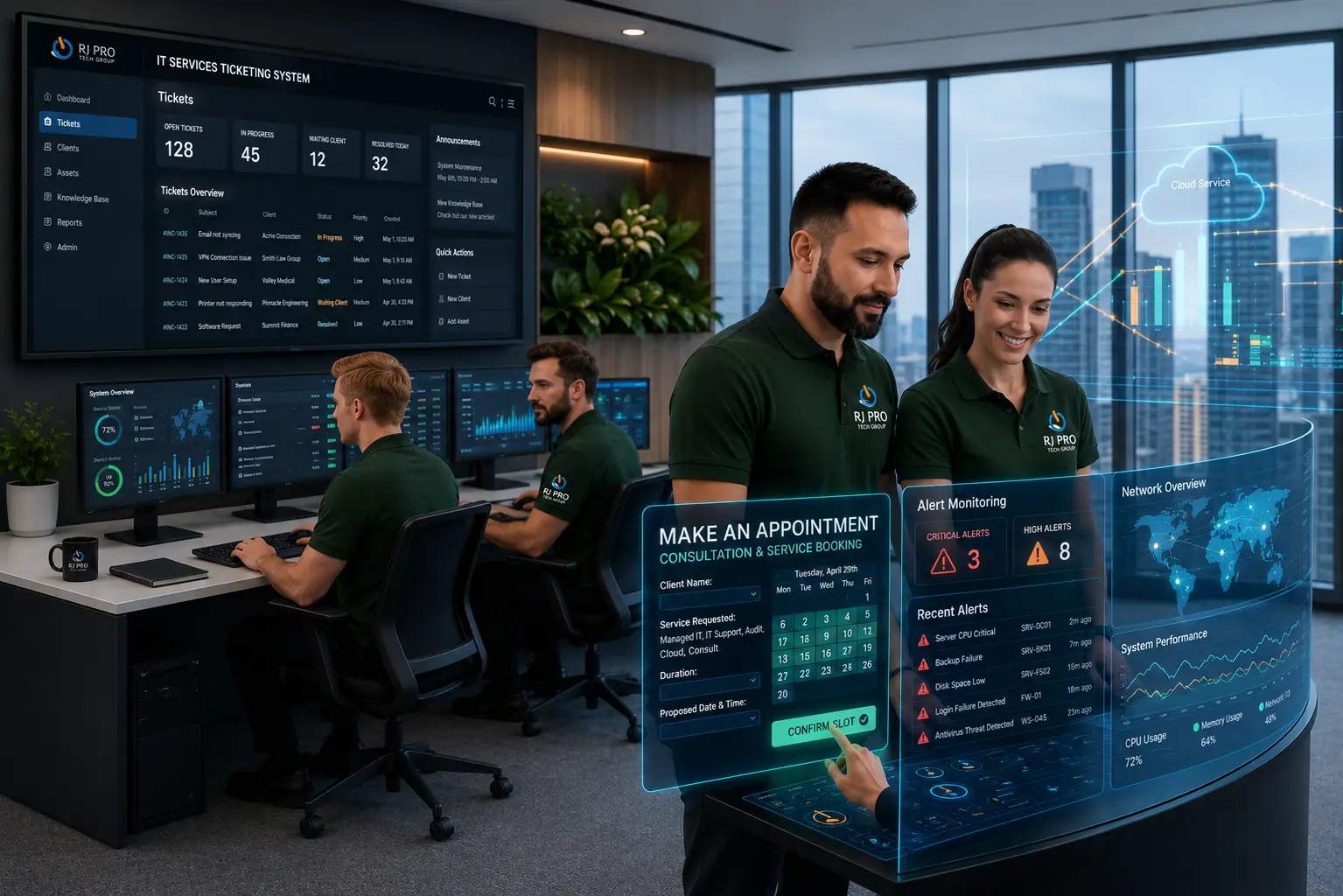
IT Support for Architecture Firms in Stockton helps architecture practices manage the technology behind their design and business operations. From preparing building plans to reviewing drawing revisions and coordinating with consultants, architectural teams depend on computers, business networks, shared storage, and communication tools throughout the project lifecycle. A workstation that struggles with demanding tasks or a missing project document can interrupt a design review, delay a submission, or create confusion between team members. As an architecture practice takes on more projects, managing devices, file access, security, and backups becomes increasingly important.
RJ PRO Tech Group provides business IT support and technology management for Northern California companies, helping architecture practices keep their workplace technology organized and accessible.

The Technology Behind Every Architectural Project Needs Attention
An architecture practice can have talented designers and an organized project schedule, but technology problems can still interrupt the work. Design teams regularly handle building plans, floor layouts, elevations, specifications, client feedback, and revised documents. These files may pass between architects, project coordinators, consultants, and administrative employees before a project is completed.
Consider what happens when an architect prepares for a client presentation but cannot retrieve the latest drawing from a shared folder. Another employee may continue working from an older document because the updated version was not available. If a workstation has limited storage or recurring performance problems, opening and organizing design files can become frustrating. These situations are not always caused by the design application itself; they may involve the computer, network, server, storage, or user access.
There are also business risks to consider. Architecture practices may retain client correspondence, contracts, building documentation, financial records, and other confidential information. Employees who have unnecessary access to shared folders or businesses without tested backups may face avoidable data exposure and recovery problems.
IT support for architectural practices should address these operational requirements:
- Design office computer maintenance: Investigating device performance, hardware issues, storage limitations, and operating system problems.
- Drawing and document accessibility: Managing shared storage, folder permissions, and access to current project information.
- Office technology coordination: Maintaining the network connections and shared resources employees use throughout the day.
- Protection of client information: Reviewing account security, email protection, and access controls.
- Project information recovery: Planning backups and checking whether important business documents can be restored.
For Stockton architecture firms, these areas deserve attention as part of regular technology management.
RJ PRO Tech Group helps businesses manage their IT infrastructure, cybersecurity, and ongoing support requirements.
Technology Services for the Way Architecture Studios Work
Computer and Workstation Maintenance for Architects
Design employees need computers that can handle their everyday workload. Hardware limitations, low storage, outdated operating systems, and recurring device errors can affect how efficiently staff complete their tasks. IT support can investigate these problems, maintain employee workstations, and identify issues that require hardware attention.
Architectural Drawing and Document Access
A project may involve floor plans, elevations, specifications, reference images, and several rounds of revisions. Employees need an organized way to access the documents relevant to their responsibilities. IT support can help manage shared folders, storage access, and user permissions so project information is available to authorized team members.
Business Network and Office Connectivity
Architecture studios use connected computers, printers, servers, and shared resources. A network issue can prevent employees from retrieving documents, sending files, or using office equipment. Network support helps investigate connectivity failures, recurring interruptions, and performance problems affecting the studio's daily operations.
Cybersecurity and Client Information Protection
Architectural practices may hold client contact details, property information, contracts, and confidential project documents. Compromised email accounts and unauthorized access can expose this information. Security measures such as multifactor authentication, endpoint protection, email filtering, and appropriate permissions help reduce common business security risks.
Backup Planning for Architectural Business Records
Losing access to a completed drawing, project specification, or client document can create unnecessary work. A backup plan identifies which files and systems need protection, how frequently copies should be created, and how recovery should take place. Restoration checks help establish whether the process works when important information is needed.
Microsoft 365 for Studio Communication
Architecture teams use email, calendars, meetings, and shared documents to communicate with clients and colleagues. Problems with accounts, permissions, or application settings can interrupt these activities. IT support can assist with Microsoft 365 configuration, business email access, shared documents, and employee accounts.
Technical Assistance for Architects and Office Staff
A locked account, printer issue, email problem, or unavailable business application can take an employee away from project responsibilities. Help desk support gives staff a defined way to report these issues and receive assistance. It also helps the business identify repeated problems affecting multiple employees.
Managed IT Services for Architecture Practices
Managing computers, accounts, networks, security, and backups takes time away from running an architecture business. Managed IT services provide an ongoing arrangement for technology maintenance, monitoring, troubleshooting, and planning. This can help smaller practices manage their IT requirements without maintaining a full internal IT department.
Keeping Design Teams, Project Records, and Office Technology in Sync
An architecture firm's technology requirements can change as projects progress, employees join the practice, and document collections grow. These practical checks can help identify problems before they interrupt design work.

Establish a Clear Process for Drawing Revision
Project teams should know where current drawings and supporting documents are stored. Review shared folder structures, naming conventions, and employee access so staff can identify the appropriate project information. Clear document organization reduces confusion when several people work with related files.

Check Whether Workstations Match Employee Workloads
Not every employee uses a computer in the same way. Architects handling demanding design tasks may have different workstation requirements from administrative staff. Review hardware condition, available storage, and recurring performance issues before deciding whether maintenance or equipment upgrades are needed.

Review Access When Consultants or Employees Change
Architecture practices may work with external consultants, contractors, and temporary project participants. Access should reflect each person’s actual responsibilities. Review permissions when a project ends or someone’s role changes, and remove access that is no longer required.

Keep Client and Project Documents Protected
Contracts, client correspondence, property details, and project records should not be accessible to every user by default. Review account security, folder permissions, and email protection. Employees should also know how to report suspicious messages or unexpected requests for confidential information.

Check Backup Coverage for Active and Completed Projects
Active project files and completed business records both need appropriate protection. Review which folders and systems are included in backups, how often copies are created, and how long information is retained. Test restoration so the firm knows whether important documents can be recovered.

Prepare Office Technology Before Important Presentations
Client presentations, design reviews, and project submissions often depend on accessible files, working computers, printers, and reliable connectivity. Check essential equipment and shared resources before important meetings. Scheduling maintenance outside critical work periods can also help reduce unnecessary interruptions.
Hear What Our Customers Have to Say
Frequently Asked Questions (FAQs)
Common issues include slow design workstations, inaccessible project folders, network interruptions, printer problems, outdated equipment, and difficulty sharing large documents.
Use an approved business file-sharing platform with controlled access rather than relying on unsecured personal accounts or unrestricted links. The right setup depends on file sizes, confidentiality requirements, and how clients need to access documents.
An IT provider can help plan technology requirements for an office move, including network connectivity, workstation setup, business equipment, and access to existing files. Confirm the provider’s specific relocation services before scheduling the move.
Create access based on each consultant’s project responsibilities. Limit permissions to the necessary folders and review or remove access when the engagement ends.
Consider the applications employees use, workstation performance, memory, storage, hardware requirements, and compatibility with existing systems. Specialist design software requirements should be checked before purchasing new equipment.
An IT provider may be able to troubleshoot connectivity, computer access, and network-related printing problems. Confirm support for the specific printer or plotter model before relying on it for specialist equipment issues.
The decision depends on file sizes, collaboration needs, internet connectivity, security requirements, and existing software. Some firms may use a combination of local storage and cloud services.
Review it when the firm adds employees, changes software, takes on larger projects, moves offices, or experiences recurring technical problems. A periodic review can also identify equipment and security gaps.
Prepare an overview of your employee count, computers, servers, business applications, recurring IT problems, and current support arrangements. This helps the provider understand your firm’s requirements.
RJ PRO Tech Group provides business IT support and technology management for Northern California companies. Contact the team to discuss your architecture firm’s requirements and confirm the services available for your office.

Keep Your Architecture Practice Moving With RJ PRO Tech Group
Your architecture practice needs more than computers that turn on. Employees must be able to retrieve project documents, communicate with clients, access shared resources, and use the business technology supporting their work. RJ PRO Tech Group provides IT support, cybersecurity, backup planning, and technology management for businesses in Northern California. Whether your Stockton office needs help with workstation problems, network issues, document access, or ongoing IT maintenance, the right starting point is understanding your current systems and business requirements.
Discuss your architecture firm’s technology needs with RJ PRO Tech Group and arrange a free 15-minute discovery call. Call (209) 400-6102 , email help@rj-pro.net, or schedule your discovery call to discuss IT support for your practice.
Areas We Service
Proudly serving businesses across Northern California