- help@rj-pro.net
- Mon–Fri 8am–5pm · 24/7 Help Desk

Looking for Law Firm IT Services in Valley Springs, CA?
Local IT support for attorneys: privileged files protected, court-day technology working, and every answer in a clear way
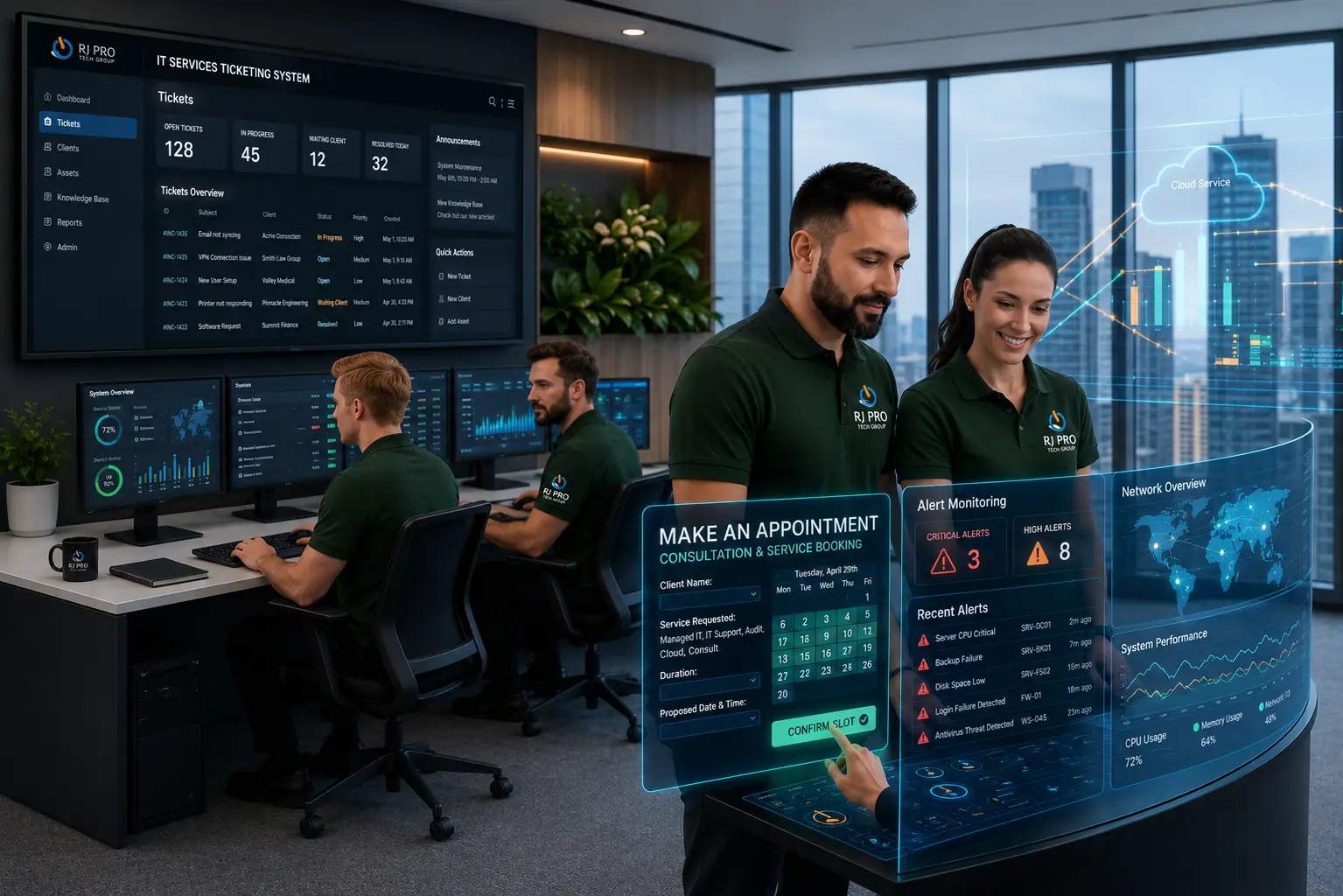
Every file in your office carries a client’s trust. RJ PRO Tech Group provides law firm IT services in Valley Springs, CA, backed by 16+ years of experience. Our IT services for law firms in Valley Springs, CA bring your help desk, security, backups, and legal software together in one monthly plan. Call (209) 920-4077 to get started.

Who Is RJ PRO Tech Group, and What Does Legal IT Support Involve for a Law Firm?
If you’ve never heard of RJ PRO Tech Group, here’s who you’d be working with. We are a managed IT and cybersecurity company headquartered in Valley Springs, supporting more than 1,000 users across construction, engineering, finance, medical, and legal offices. Our technicians bring five to ten or more years of experience, and we explain everything in simple terms. Read more about who we are.
Lawyers know the difference between hourly billing and a retainer, and managed IT works like a retainer. Instead of paying per visit after something breaks, your firm pays a set monthly amount for a team that maintains your systems, answers staff questions, and tests backups. That is how our managed IT services for law firms in Valley Springs, CA work.
A law office is a small information factory. Documents arrive from clients and courts, get drafted, and go out as filings and invoices, touching document management, practice management, and Microsoft 365 along the way. When one piece fails, an attorney sits idle. Our legal IT support in Valley Springs, CA keeps that chain unbroken, even calling your software vendors.
Valley Springs is a Gold Rush era foothill community of roughly 3,800 people and a registered California Historical Landmark. The Calaveras County Superior Court is at 400 Government Center Drive in San Andreas, the county seat, and its clerk’s window closes mid-afternoon, so documents often need to be ready early. We support attorneys across Valley Springs and nearby San Andreas.
To see how this fits with everything else we do, explore our managed IT services for the full picture of how we work, read about IT support in Valley Springs for local businesses, or visit our broader law firm IT page for Northern California for more on how we help attorneys.
How Do Managed IT Services for Law Firms Help in Everyday Situations?
What If You Can’t Open a Client File?
A locked account or a frozen program can stall a whole morning. Call us or submit a ticket online, and a real technician picks it up. We guarantee an emergency response of one hour or less, and many problems are fixed through secure remote access within minutes, so you are back in the file quickly. If it needs hands-on attention, we come to you. Our help desk is open every hour of the year, so it does not matter whether the problem shows up at 7 am or on the Sunday night before trial.
How Do You Handle Emails That Look Almost Right?
A message that seems to come from a client, a title company, or opposing counsel is how many attacks begin. Email security filters out much of it before it reaches your inbox, and our security awareness training teaches your team to pause on whatever gets through. We also run dark web scans to see whether your firm’s login details have turned up where they shouldn’t. See how our cybersecurity services work together.
What Happens If Your Files Are Lost or Locked?
Drives fail, files get deleted by mistake, and ransomware can lock documents overnight. We keep a backup appliance in your office for fast restores and a second, encrypted copy stored off-site, and we check on your backups regularly, because a copy that has never been tested is only a hope. If the worst happens, you get your files back instead of rebuilding them from scratch. Learn about our backup and disaster recovery service.
How Do You Prepare IT for a New Associate?
A new attorney, a second office, or a switch to a different case management system involves a lot of moving parts: accounts, devices, permissions, and software. Our strategic IT consulting helps you plan the change ahead of time and compare your options, and we work with your vendors so the change goes smoothly instead of creating a week of confusion.
How Do You Reach Your Files From the Courthouse?
When the day begins at the courthouse, your case files, email, and calendar still need to be within reach. We set up access that works from the courtroom hallway, from home, or from a client’s office, using encrypted connections and multi-factor sign-in so that a stolen password alone cannot open the door. We also manage the firewall and office network behind it, so the connection holds at both ends. It all rests on a well-run network.
How Do You Prove Your Security to Clients?
Corporate clients increasingly send questionnaires asking exactly how a firm protects their data. We help you have real answers: multi-factor authentication switched on, backups that are encrypted and checked, email security in place, access limited to the people who need it, and written security policies. We also run a security risk assessment, so the paperwork you hand a client matches what is actually happening in your office.
Who Handles Software Updates for Your Firm?
Attackers often get in through programs that were simply out of date, such as a PDF reader, a browser, or a billing application. We manage security updates for your operating systems and the third-party software your firm uses, so patches are applied without your attorneys having to stop work and click “update” at the wrong moment.
Who Watches Your Systems Overnight?
Some of the best IT work is the kind nobody notices. While your office is dark, our monitoring team keeps watch over your computers, servers, and network, and a technician steps in if something needs attention, so you walk into a working office in the morning. Learn more about what makes RJ PRO different.
Which IT Services for Law Firms in Valley Springs, CA Does RJ PRO Provide?
A family law practice, an estate planning office, and a small business litigator all work differently, so we shape your plan around the way your firm actually operates. These are the six areas we most often build around.

Need Help With Your Case and Billing Software?
We support the platforms attorneys rely on, including Clio, MyCase, PracticePanther, NetDocuments, Worldox, Time Matters, and Westlaw. That means keeping them updated, fixing the computers and connections they run on, and calling the vendor ourselves when a problem is on their side, so your staff is not caught between two help desks. Read More
Can Attorneys Work Securely Off-Site?
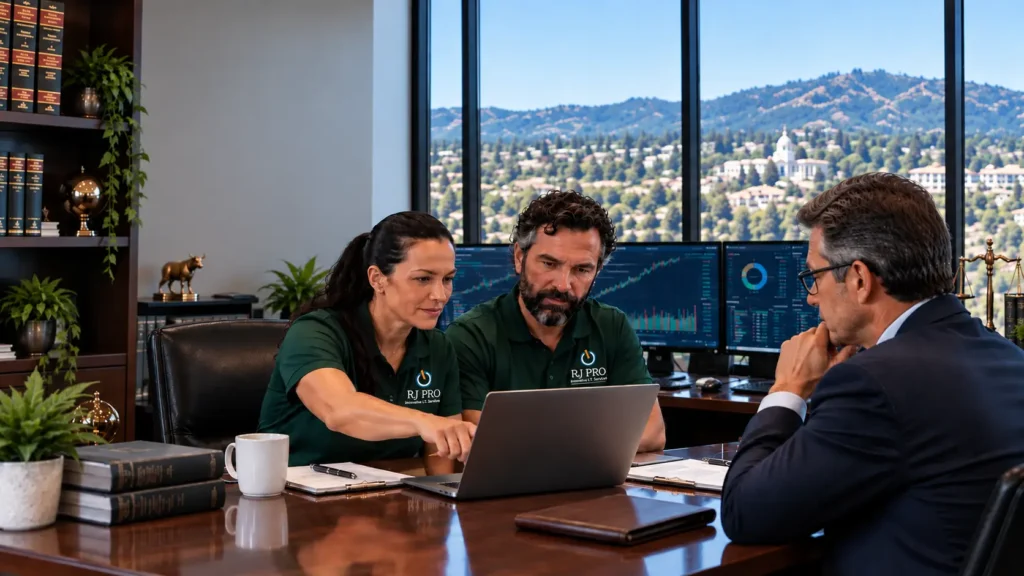
Your attorneys get dependable access to documents, email, and calendars wherever they work, protected by multi-factor sign-in and encrypted connections. We also manage your firewall and office network and keep an eye on connection performance, so remote access is not the weak point in your security. Read More
Is Your Firm’s Email Safe From Phishing?
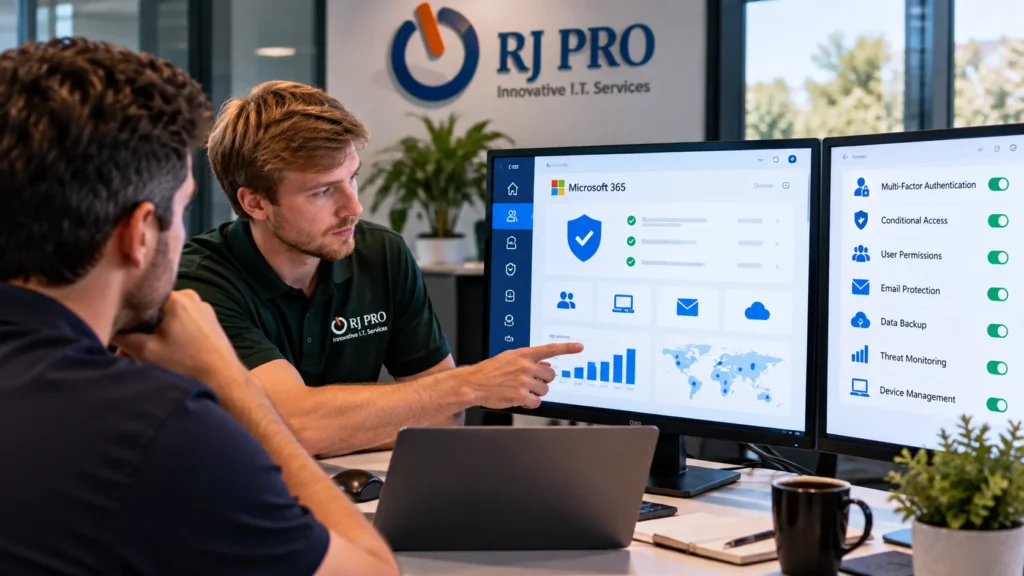
Email is where most privileged communication happens, and also where most attacks begin. We manage Microsoft 365 for your firm, support tools such as DocuSign, Adobe Acrobat Pro, and QuickBooks, and add email security and staff training to keep phishing away from your attorneys and staff. Read More

How Secure Is Your Firm Today?
We start with a risk assessment of how your firm protects information today, then close the gaps with managed detection and response, endpoint protection, vulnerability scanning, access rules, and written security policies. Your team also gets security training, and you end up with documentation you can show a client who asks how their data is protected. Read More

Could Your Firm Recover Its Files Quickly?
A backup appliance in your office restores files fast, while an encrypted copy off-site protects you if the whole office is affected. We test the backups, plan how your firm would continue working during an outage, and keep recovery steps ready for a failed server, an accidental deletion, or a ransomware attack. Read More

Are Slow Computers Holding Your Staff Back?
From attorney laptops to the front-desk computer and the server in the back room, we apply updates, watch for failing hardware, and fix small problems before they slow your staff down. Our Desktop Care and Server Care services cover all of it. Read More
Hear What Our Customers Have to Say
What Do Law Firms Ask About Legal IT Support in Valley Springs, CA?
Look for six things. First, real familiarity with legal software such as practice and document management tools, so the provider is not learning on your time. Second, confidentiality controls like access management and encryption. Third, a fast, human response when a deadline is close, ideally with a written response commitment. Fourth, backups that are tested, not just scheduled. Fifth, clear communication. Sixth, a local team that can come to you when needed. That is the standard we hold ourselves to, and you can see how we compare on our Our Difference page.
Usually, yes. The platform’s provider looks after its own servers, but your laptops, logins, email, Wi-Fi, and the way your people connect are still yours to protect, and those are common ways in for attackers. We keep those pieces secure and working, and we deal with the software vendor when something goes wrong. Our managed IT services cover that whole layer.
Yes. We set up secure remote access to your case files, email, and calendars, protected by multi-factor authentication and encrypted connections. An attorney can prepare in the office, work from the courthouse, and finish up at home without leaving files exposed, and our help desk is there if a connection acts up along the way. Because the clerk’s window at the courthouse closes in mid-afternoon, having reliable access before you leave the office matters more than most people expect.
A good rule is more than one copy, in more than one place, with at least one stored away from your office. A single copy on a single computer, or backups kept in the same room as the originals, can be lost together. We combine a local backup appliance for quick restores with encrypted off-site storage, and we check that the copies can actually be restored. Learn more about our backup and disaster recovery service.
We set up access controls so each person sees only what their role requires, and we turn on audit logging so there is a record of who opened what. Combined with multi-factor authentication and encryption, that helps protect privileged matters from both outside attackers and accidental exposure inside the office. It also gives you a clear answer if a client ever asks who has had access to their file.
Call us or submit a ticket. A real technician picks it up, and we guarantee an emergency response of one hour or less. We begin troubleshooting through secure remote access when we can, and if the problem needs hands-on attention, we can send a technician from our Valley Springs office. If it helps, keep our number, (209) 920-4077, saved in your phone before you need it. You can also contact us any time.
Contact us right away, and avoid deleting anything or trying to fix it yourself. Our team works to investigate what happened, contain it, and remediate it before it spreads, and we help you decide whether passwords need to be changed. Reporting quickly makes a big difference, which is why we also train your staff to recognize these messages. See our cybersecurity team.
Most of the work is invisible by design. We watch your systems around the clock, apply security updates to your computers and software, review security alerts, check that your backups can be restored, answer help desk requests from your staff, and talk to your software vendors when something needs fixing. We also help you plan for changes such as new hires or new software. You get a predictable monthly cost, and your attorneys keep working.

Ready to Protect the Practice You’ve Built?
Your clients chose you because they trust your judgment, and the technology behind your firm should deserve that same trust. If you are looking for law firm IT services in Valley Springs, CA that you can rely on, we would be glad to start with a conversation.
On our first 15-minute call, we ask where your client files live, who needs access, and which software you depend on. If we are a good fit, we review your setup, explain what we find in clear terms, and give you a written plan. We then put it in place and manage it, backed by our 100% satisfaction guarantee. Whether you want complete managed IT services for law firms in Valley Springs, CA, or simply have questions, you are welcome to call.
Prefer to read first? Download our free Cybersecurity Survival Guide, then call (209) 920-4077 or book your free consultation online.
Areas We Service
Proudly serving businesses across Northern California