

Medical & Dental IT Support in Lodi, CA for Connected Practice Operations
Specialized Technology Support for Medical Offices, Dental Clinics, and Growing Healthcare Practices
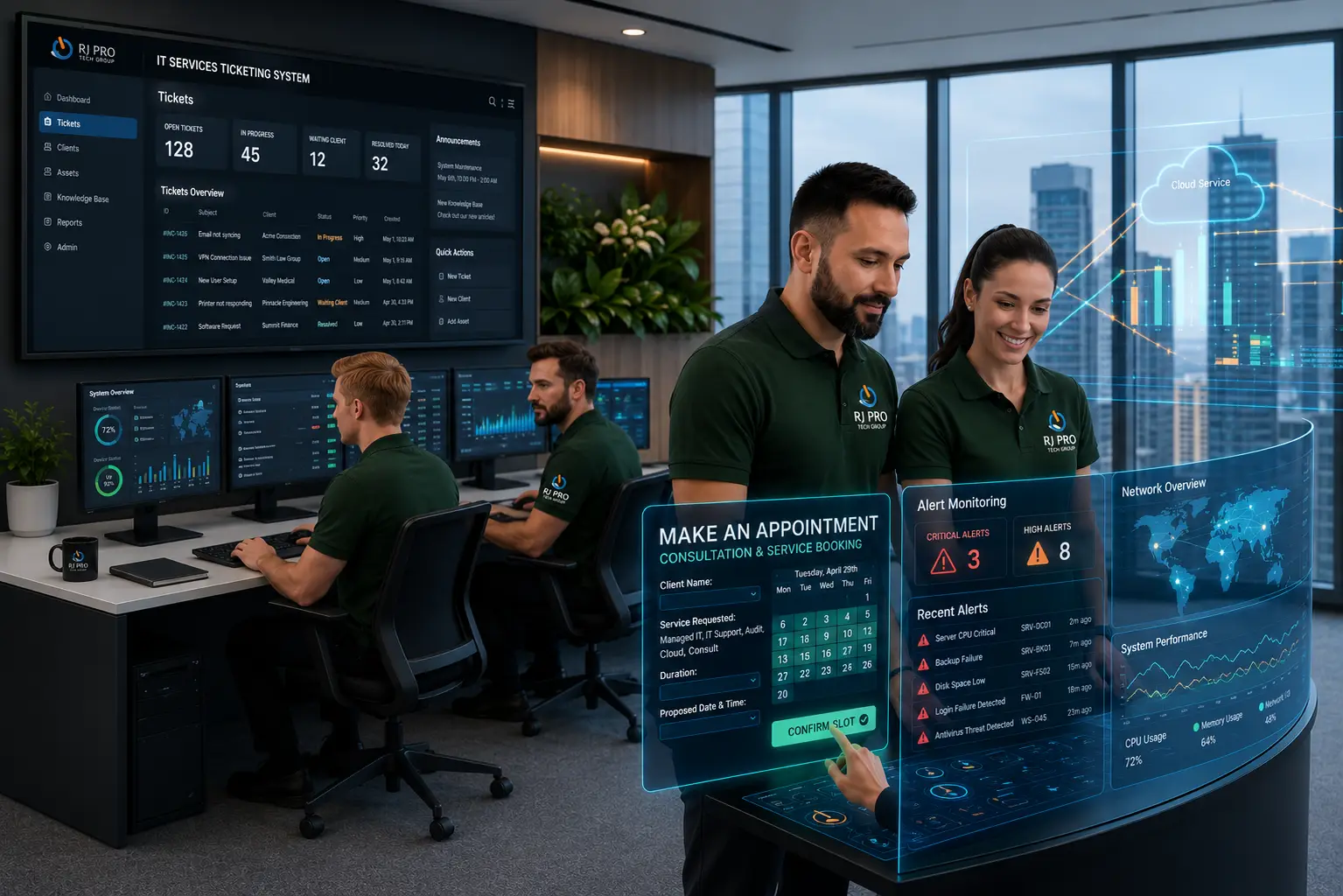
A medical or dental practice can have working computers and a functioning internet connection yet still experience a serious technology disruption. A patient record may open at reception but fail to load in an exam room. A dental imaging workstation may lose access to stored images, or a billing application may stop communicating with another system. These problems often involve the connections between technologies rather than one isolated device.
RJ PRO Tech Group helps businesses across Northern California manage the IT infrastructure behind their daily operations. Our medical IT support in Lodi and dental IT support in Lodi focus on understanding how workstations, networks, servers, software, and data protection systems interact within a practice.
From troubleshooting clinical technology to reviewing account access and recovery procedures, we help practices identify technical issues and plan practical improvements. Our goal is to support dependable day-to-day operations while helping healthcare teams make informed decisions about their technology.

When One IT Problem Disrupts the Entire Practice
A medical or dental office rarely relies on just one computer or application. The front desk may use scheduling and billing software, providers may need access to clinical records, and dental teams may depend on imaging applications connected to specific workstations or storage systems.
When one part of this environment stops working, the source is not always obvious. A computer may turn on normally while an application cannot reach its database. Internet access may work while employees cannot connect to a shared server. A file may be backed up without a clear process for restoring it when needed.
This is why medical and dental IT support in Lodi should look beyond individual devices and consider the connections between systems.
What a More Effective Troubleshooting Process Looks Like
- Application access: Determine whether the issue affects one application, one user, or several employees.
- Network connectivity: Check whether workstations can communicate with the resources they need.
- Device performance: Investigate slow computers, outdated equipment, and recurring workstation problems.
- User permissions: Review whether staff have appropriate access to systems and shared files.
- Data protection: Evaluate backup coverage and understand how critical information would be recovered.
- Recent changes: Consider whether updates, new equipment, or configuration changes may be related to the issue.
A structured approach helps distinguish a local device problem from an issue involving shared infrastructure. It can also help prevent repeated troubleshooting that addresses the visible symptom without investigating its cause.
For practices in Lodi, the goal is practical: support the technology behind scheduling, documentation, imaging, billing, and communication so staff can concentrate on their responsibilities rather than recurring IT problems.
8 IT Problems Medical and Dental Practices Should Not Ignore
Patient Records Are Available at One Workstation but Not Another
If an employee can access a record while another cannot, the problem may involve account permissions, application settings, connectivity, or a shared resource. Reviewing the affected users and systems helps narrow the cause without making unnecessary changes to sensitive information.
Dental Imaging Software Cannot Retrieve Saved Images
A digital image may be captured successfully but remain unavailable to another workstation. Network connectivity, storage access, application configuration, or server availability may be contributing factors. Troubleshooting should examine the connection between image capture, storage, and retrieval.
Multiple Computers Become Slow at the Same Time
When several workstations experience delays simultaneously, the cause may involve shared infrastructure rather than individual computers. Network performance, server resources, and application dependencies should be reviewed before deciding whether hardware replacement is necessary.
New Employees Need Access to Multiple Applications
Onboarding may require access to email, scheduling, practice management software, shared files, and other business systems. A consistent setup process helps ensure employees receive the appropriate access while avoiding unnecessary permissions.
Backups Run, but Recovery Has Never Been Checked
A successful backup notification does not necessarily confirm that critical information can be restored as expected. Reviewing backup coverage, monitoring failures, and testing restoration procedures helps identify potential gaps before an emergency occurs.
Software Updates Affect Daily Workflows
An update can change application behavior, device compatibility, or system configuration. Documenting when the problem began and identifying affected workstations can help determine whether the update is related to the disruption.
The Internet Works, but an Essential Application Does Not
Employees may be able to browse websites while still being unable to access a cloud application, shared drive, or internal resource. Authentication, DNS, application availability, and local configuration are among the areas that may require investigation.
The Same Login, Printer, or Connection Problem Keeps Returning
Recurring technical issues may indicate an underlying configuration problem, inconsistent permissions, outdated software, or another unresolved cause. Reviewing previous incidents can reveal patterns and help determine whether a more lasting correction is needed.
IT Support for Different Types of Lodi Healthcare Practices
The right IT support depends on your practice's applications, devices, staff, and day-to-day workflows.

Medical Offices and Physician Groups
Medical offices may rely on electronic health records, scheduling software, billing applications, and shared workstations.
– Workstation and application troubleshooting
-Network and server support
-Account access reviews

Dental Clinics and Orthodontic Practices
Dental clinics may use digital imaging, treatment-room computers, practice management systems, and connected equipment.
– Imaging workstation connectivity checks
-Dental software environment troubleshooting
-Network and recovery planning

Multi-Provider Practices
Practices with multiple providers may need consistent workstation configurations, user permissions, and shared system access.
-Staff onboarding and access planning
-Workstation setup
-Infrastructure capacity reviews

Practices Using Cloud Applications
Cloud-based systems depend on secure accounts, reliable connectivity, and compatible devices.
-Microsoft 365 and supported account assistance
-Authentication troubleshooting
-Cloud application connectivity checks

Practices With Aging Technology
Older workstations and servers may experience performance problems or compatibility limitations.
-Device performance assessments
-Software support reviews
-Technology replacement planning

Practices Reviewing Data Protection
Practices should understand how important business information is protected and how recovery procedures would be handled.
-Backup coverage reviews
-Access and security-setting checks
-Recovery readiness planning
Hear What Our Customers Have to Say
Frequently Asked Questions (FAQs)
Backup creates copies of information so it can be restored after loss or corruption. Disaster recovery is the broader process of restoring data, applications, systems, and business operations following a disruptive incident.
IT support can investigate workstation, network, and connectivity issues affecting dental imaging systems.
IT support can help with access controls, multifactor authentication, security updates, and backup planning.
Support depends on the software and issue. Specialized problems may require assistance from the software vendor.
IT support can investigate connectivity and infrastructure problems and help identify appropriate recovery steps.
No. IT support can help implement technical safeguards, but HIPAA compliance involves broader responsibilities.
Managed IT services may help practices that need ongoing maintenance, monitoring, security, and troubleshooting.
Response times depend on the provider’s service agreement and the severity of the issue.
Yes, IT support may include workstation setup, network configuration, user accounts, and application access, depending on the agreed service scope.
Ongoing maintenance may include system updates, workstation checks, troubleshooting, and technology planning, depending on the service agreement.

Keep Your Medical or Dental Practice Running Without IT Disruptions
When technology problems affect patient scheduling, dental imaging, or access to essential applications, getting the right IT support matters. RJ PRO Tech Group can discuss your practice’s current technology, recurring issues, and support requirements.
Looking for medical or dental IT support in Lodi, CA? Schedule a free 15-minute discovery call to discuss your needs and explore the next steps.
Areas We Service
Proudly serving businesses across Northern California