- help@rj-pro.net
- Mon–Fri 8am–5pm · 24/7 Help Desk

Server Support in Lodi: Keep Business Systems Running Without Unnecessary Delays
Keep business files accessible, resolve server issues, and maintain the systems your employees need to get their work done.
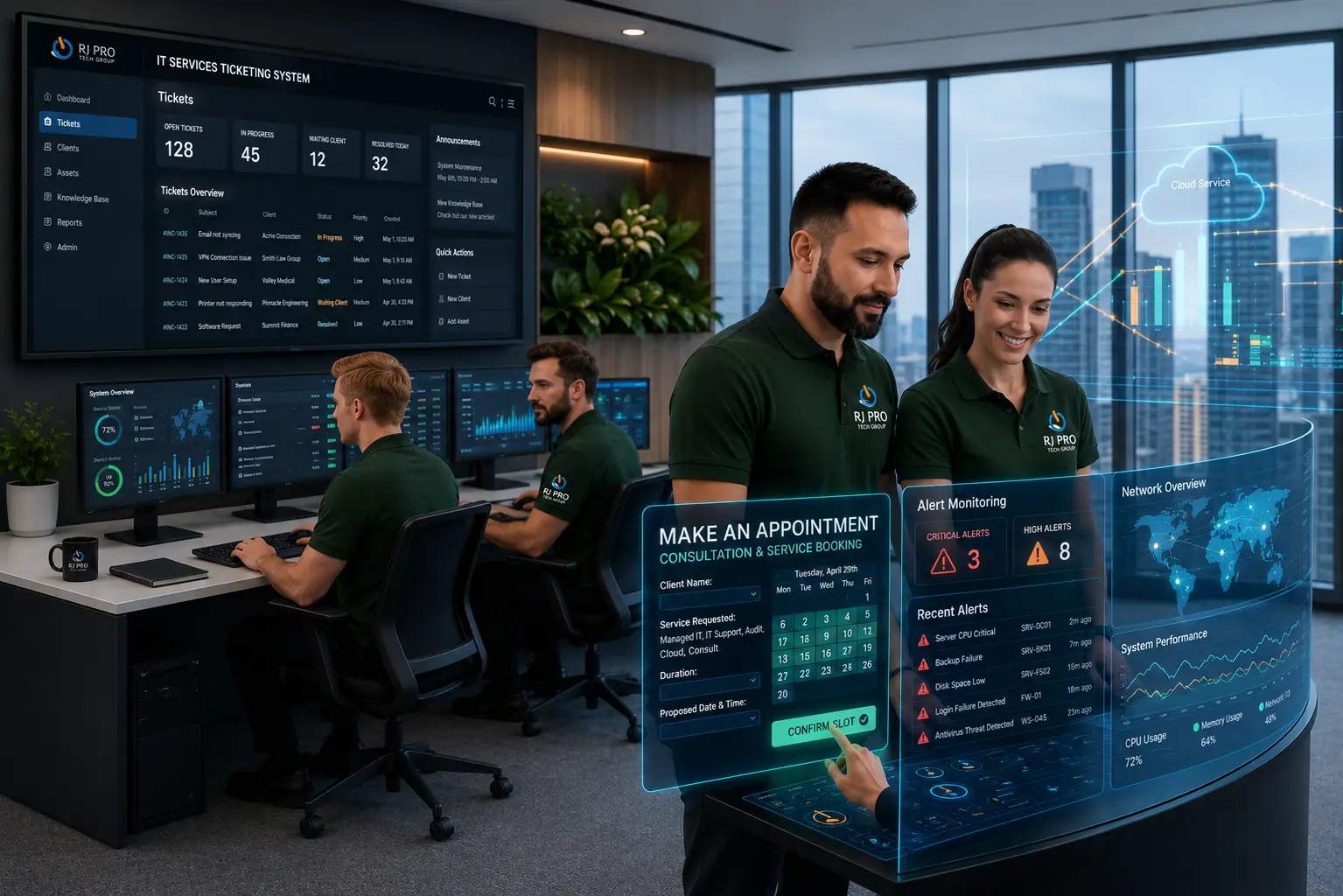
A server rarely gets attention when everything is working. The problem becomes obvious when your team cannot open a shared file, an application takes several minutes to respond, or an important task stops because a system is unavailable. These interruptions can create a chain reaction across your business, leaving employees waiting and customers waiting longer. Server support in Lodi, CA, helps businesses investigate these technical bottlenecks, maintain critical infrastructure, and plan for problems before they disrupt more work.
RJ PRO Tech Group brings business IT experience dating back to 2011, helping organizations manage technology challenges with support suited to their operating needs. The focus is not simply getting a server running again; it is understanding what your business depends on and what needs attention next.

Server Support That Connects Your Business Systems, Employees, and Daily Work
A server issue can be more complicated than a machine that stops responding. Employees might be able to sign in but unable to open shared folders. A business application may work for one person and fail for another. Storage may fill gradually, or a service may stop unexpectedly without an obvious explanation.
These situations call for more than a quick restart. Businesses need to understand which systems are affected, what changed before the issue appeared, and whether the same problem could return. That is where structured IT services and server troubleshooting can make a difference.
RJ PRO Tech Group helps businesses address technology problems and evaluate the support their infrastructure requires. Depending on the environment and service agreement, server support may involve performance checks, maintenance planning, access troubleshooting, update coordination, and recovery preparation.
For businesses that need broader oversight, managed IT services in Lodi can also help bring server maintenance into a more organized technology plan. Instead of handling every issue separately, businesses can review recurring problems, aging equipment, support requirements, and technology priorities together.
This approach is particularly useful for small and midsize organizations without a dedicated server administrator. It gives business owners a clearer picture of where technical problems originate, which risks deserve attention, and when an upgrade or change may be worth considering.
RJ PRO Tech Group supports businesses across Northern California with IT management and technology support. The right starting point is a review of your current systems, the applications your employees depend on, and the interruptions you want to reduce.
Server Management Services Built Around the Issues Businesses Need to Solve
Server Performance Analysis and Monitoring
When a server slows down, the cause may involve limited memory, high processor usage, growing storage demands, or a service that is not functioning as expected. Reviewing performance data and monitoring relevant alerts helps identify patterns that may otherwise go unnoticed until employees report a problem.
Server Error Investigation and Troubleshooting
Repeated restarts and temporary workarounds do not always resolve the underlying cause of a server issue. Troubleshooting examines symptoms, recent changes, service status, and available logs to help determine what is affecting business operations and which corrective steps are appropriate.
Server Updates and Maintenance Planning
Server updates can affect applications, integrations, and employee access if they are not planned carefully. Maintenance planning considers compatibility, security requirements, timing, and recovery options. Relevant services should be checked after changes so that problems are identified before employees encounter them during normal work.
Shared Folders, Permissions, and Application Access
When employees cannot reach shared documents or server-hosted applications, the problem may involve account permissions, connectivity, or a service that has stopped responding. Support can investigate these dependencies and help restore appropriate access without giving employees unnecessary privileges.
Backup Verification and Recovery Readiness
A backup is useful only if the required information can be recovered when needed. Businesses should understand which systems are covered, how long copies are retained, and how restoration would work after a failure. RJ PRO Tech Group's Backup and Disaster Recovery services are relevant to businesses reviewing their recovery requirements.
Server Storage and Capacity Planning
As records, applications, and system logs grow, available server storage can become a limiting factor. Reviewing usage trends helps businesses identify whether they need to clear unnecessary data, expand storage, or plan a larger infrastructure change before capacity problems affect everyday work.
Server Hardware Assessment and Upgrade Planning
Recurring hardware warnings, unsupported operating systems, and difficulty obtaining replacement components can signal that a server needs closer evaluation. Reviewing equipment condition and application requirements helps businesses compare continued maintenance with an upgrade, replacement, or migration to another environment.
Managed Server Support for Growing Businesses
When internal employees already have full workloads, server administration can become another responsibility competing for their time. A defined support arrangement can help organize maintenance, troubleshooting, and monitoring responsibilities. Businesses can discuss their needs with RJ PRO Tech Group and determine which services fit their environment.
Server Decisions Worth Making Before the Next Business Interruption

Identify Which Systems Your Employees Need First
List the applications, shared folders, and services that employees cannot work without. Identify which departments depend on each system and what happens if access is lost. This information helps establish sensible priorities for troubleshooting, recovery, and future technology investments.

Investigate Problems That Keep Returning
If the same server error appears every week, record when it happens, which users are affected, and what work is interrupted. Recurring symptoms may indicate a deeper configuration, capacity, or compatibility issue. A clear history gives IT support useful evidence to investigate.

Set Clear Recovery Expectations
Decide how much data your business could afford to lose and how long essential operations could remain unavailable. These requirements help guide backup frequency, recovery planning, and decisions about which systems need priority attention after an incident.

Review Server Access When Responsibilities Change
Employee roles change, contractors finish assignments, and administrators may no longer need the same permissions. Review accounts and privileged access regularly, remove unnecessary permissions, and make account changes part of the employee onboarding and departure process.

Check Whether Existing Hardware Still Meets Business Needs
A server that supported five employees several years ago may not suit a larger team or more demanding applications today. Review performance, storage growth, software compatibility, and vendor support status before deciding whether to maintain, upgrade, or replace the equipment.

Put Server Responsibilities Into Your IT Plan
Decide who reviews alerts, schedules maintenance, checks backups, and responds when a server becomes unavailable. If those responsibilities are unclear, consider discussing managed IT services with RJ PRO Tech Group to determine whether additional support would help your business manage these tasks.
Hear What Our Customers Have to Say
Frequently Asked Questions (FAQs)
Internet access and access to internal servers rely on different services and connections. The issue may involve network routing, permissions, server services, or remote access configuration. Checking the affected users and resources can help narrow down the cause.
Describe the error message, when the issue started, which employees or applications are affected, and whether anything changed recently. Include any steps already attempted. This information helps the support team investigate the issue more efficiently.
Not necessarily. Slow performance can result from limited resources, storage pressure, software issues, or configuration problems. An assessment can help determine whether maintenance, additional capacity, hardware upgrades, or replacement is the most appropriate option.
The impact depends on which services the server hosts. Employees may lose access to shared files, applications, authentication, or other resources. Recovery priorities should be based on business needs and documented before an outage occurs.
In many cases, yes, provided the existing system remains supportable and its risks are understood. A transition plan should consider data migration, application compatibility, employee access, backup verification, and an appropriate schedule for the change.
Review which systems and data are included, how often backups run, how long copies are retained, and whether restoration has been tested. Your recovery requirements should reflect how much data loss and downtime your business can reasonably tolerate.
Not always. Some software, configuration, and performance issues can be investigated remotely when secure access is available. Hardware faults, physical damage, or certain infrastructure problems may require onsite attention. The appropriate approach depends on the symptoms and environment.
A business can assign responsibility to an internal employee with appropriate expertise or work with an external IT provider. The important part is having a documented process for compatibility checks, maintenance timing, recovery preparation, and post-update verification.
Yes. The number of servers alone does not determine the level of support a business needs. A single server may host applications or files that many employees depend on, making maintenance, access management, and recovery planning important.
Start by describing your current server setup, recurring problems, business applications, and any backup or recovery concerns. RJ PRO Tech Group can discuss your requirements and the relevant support options during a free 15-minute discovery call.

Server Support for Lodi Businesses With Important Systems to Maintain
Every business uses its server environment differently. A company that mainly stores shared documents may have different priorities from a firm running specialized applications or managing large volumes of business records. Effective support starts with understanding how the systems are used and which disruptions would affect operations most.
RJ PRO Tech Group helps businesses assess IT support needs, address technical problems, and plan ongoing maintenance. For companies looking at broader technology management, explore IT Support & Services or visit the Lodi IT support page.
Discuss your server support requirements. Schedule a free 15-minute discovery call to discuss your current setup, recurring server problems, and the type of support your business may need.
Areas We Service
Proudly serving businesses across Northern California