

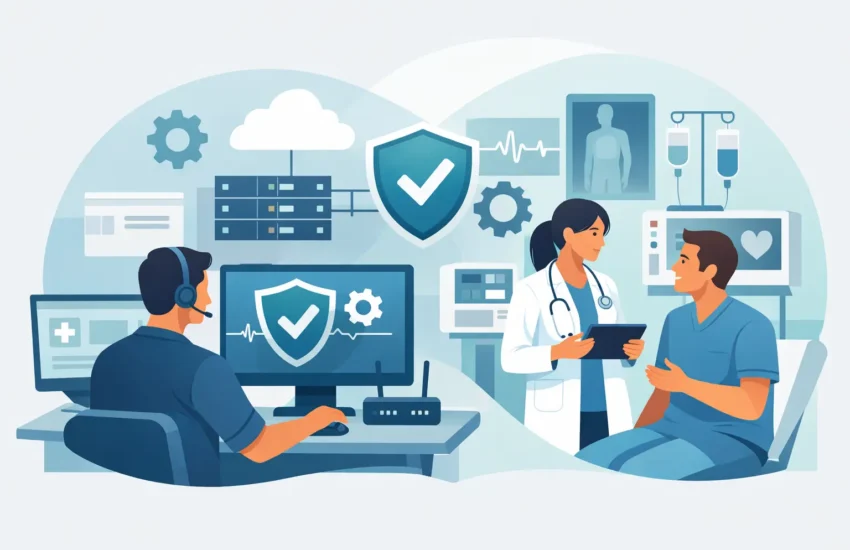
A front-desk workstation freezing at check-in is not a minor inconvenience. It can delay appointments, frustrate patients, interrupt billing, and force staff to write down sensitive information on paper. Effective IT support for medical offices keeps these disruptions from becoming routine by managing technology before it interferes with patient care.
For a medical practice, technology is tied directly to the patient experience and the day’s revenue. Your electronic health record system, scheduling platform, imaging tools, phones, internet connection, payment processing, and secure communications all need to work together. When they do not, the clinical team loses time that should be spent with patients.
Why Medical Office Technology Needs a Different Standard
Many small practices start with break/fix IT help. Something fails, someone calls a technician, and the practice receives a bill after the problem is repaired. That approach may appear less expensive when issues are rare. But medical offices cannot afford to wait for a major failure to discover that a server is running out of space, a backup has not completed, or an employee account has been compromised.
A proactive support model focuses on preventing those failures. It combines ongoing monitoring, regular maintenance, security management, backup verification, and responsive help when staff need it. The result is less downtime, clearer planning, and fewer surprise technology expenses.
Healthcare also raises the stakes around privacy. Patient information is valuable to cybercriminals, and a single phishing email can create a serious operational and compliance issue. Technology support for a medical office should account for the administrative, technical, and physical safeguards that help protect electronic protected health information. No IT provider can make a practice automatically compliant, because compliance also depends on policies, training, and internal processes. However, the right partner can provide the systems and guidance that make those responsibilities manageable.
The Problems That Quietly Cost Practices Money
Most technology problems do not begin with a dramatic outage. They begin as small frustrations: a computer takes too long to open patient charts, Wi-Fi drops in an exam room, a printer loses its connection, or staff use personal devices because the approved workflow is too slow.
Those workarounds create risk. They can expose patient data, make troubleshooting harder, and leave the practice dependent on one employee who happens to know how a system was configured. A well-managed environment replaces guesswork with documentation, standards, and a clear support process.
Four issues deserve particular attention:
- Unplanned downtime can halt scheduling, chart access, claims processing, and communications with patients and referral partners.
- Weak access controls allow former employees, shared accounts, or stolen passwords to put patient data at risk.
- Unverified backups create a false sense of security. A backup is only useful if it is current, protected, and recoverable.
- Aging equipment often fails at the worst possible time and may no longer support current security updates or practice software.
These are not merely IT concerns. They affect appointment volume, employee productivity, patient trust, and the practice’s ability to recover after an unexpected event.
What IT Support for Medical Offices Should Include
The best support plan is tailored to the way the practice operates. A solo specialty office will have different needs than a multi-provider clinic with remote staff, imaging systems, and several locations. Still, dependable medical IT support should cover several core areas.
Responsive Help for Staff
Your team should not have to spend an hour searching for a solution while patients are waiting. Staff need a clear way to reach knowledgeable support when a workstation, email account, phone, printer, or application is not working. Fast help matters, but so does ownership. The provider should follow an issue through to resolution rather than passing the problem back to office staff.
For practices with early appointments, after-hours charting, or urgent operational needs, 24/7 support can be especially valuable. The appropriate coverage depends on your schedule and systems, but support should match the actual demands of patient care.
Managed Security That Accounts for Human Error
Cybersecurity is more than antivirus software. Medical offices need layered protection because attacks often begin with an ordinary-looking email, a reused password, or an unpatched device.
A practical security program can include managed endpoint protection, email filtering, multi-factor authentication, patch management, secure account controls, and ongoing monitoring for suspicious activity. Employee awareness training is equally important. Staff should know how to recognize phishing attempts, report a questionable message, and handle patient information safely without slowing down care.
Security measures need to be usable. If controls are too complicated, employees may find unsafe shortcuts. A capable IT partner balances protection with workflows that front-desk staff, providers, and billers can realistically follow.
Backup and Disaster Recovery You Can Trust
Data loss does not only happen after ransomware. It can result from accidental deletion, hardware failure, software errors, power events, or a damaged office. Automated backups reduce the chance that one mistake becomes a long interruption, but they must be monitored and tested.
Ask a direct question: if the practice management system became unavailable this afternoon, how long would it take to restore operations? The answer should be based on a documented recovery plan, not hope. Recovery priorities should identify which systems must return first, who makes decisions during an incident, and how the practice will communicate with patients and staff.
There is a trade-off here. Faster recovery and more frequent backup copies generally require greater investment. The right level depends on the cost of an hour, a day, or several days without access to critical systems. For most practices, that cost is far higher than it first appears.
Reliable Networks, Devices, and Vendor Coordination
A stable network is the foundation for cloud applications, VoIP phones, secure Wi-Fi, connected medical devices, and file access. Ongoing monitoring helps identify failing hardware, capacity problems, and unusual activity before they affect the practice.
Your IT provider should also coordinate with software and hardware vendors when a problem crosses boundaries. Staff should not be caught between an EHR vendor saying, “Call your IT company,” and an IT company saying, “Call the vendor.” Clear ownership saves time when every minute of disruption matters.
How to Choose the Right Medical IT Partner
The lowest monthly price is rarely the best measure of value. Review what is included, how quickly support requests are handled, and whether the provider takes responsibility for prevention as well as repair. A plan that excludes security, backups, documentation, or after-hours support may cost less on paper while leaving major gaps.
Start with an IT assessment. It should identify the current network, devices, user accounts, backup status, security controls, software dependencies, and operational risks. This creates a baseline and helps prioritize improvements. Not every upgrade needs to happen immediately. A good provider will distinguish between urgent risks, sensible near-term improvements, and longer-term investments.
For California practices, local support also has real value when an issue requires an on-site visit or coordination with an office vendor. RJ PRO Tech Group helps medical and dental practices establish that kind of proactive, accountable support structure, with plans built around the practice’s systems, schedule, and risk tolerance.
Turn Technology Into a More Dependable Part of Care
The goal is not to make your office more technical. It is to make technology less visible to the people trying to serve patients. When systems are monitored, staff know where to get help, access is protected, and recovery plans are tested, the practice can operate with greater confidence.
A helpful next step is to identify the last three technology disruptions your office experienced and calculate the time they cost. That simple review often reveals where proactive support can protect both patient care and the business behind it.
