

A physician finishes an appointment, sits down to chart, and waits four seconds for the note to open. Then waits again when saving. Then again when pulling up the next patient’s history.
Four seconds sounds like nothing. Across thirty patients a day, five days a week, across every provider in the practice, it becomes something else entirely — and it doesn’t stay in the computer. It moves down the hallway, pushes appointments later, and follows providers home as charting they didn’t finish during clinic hours.
Most Sutter Creek practices have quietly accepted this as the cost of running an EHR. Often it isn’t.
Where the delay actually comes from
When a practice tells us the EHR is slow, the cause is rarely the EHR itself. It’s usually one of a handful of things sitting underneath it, and the distinction matters because the fixes are entirely different.
Workstation age and specification. Clinical workstations often stay in service far longer than office computers, because they seem to work. A machine that opens a chart in four seconds instead of one isn’t broken — it’s just old, and nobody has measured the difference.
Storage performance at the server. If your EHR runs on a local server, the speed of its storage determines nearly everything. Storage that responds slowly under concurrent access will affect every user simultaneously, and it degrades gradually enough that nobody notices when it started.
Network bottlenecks. Older switches, saturated links, or a network segment carrying more traffic than it was designed for. Imaging systems in particular can flood a network during transfers, slowing everything else while they run.
Internet capacity, for cloud-based systems. Many practices moved to cloud EHR platforms without revisiting their connection. Add a patient portal, VoIP phones, imaging uploads, and staff activity, and the connection that was adequate three years ago becomes the constraint.
Background processes competing for resources. Antivirus scanning at the wrong times, backup jobs running during clinic hours, or Windows updates downloading mid-morning. Each is individually reasonable and collectively expensive.
Too many applications on clinical workstations. Utilities accumulate over years, each consuming resources and none quite worth removing.
The point is that “the EHR is slow” describes a symptom with at least six plausible causes, and guessing wrong means spending money without solving anything.
The arithmetic worth running
This is worth putting on paper, because the number surprises people.
Assume a practice with four providers, each seeing 25 patients a day, losing an average of two minutes per patient to waiting — on chart loads, saves, imaging retrieval, and the small delays that accumulate through an appointment.
That’s 50 minutes per provider per day. Across four providers, more than three hours daily. Across a working year, it approaches the equivalent of a full-time position spent waiting.
The cost appears in three places. Appointments run late, which compresses the schedule and reduces how many patients can be seen. Providers finish charting after hours, which is among the most reliable contributors to burnout. And staff absorb the friction at the front desk, where check-in delays are visible to every patient in the waiting room.
None of this appears as a line item anywhere. That’s precisely why it persists.
What actually fixes it
Measure before purchasing. This is the step most often skipped. Timing specific operations — chart open, save, imaging retrieval — at different points in the day tells you whether the constraint is the workstation, the server, or the network. A workstation problem affects one person. A server or network problem affects everyone simultaneously, and slows further as more people work. That single distinction redirects most misdirected budgets.
Fix the shared constraint first. If storage or network is the bottleneck, replacing workstations achieves very little — the new machines wait on the same slow storage. Shared constraints are usually less expensive to address than a full hardware refresh, and they improve performance for everyone at once.
Specify clinical workstations properly. Exam room machines need to be responsive rather than powerful. Solid-state storage and adequate memory matter far more than processor specifications for EHR work.
Schedule maintenance outside clinic hours. Backups, antivirus scans, and updates should run overnight. This costs nothing and frequently produces a noticeable improvement.
Monitor continuously. Proactive monitoring with performance trending shows a drive degrading or a link saturating before anyone complains. It also creates a baseline, which means you can answer whether things are slower than last year — a question most practices cannot address.
Support that responds during clinic. When a workstation fails at 10am with a full waiting room, “we’ll come out tomorrow” is not a workable answer. A Help Desk that responds within minutes and resolves issues remotely is worth a great deal in a clinical setting.
Working with your EHR vendor, not around them
A point worth clarifying, because it causes confusion.
Your EHR vendor supports the application. They don’t support the workstation it runs on, the server underneath it, the network carrying it, or the imaging system beside it. When a practice calls the vendor about slowness, the vendor checks their side, finds it healthy, and says the problem is local — which is usually accurate and rarely helpful.
Good IT support fills that gap. It means someone who can determine whether the delay is in the application or the infrastructure, communicate sensibly with the vendor when there’s genuinely an application issue, and resolve everything else without a three-way conversation the practice has to manage.
Security comes along with performance
The practices with the most performance problems are frequently the ones with the largest security gaps, for the same underlying reason: nobody has been maintaining the environment.
Deferred patching slows systems and leaves vulnerabilities open. Old workstations run software that no longer receives updates. Backups run nightly and have never been restored. These aren’t separate problems — they’re symptoms of the same absence of ongoing management.
Layered cybersecurity — endpoint detection and response, Multi-Factor Authentication, email threat filtering, DNS security, and automated patching — protects patient data while automated patch management also resolves a meaningful share of performance complaints. And verified backups with tested recovery mean an incident becomes a delay rather than a catastrophe for a practice that can’t simply stop seeing patients.
The Amador County reality
There’s a factor specific to practices in Sutter Creek, Jackson, and the surrounding communities that deserves acknowledgment.
Specialist IT support is thinner here than in Sacramento or Stockton. Practices frequently rely on a general computer vendor, or on whichever staff member is most comfortable with technology, or on the EHR vendor for problems the EHR vendor doesn’t cover. Response times measured in days rather than minutes become normal simply because nothing else has been available.
That has consequences beyond convenience. Deferred maintenance accumulates. Small problems become permanent conditions. Security controls that require ongoing attention drift out of effectiveness, and nobody notices because nobody is watching.
None of this reflects on the practices involved. It reflects a genuine gap in available support — which is also why remote-first managed IT has changed the picture considerably for rural practices. Most issues can now be resolved remotely within minutes, regardless of distance, and continuous monitoring doesn’t require anyone to be nearby.
What we typically find
Assessments across medical practices surface a consistent pattern:
- Patch compliance between 55% and 65%, usually with the assumption that updates were automatic
- Backups never restored, running successfully for years without verification
- Clinical workstations five or more years old, still working but noticeably slow
- Maintenance running during clinic hours, because nobody scheduled it otherwise
- No performance baseline, so degradation is invisible until it becomes intolerable
- Imaging systems on unsupported software, overlooked precisely because they work reliably
The part patients actually see
Provider charting time gets the most attention, but the front desk is where slow systems become visible to the people you’re trying to impress.
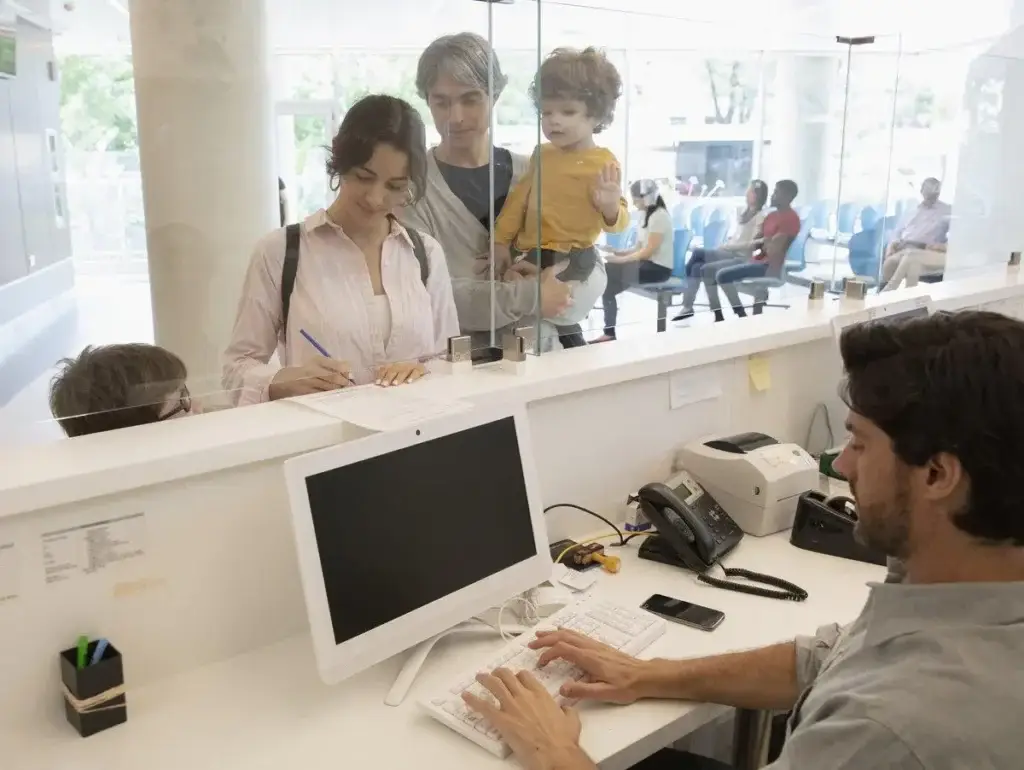
Check-in involves verifying insurance, updating demographics, collecting copays, and scanning documents — each requiring the system to respond. When it responds slowly, a queue forms at the window. Patients standing in line form an impression of the practice before they’ve seen anyone clinically, and it’s an impression that’s difficult to correct afterward.
The same applies to phones. Front desk staff juggling calls while systems lag end up putting people on hold, and hold times are among the most common complaints in patient satisfaction surveys.
There’s a further effect worth noting. Front desk roles are already demanding, and technology friction adds pressure to a position with high turnover in most practices. Reducing that friction is a retention measure as much as an efficiency one — and replacing an experienced front desk person costs considerably more than most practices account for.
Questions worth asking
You don’t need technical knowledge to assess where your practice stands. Ask whoever manages your technology:
1. How long does it take to open a patient chart at 8am? At 11am? Has anyone measured?
2. How old are our clinical workstations, and do they have solid-state storage?
3. When do backups and antivirus scans run — and is that during clinic hours?
4. What’s our current patch compliance across all workstations?
5. When did we last actually restore from backup? What date?
6. If a workstation fails at 10am with a full waiting room, how quickly do we get help?
7. Is anyone monitoring system performance, or do we find out when staff complain?
Vague answers to any of these point directly at where to look first.
Where to start
If your providers have accepted that the EHR is simply slow, that acceptance is worth questioning. The cause is usually specific and measurable, and addressing it is typically less expensive than practices expect.
Start by timing the same operation at 8am and at 11am. If the difference is significant, the constraint is shared — and shared constraints are the ones worth fixing first.
RJ PRO Tech Group works with medical and dental practices across Amador County to find the actual bottleneck, resolve it, and keep the environment monitored so it doesn’t quietly return.
Schedule a complimentary IT assessment for your Sutter Creek practice


