

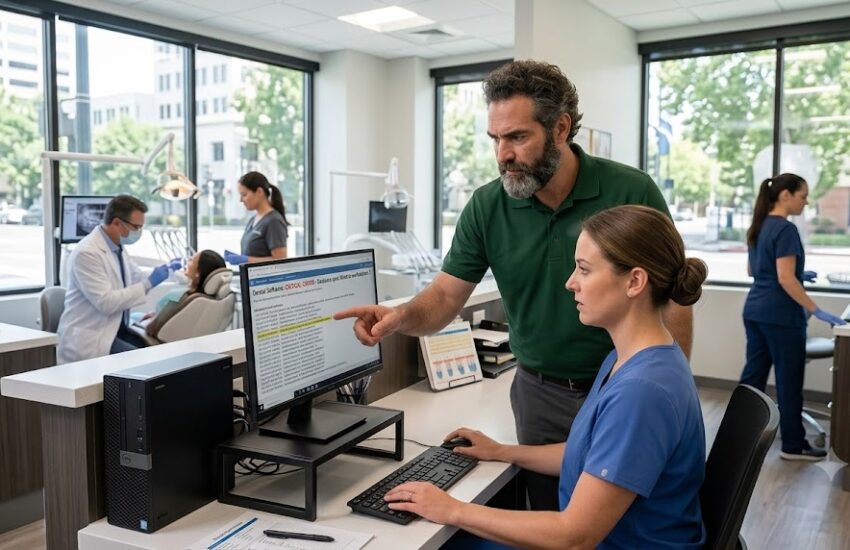
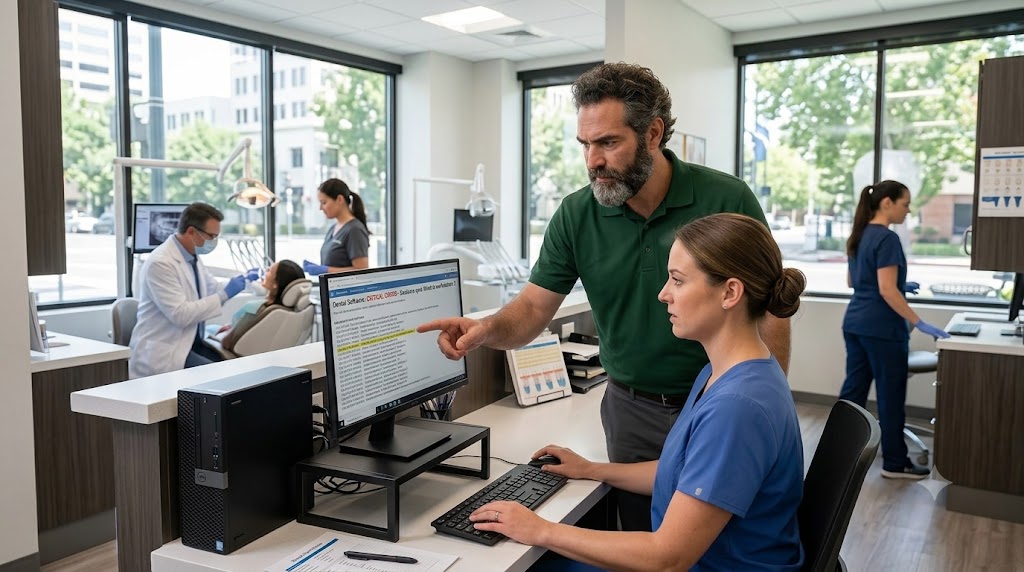
Most practices find out their backup doesn’t work on the day they need it to work. Not before. There’s no warning sign, no error message anyone reads, no moment where the system announces that the nightly job has been silently failing since March. There’s just a server that won’t come back and a waiting room that’s already full.
What follows is familiar to anyone who has lived through it. Schedules rebuilt on paper. Patients sent home. Clinical decisions made without history because the charts are somewhere nobody can reach. And a scramble to find whoever set the system up originally, who by now has a different job and answers these calls when he can.
This happens to competent people running well-run practices. Independent offices across Midtown, Arden-Arcade, Elk Grove, Roseville and Folsom hit the same wall for the same reason: the practice grew, the patient data multiplied, the compliance obligations expanded, and the IT arrangement stayed exactly where it was on the day it was set up.
This guide covers what medical and dental practices in the Sacramento region actually need from their technology: what HIPAA requires from your systems, where California law goes further than federal rules, the threats that target healthcare offices specifically, and how to tell whether managed IT services are worth the monthly cost for a practice your size.
Why Healthcare IT Is Not the Same as Ordinary Business IT
If an accounting firm loses its file server for a day, it loses a day of billable work. Unpleasant, but survivable. If your practice loses access to charts, imaging and scheduling for a day, you have a waiting room of people who took time off work, clinical decisions being made without history, and a legal obligation to protect information that is now sitting somewhere you cannot see.
Three things make healthcare different:
- Patient data carries legal duties. Protected health information comes with specific obligations. You have to control who touches it, prove who touched it, and report it when it escapes.
- Downtime becomes a clinical problem. A frozen workstation in a treatment room stops care, which is a different order of trouble from lost billable hours.
- Your software is picky. Practice management and imaging platforms have hardware, driver and network requirements that generic IT support tends to guess at, badly.
A general IT company can keep your email running. A provider that works with practices understands that your digital sensor will not talk to a workstation after a Windows update, and knows to test before the update ships.
What HIPAA Actually Requires From Your IT Setup
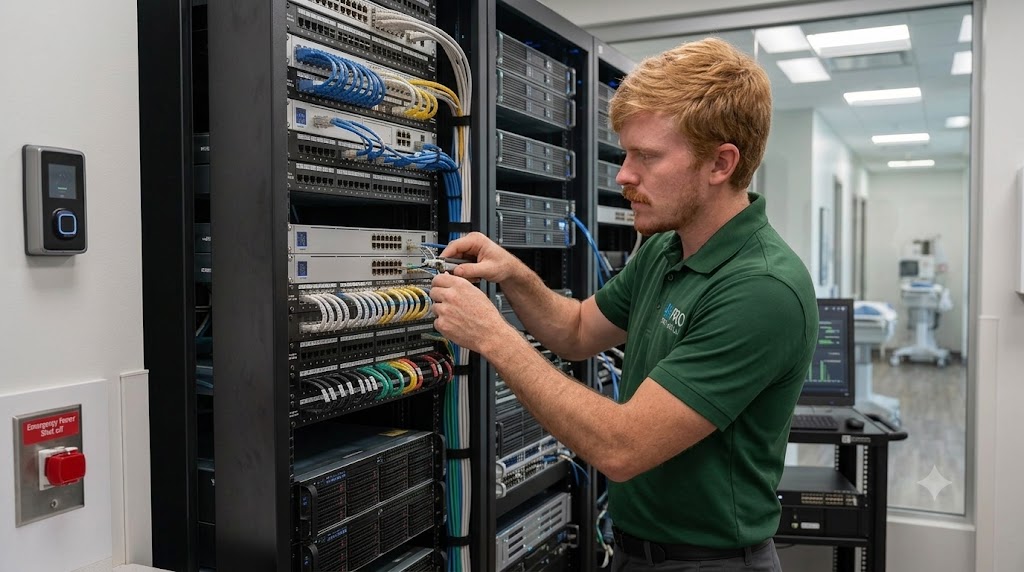
The HIPAA Security Rule is written in language that is deliberately vague about technology, which is why so many practice owners assume they are covered when they are not. Translated into practical terms, here is what your systems are expected to do.
Access Controls and Unique User Logins
Every person who touches patient data needs their own login. A shared front-desk account that four people use is one of the most common findings in practice audits, and it makes the rest of your compliance story fall apart, because if everyone is the same user, no record can tell you who did what.
Encryption, Both at Rest and in Transit
Data on your server and workstations should be encrypted so that a stolen machine is a hardware loss rather than a breach. Data moving between your office and anywhere else, including email containing patient information and remote connections from home, needs to be encrypted in transit.
Audit Logs You Can Actually Produce
Systems must record access to patient records, and you must be able to hand over those records when asked. Logging that exists but was never configured to retain anything is functionally the same as no logging at all.
Automatic Logoff
Workstations left open in hallways and operatories need to lock themselves. This is a small setting that takes minutes to configure and shows up repeatedly in enforcement actions.
A Documented Security Risk Analysis
This is the requirement most small practices miss entirely. HIPAA expects a written, periodically updated assessment of where your risks are and what you are doing about them. If you have never done one, you do not have a partial compliance problem. You have a gap that regulators look for first.
Business Associate Agreements
Any vendor that can access patient data on your behalf, including your IT provider, has to sign a Business Associate Agreement. If your current computer support has never signed one and has admin access to your server, that relationship is a compliance exposure by itself. A provider that specializes in IT services for medical and dental practices will offer a BAA without being asked.
California Does Not Stop at HIPAA
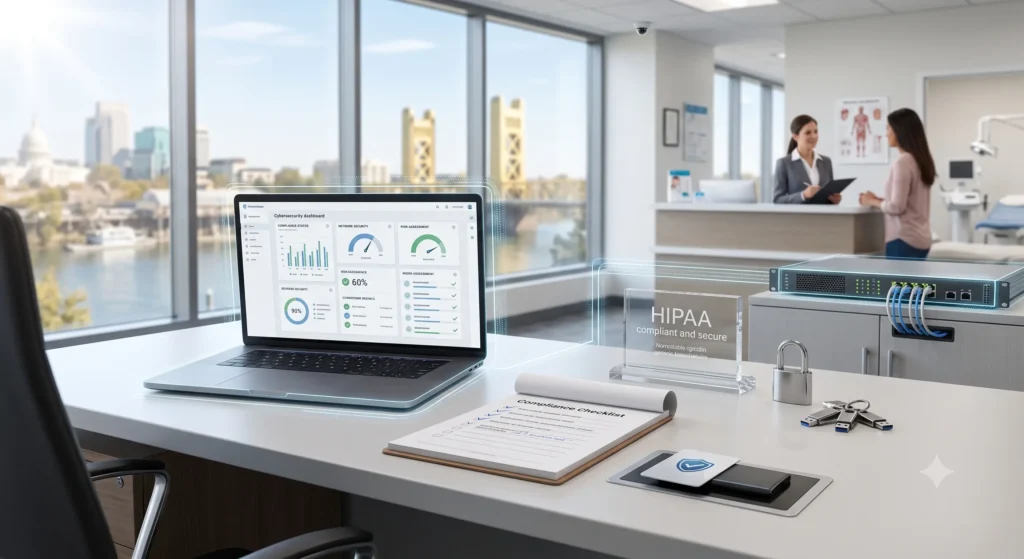
Sacramento practices operate under a stricter set of rules than practices in most other states, and this catches people out when they hire an IT company that works from a purely federal checklist.
The Confidentiality of Medical Information Act, California’s own medical privacy law, applies alongside HIPAA and in several respects reaches further. It grants patients rights over their information independent of federal law, and it exposes providers to liability through avenues HIPAA does not. California’s breach notification requirements are also more demanding than the federal baseline in both timing and detail.
The practical consequence is straightforward. A configuration that satisfies a national compliance template may still leave a Sacramento practice short. When you evaluate an IT partner, ask directly whether they build to California requirements or to a generic federal standard. The answer tells you a lot.
The Threats That Actually Hit Medical and Dental Offices
Healthcare practices are attacked more often than their size suggests, for a simple reason: patient records are worth more than credit card numbers on criminal markets, and small clinics are assumed to have weak defenses. That assumption is usually correct.
Ransomware
An attacker encrypts your server and demands payment. For a practice, this is close to a worst case, because it takes down charts, imaging and scheduling simultaneously. Recovery depends entirely on whether you have clean, isolated, tested backups. Practices that pay ransoms usually pay because their backup turned out to be encrypted along with everything else.
Phishing Aimed at Your Front Desk
Front-desk staff open attachments for a living. Insurance documents, referrals, patient forms, vendor invoices. Attackers know this and craft messages that look exactly like the traffic your office already receives. Technical filtering catches a lot of it. Trained staff catch the rest.
Unsupported Operating Systems
Imaging and practice management software often keeps a practice tied to an old workstation nobody wants to touch. Once that machine stops receiving security updates, it becomes the easiest way into your network, and it is usually the machine sitting closest to your patient data.
Open Guest Wi-Fi and Personal Devices
Patient Wi-Fi that shares a network with clinical systems is a direct path in. So is staff accessing schedules or records from unmanaged personal phones. Proper network segmentation and device policy handle both, and they belong in any serious cybersecurity plan for a practice.
| Not Sure Where Your Practice Stands? Get a no-obligation review of your network, backups and HIPAA gaps from a Northern California IT team that has supported businesses across the region since 2010. ▶ REQUEST A FREE CONSULTATION Or call the Sacramento-area office directly: (916) 345-3451 Valley Springs office: (209) 920-4077 | help@rj-pro.net |
Your Practice Management Software Is Part of Your IT Problem
Dentrix, Eaglesoft, Open Dental, athenahealth, eClinicalWorks and the imaging platforms that sit alongside them all have their own requirements, and most practice owners discover them the hard way.
Common failure points include a server that has quietly run out of space, database maintenance that has never been run, imaging sensors whose drivers break after an operating system update, and remote access set up years ago by someone who is no longer involved.
Your software vendor supports their application. They do not support your server, your network, your workstations or the interaction between all three, and they will tell you so on a support call. That gap is where server management and workstation support belong, and it is exactly where unmanaged practices lose days.
Backup and Disaster Recovery, Explained Without the Jargon
Two numbers decide how bad a disaster is for your practice.
- Recovery Time Objective. How long until you are seeing patients again. Hours or days?
- Recovery Point Objective. How much work you lose. The last hour of charting, or everything since Friday?
A single backup drive sitting next to the server fails both tests. Ransomware encrypts attached drives. Fire, flood and theft take the whole room. What a practice needs is layered: a local copy for fast restores, an encrypted offsite copy that attackers cannot reach from inside your network, and a documented recovery process.
The part almost everyone skips is testing. A backup that has never been restored is a guess. Proper backup and disaster recovery includes periodic test restores, so the first time you find out whether it works is not the morning it matters.
Signs Your Practice Has Outgrown Its Current IT Setup
Most practices do not decide to change IT support. They tolerate the current arrangement until something breaks badly enough to force the issue. These are the earlier warning signs:
- Your support is one person who also has another full-time job.
- You call for help only after something has already stopped working.
- Nobody can tell you the date of the last successful, verified backup.
- At least one workstation runs software that requires an old, unsupported operating system.
- Staff share logins, or former employees’ accounts are still active.
- You have never seen a written security risk assessment for your practice.
- Your IT provider has not signed a Business Associate Agreement.
- Patient Wi-Fi and clinical systems sit on the same network.
- IT costs arrive as surprise invoices rather than a predictable monthly line item.
Two or three of these is normal for a growing practice. Five or more means your exposure has outpaced your support.
Break-Fix, In-House, or Managed IT?
There are three realistic ways to handle technology in a practice your size. They are not equally suited to healthcare.
| What You Get | Break-Fix (call when broken) | In-House IT Person | Managed IT Provider |
| Monthly cost | Unpredictable, spikes after failures | Salary plus benefits, fixed but high | Flat monthly fee per user or device |
| Response time | You wait in a queue behind other clients | Fast, until they are on vacation or sick | Contracted response times, backed by an SLA |
| After-hours coverage | Rare, billed at emergency rates | Depends on one person’s goodwill | 24/7 helpdesk with escalation |
| HIPAA documentation | Almost never provided | Only if that person knows healthcare rules | Audit logs, risk assessments, signed BAA |
| Prevention | None, the model rewards breakage | Whatever time is left after firefighting | Continuous monitoring and patching |
| Best fit for | A one-chair office with no PHI on site | Large groups with several locations | Independent Sacramento practices with 3 to 40 staff |
The break-fix model has a structural problem in healthcare: the provider earns money when things break and earns nothing when they run well. Managed IT inverts that. A flat monthly fee means your provider absorbs the cost of your problems, so preventing them becomes their interest as well as yours.
What Proper Managed IT for a Practice Should Include
Not every provider that uses the term delivers the same thing. Use this as a checklist when you compare proposals:
- 24/7 helpdesk with real people and defined response times
- Proactive monitoring of servers, workstations and network hardware
- Managed patching, tested against your practice management and imaging software before rollout
- Endpoint protection and ransomware defense on every device
- Multi-factor authentication on email, remote access and administrative accounts
- Email security and phishing filtering
- Encrypted, layered backup with scheduled test restores
- Network segmentation separating patient Wi-Fi from clinical systems
- Documented HIPAA security risk assessment, updated periodically
- A signed Business Associate Agreement
- Onsite support when a problem cannot be fixed remotely
- Technology planning, so hardware replacement is budgeted rather than sprung on you
If a proposal is missing several of these, you are looking at remote helpdesk service with a managed label on it. Compare it against a full managed IT scope and the price difference usually explains itself.
What Does It Cost?
Managed IT for practices is generally priced per user or per device, per month. Per-user pricing tends to suit practices where staff use several devices each. Per-device suits offices with shared operatory workstations.
Pricing in the Sacramento region varies with scope, and any provider quoting a figure before looking at your environment is guessing. What moves the number:
- Number of users and devices, and how many are shared
- Whether you run an onsite server or work primarily in the cloud
- Age of your hardware, since old equipment costs more to keep alive
- Depth of compliance work included, from basic support to full risk assessment and documentation
- Onsite response expectations and after-hours coverage
Compare proposals on scope rather than headline price. A cheaper quote that excludes backup testing, compliance documentation and onsite visits is not cheaper. It has simply moved those costs to the day you need them most.
Questions to Ask Before You Hire an IT Provider
Bring this list to every conversation. The answers separate healthcare-capable providers from general ones quickly.
- Will you sign a Business Associate Agreement?
- Which practice management and imaging platforms have you supported?
- What is your guaranteed response time, and is it in the contract?
- How do you handle after-hours and weekend emergencies?
- How do you test our backups, and how often will I see proof?
- Will you produce a written HIPAA security risk assessment?
- How do you test Windows updates before applying them to clinical workstations?
- What is your onsite response time to my specific address?
- Who owns our documentation, passwords and licenses if we leave?
- Can I speak to a healthcare client of yours?
That last one matters more than the rest. A provider comfortable with the question will offer references and client case studies without hesitation. You can also read what our clients say before you make a call.
Why Local Support Matters in Sacramento
Remote support handles most issues, and a good provider resolves the majority of tickets without leaving their desk. But some problems are physical. A failed server drive, a dead switch, a sensor that will not connect, a router that needs replacing between patients. Those need someone in the building.
A provider based in Northern California is in your timezone, knows the drive from El Dorado Hills to Sacramento at 8am, and can be onsite the same day rather than dispatching from another state. RJ PRO Tech Group has served businesses across Sacramento, El Dorado, Calaveras, Amador and San Joaquin counties since 2010, with IT support in Sacramento as well as Folsom and El Dorado Hills, and offers 24/7 helpdesk support alongside network monitoring and care. You can see the full list of areas we service to check coverage for your location.
Local also means context. A provider that works with practices in the region already knows the referral networks, the specialty labs, the imaging vendors and the connectivity constraints in specific buildings around the city. That knowledge shortens every conversation.
Frequently Asked Questions
Does a small dental practice really need managed IT services?
Practice size does not change your legal obligations. A three-operatory office holds the same category of protected information as a large group, faces the same breach notification duties, and is more attractive to attackers precisely because defenses are usually thinner. What changes with size is scope and cost, not whether you need it.
What happens if my Sacramento practice fails a HIPAA audit?
Enforcement depends on whether the problem is a paperwork gap or a pattern of neglect, and penalties scale accordingly. In practice, the larger costs are usually indirect: breach notification, credit monitoring, legal fees, operational disruption and reputational damage in a city where patients talk. California’s own requirements add exposure on top of the federal side.
How much do managed IT services cost for a medical practice?
Pricing is normally per user or per device per month, driven by headcount, whether you run an onsite server, the age of your hardware and how much compliance work is included. Any honest quote follows an assessment of your environment. When comparing, match scope line by line rather than comparing monthly totals.
Is my practice management software vendor responsible for HIPAA compliance?
No. Your vendor supports their application and signs a BAA covering their piece. Your server, network, workstations, backups, user accounts and physical security are yours. Most compliance gaps found in practices sit in exactly that space, outside what any software vendor covers.
How fast should an IT provider respond when our system goes down?
For an outage that stops patient care, expect a contracted response measured in minutes for acknowledgment and an immediate start on the fix, with onsite dispatch the same day if remote work cannot resolve it. Insist on those numbers in writing, because a verbal promise of fast service means nothing at 7:40 on a Monday.
Can we keep our current computers or do we need to replace everything?
Usually most of it stays. A proper assessment separates equipment that is fine, equipment that needs upgrading, and equipment that is a genuine risk, typically anything running an operating system no longer receiving security updates. Replacement should be phased and budgeted, not demanded all at once.
What is a Business Associate Agreement and do I need one with my IT company?
A BAA is a contract binding a vendor who can access patient data to protect it and to accept defined responsibilities. If your IT provider has administrative access to your systems, you need one. An IT company that hesitates when asked is telling you something important about how they work.
How do I know if our patient data has already been compromised?
Most small practices genuinely cannot tell, which is the real problem. Without monitoring and retained audit logs there is no record to examine. A security assessment reviews accounts, access history, exposed services and known credential leaks, and it is the reasonable first step if you have never had one done.
Your Next Step
You do not need to solve all of this at once. Start by finding out where you actually stand: whether your backups restore, whether your logins and access controls hold up, whether patient Wi-Fi is separated from clinical systems, and whether anyone has ever documented a risk assessment for your practice.
RJ PRO Tech Group provides proactive IT services for medical and dental practices across the Sacramento region, including 24/7 helpdesk support, managed cybersecurity, network and server care, and tested backup and disaster recovery, all on predictable flat-rate monthly pricing.
| Is Your Sacramento Practice’s IT Actually HIPAA Compliant? Book a 15-minute discovery call. We will look at your setup, point out the gaps that matter, and tell you honestly whether you need us. ▶ REQUEST A FREE CONSULTATION Or call the Sacramento-area office directly: (916) 345-3451 Valley Springs office: (209) 920-4077 | help@rj-pro.net |


