

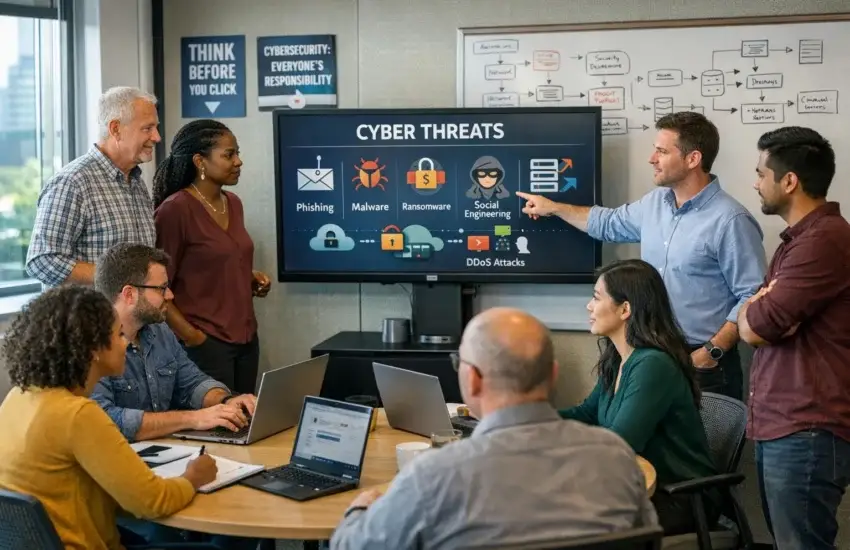
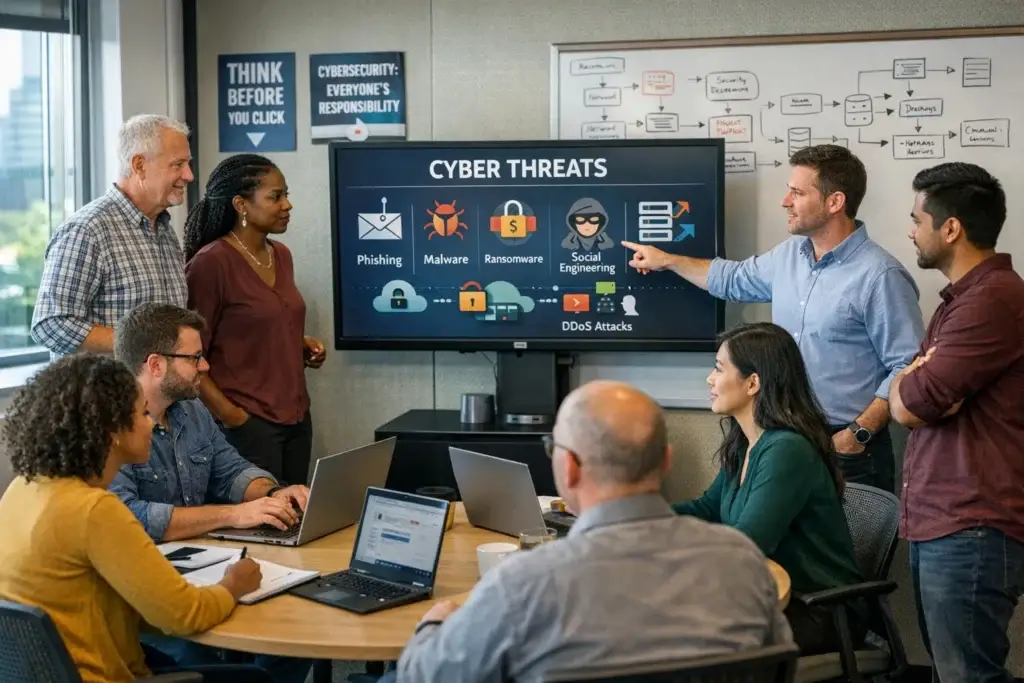
Here’s a figure worth sitting with: the overwhelming majority of successful cyberattacks on small businesses begin with a person, not a machine.
Not a firewall someone breached. Not a clever piece of code that outsmarted your antivirus. Someone opened an email, believed it, and clicked.
That reality should be encouraging, because it means the most effective defence available to a Cameron Park business isn’t the most expensive one. It’s making sure your team recognises what’s arriving in their inbox. But it only works if the beliefs people hold about cyber threats are roughly accurate — and mostly, they aren’t.
Below are six of the most common. Each one shows up regularly in conversations with business owners, and each one leaves a gap somewhere.
Myth 1: “You can spot a phishing email by the bad spelling”
Fact: The obvious ones are the ones that got filtered. What reaches your staff has been written carefully.
The mental image most people carry — misspelt words, implausible foreign prince, an address nobody recognises — describes attacks from a decade ago. Those still exist, in volume, and email filtering removes almost all of them before anyone sees them.
What arrives now looks like ordinary business correspondence:
- An invoice from a supplier you genuinely use, referencing work that was actually done, with updated bank details
- A message from the owner, marked urgent, arriving at 4:45 on a Friday
- A Microsoft 365 password expiry notice linking to a login page that’s a pixel-perfect replica
- A file-sharing notification from a name you recognise, asking you to sign in again
Nothing about these asks anyone to do something unusual. That’s the design. Teaching staff to look for bad grammar teaches them to relax when the grammar is good — which is worse than teaching nothing at all.
What actually works: Train people to notice pressure and change. Urgency is the most reliable signal across every attack type. Any request to change payment details deserves a phone call regardless of how legitimate the message looks.
Myth 2: “We’re too small to be worth attacking”
Fact: Nobody chose you. That’s precisely the problem.
The assumption behind this belief is that attacks are targeted — that someone assessed your business, decided it was worth the effort, and came looking. For businesses of this size, that’s almost never what happens.
Attacks are automated. Systems get scanned in bulk for known weaknesses. Phishing goes out in enormous volume to harvested address lists. Attention follows wherever something responds. A twelve-person business in Cameron Park isn’t invisible to that process — it’s frequently a more productive result, because defences tend to be lighter and there’s rarely anyone watching.
There’s a second layer worth understanding. Attackers also target smaller businesses as routes into larger ones. If you supply, service, or advise a bigger organisation, your email account is a credible way to reach them — and a message from your real address will pass every check theirs applies.
Myth 3: “Our antivirus handles it”
Fact: Antivirus answers “have I seen this before?” That’s a useful question, and increasingly not the relevant one.
Traditional antivirus works by recognition. It compares files against a catalogue of known threats and blocks matches. Genuinely effective against known malware, and completely blind to anything new.
Modern attacks rarely present a recognisable file. They arrive through legitimate stolen credentials — no malware involved at all — and move through a network using ordinary administrative tools that antivirus has no reason to flag.
Behaviour-based detection asks a different question: is this normal? Processes doing things they shouldn’t, encryption beginning where it shouldn’t, credentials being used from somewhere unexpected. That’s what catches an intrusion during the weeks between an attacker getting in and the damage starting.
Both matter. But treating antivirus as complete coverage is a bit like installing a good lock and leaving the windows open — the lock works, it just isn’t the whole building.
Myth 4: “If someone clicks something, we’ll know straight away”
Fact: This is the belief that causes the most damage, because the entire attack depends on it being wrong.
When someone enters credentials on a convincing fake login page, nothing happens. No alert, no error, no visible sign. The page usually redirects to the real service, so the person assumes they mistyped and logs in normally. As far as they’re concerned, nothing occurred.
Meanwhile an attacker has legitimate access to a real mailbox, and they don’t rush. They read. They learn who authorises payments, how the business communicates, which transactions are pending, how the owner writes. Some create quiet mail rules so their activity stays invisible to the account’s actual owner.
Weeks later — at a moment they’ve chosen, with a payment pending — they send a message from that genuine address requesting updated bank details. It comes from a real account, inside a real conversation, and passes every technical check that exists.
The money leaves. Most businesses only find out when the actual supplier calls to ask why they haven’t been paid.
This is business email compromise, and across the market it takes more money from businesses of this size than ransomware does.

Myth 5: “We did security training, so our staff are covered”
Fact: One long session, some years ago, produces almost no lasting effect.
There’s a reason for this that has nothing to do with the quality of the training. Attention fades. A two-hour session in January is largely gone by March, and what remains is general awareness rather than the specific recognition that matters at 4:45 on a Friday.
What actually changes behaviour is different in shape:
Short and frequent. A few minutes, several times a year, holds considerably better than one exhausting session annually.
Simulated, not just explained. Sending safe test emails and showing people what they clicked is memorable in a way slides never are. Click rates typically drop substantially within six to nine months — provided it’s handled supportively rather than as a trap.
Built on realistic examples. Scenarios using your actual suppliers, your actual software, your actual workflows get recognised instantly. Generic examples don’t transfer.
Blame-free reporting. This may matter most of all. If people fear being reprimanded for clicking something, they stay quiet — and an unreported phishing email may be sitting in a dozen other inboxes right now. A team that reports gives you warning. A team that quietly deletes leaves you blind.
Leadership included. Owners and managers are targeted specifically, because their requests carry authority and their accounts hold broad access. Exempting them removes the most valuable targets from the exercise.
Myth 6: “Cybersecurity is a technology problem”
Fact: It’s about equal parts technology, process, and habit — and the cheapest wins are usually in the last two.
Consider the single most effective control against the attack described in Myth 4. It isn’t software. It’s a rule: any change to payment or banking details gets verified by telephone, using a number already on file rather than one supplied in the email requesting the change.
That costs nothing. It requires no purchase, no installation, no licensing. It prevents the attack that takes the most money from businesses of this size, and most businesses don’t have it written down anywhere.
The same applies to a handful of other habits worth building:
- Pause when something feels urgent — pressure is the most consistent warning sign
- Never re-enter credentials from a link in an email; open the application directly
- Treat unexpected attachments with suspicion even from known senders, whose accounts may be compromised
- When something feels off, ask someone — thirty seconds of checking beats weeks of recovery
That last one is the culture piece, and it’s worth building deliberately. Nearly every significant loss we hear about had a moment where somebody thought that’s a bit odd and didn’t act on it.
Where technology genuinely does the work
None of the above argues against technical controls. It argues for putting them in the right order.
Multi-Factor Authentication is the highest-value control available to any business, and it directly counters the attack in Myth 4 — a stolen password alone stops being sufficient. It needs to apply to everyone, with no exemptions, because attackers specifically look for the accounts that were left out.
Email filtering removes a substantial proportion of attempts before anyone has to exercise judgment. Endpoint detection and response catches what runs. Verified backups mean an incident becomes a delay rather than an ending. And continuous monitoring catches unusual activity during the quiet period when an attacker is present but hasn’t acted — which is invisible without it.
Our cybersecurity services and managed IT services run these as a coordinated layer. Training strengthens every one of them by reducing how often they get tested in the first place.
Measuring whether any of it is working
Training that can’t be measured tends to quietly stop happening. A few indicators tell you whether yours is having an effect.
Simulated click rate. Most businesses start somewhere between 20% and 30% on a first exercise. With regular, supportive training, single figures within six to nine months is realistic. The trend matters more than any individual number.
Reporting rate. The percentage who flag a suspicious message rather than just deleting it. Arguably the more important measure, because it reflects culture rather than knowledge.
Time to report. Minutes means you can pull the message from other inboxes before anyone else engages with it. Days means the window closed.
Near misses. The payment change someone verified by phone. The odd request someone questioned. These are the successes that never became incidents — and acknowledging them publicly is what sustains the behaviour.
The short version
If you take nothing else from this:
The dangerous emails look normal. Your size doesn’t protect you. Antivirus isn’t complete coverage. A successful attack produces no visible sign at the time. Training works when it’s short, frequent, and blame-free. And the single most valuable control — verifying payment changes by phone — costs nothing at all.
Most of what protects a business this size isn’t expensive. It’s just nobody’s job, which is a different problem entirely and a more solvable one.
Request a free quote for security awareness training and the technical controls that support it. We’ll look at what your Cameron Park business currently has, tell you honestly which gaps matter and which don’t, and put a straightforward number against closing them. Call 209-920-4077 or send us your details and we’ll come back to you within the day.


